
Text-to-mascot generation
Generate mascot characters from a text description, then refine them into animated outputs suitable for games and apps.

mascoteer is an AI mascot generator for games and apps. Turn text prompts into mascot characters and animated exports for developers and indie teams.
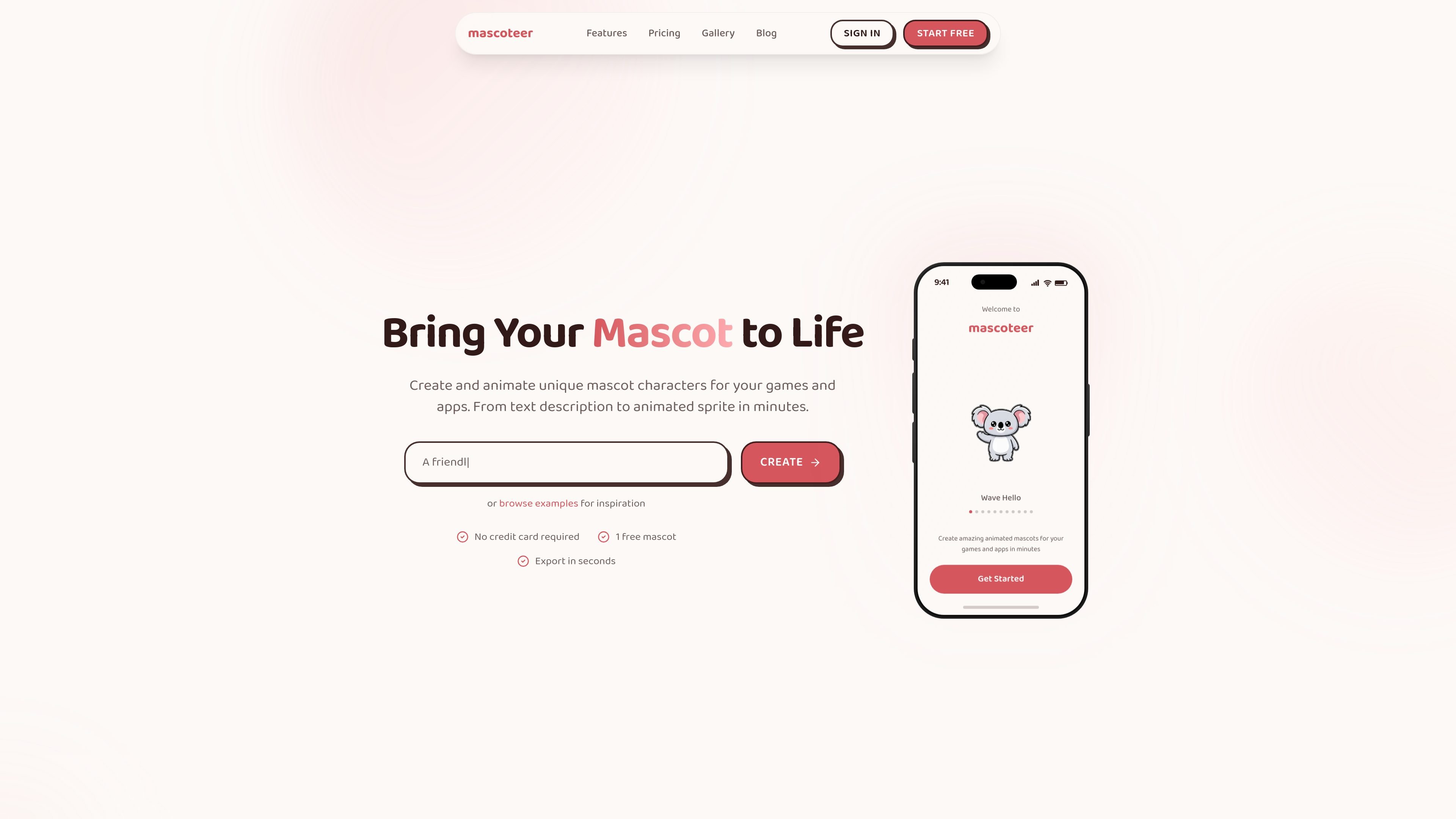
mascoteer is an AI mascot generator for games and apps. It turns a text description into a mascot character and animated output, with the site describing a workflow that goes from prompt to export in minutes.
The product is aimed at developers and builders who want mascot characters for product onboarding, game screens, and other app experiences without hiring an artist for each iteration. The pricing page shows a free tier, paid plans, and API access across plans, while the gallery showcases examples of AI-generated mascots and animations.
Generate mascot characters from a text description, then refine them into animated outputs suitable for games and apps.
Create animation-ready mascots and export them in formats used for sharing or implementation, including MP4, GIF, and sprite sheet output.
Use the site’s workflow to move from prompt to created mascot in minutes, with the home page describing a short create-to-export process.
The pricing page lists API access on all tiers, with higher tiers adding rate limits, unlimited access, or webhook notifications.
The site highlights output styles and assets such as transparent backgrounds, art styles, and developer-oriented integration paths.
Pricing includes credits for mascots, animations, and variations, which makes usage tied to a clear credit model.
Indie game teams can generate a mascot and export animation-ready assets for engine use, reducing the need to wait on external illustration work.
App and SaaS teams can create branded characters for onboarding, empty states, and in-product guidance without starting from a blank design file.
Builders who need a quick iteration loop can adjust a text prompt, generate a new mascot, and compare outputs before exporting.
Teams shipping at scale can use the API-oriented plans and webhook notifications to fit mascot generation into a broader product workflow.
People evaluating art direction can browse the gallery for examples of AI-generated mascots and animations before creating their own.
Yes. The pricing page shows a free plan with basic features and 1 credit included, and paid plans for higher usage.
Paid plans are listed for Hobby, Pro, and Business, and the pricing page says you can cancel anytime.
The pricing page states that mascoteer exports to MP4 and GIF, and the home page also mentions sprite sheet output.
Yes. The Business plan includes webhook notifications, and the site’s gallery/footer navigation lists integrations for Unity, Godot, React, and Next.js.
The pricing page says credits can be purchased as extra credits, and lists separate credit costs for mascots, animations, and variations.

PixelForge turns a single photo into a game-ready 2D character sprite pack with a 4×4 sheet, transparent frames, direction strips, and looping walk GIFs for Godot, Unity, Phaser, GameMaker, and web games.

GameGrad turns PDF study material into quiz questions inside arcade games for active recall. Free tier for one PDF; Pro adds more uploads, questions, and explanations.

DailyPlay.ai is a behavioral growth platform using AI site scans and micro-games to boost engagement and conversions across web, mobile, and more.

Wallie is an open-source AI streamer that watches your screen, hears chat, and delivers live commentary in a configurable persona. Runs locally with your own keys.

Prompty Town turns a link into a building in a small internet city. Buy a tile, add a prompt, and publish it alongside other buildings.

Creativly is a web-based AI creative studio for fast visual concepts, mockups, and stylized images from short inputs.