

Medeo
Medeo is an AI video generator to create and edit videos by chatting with AI. Generate from text, audio, images, videos or links.
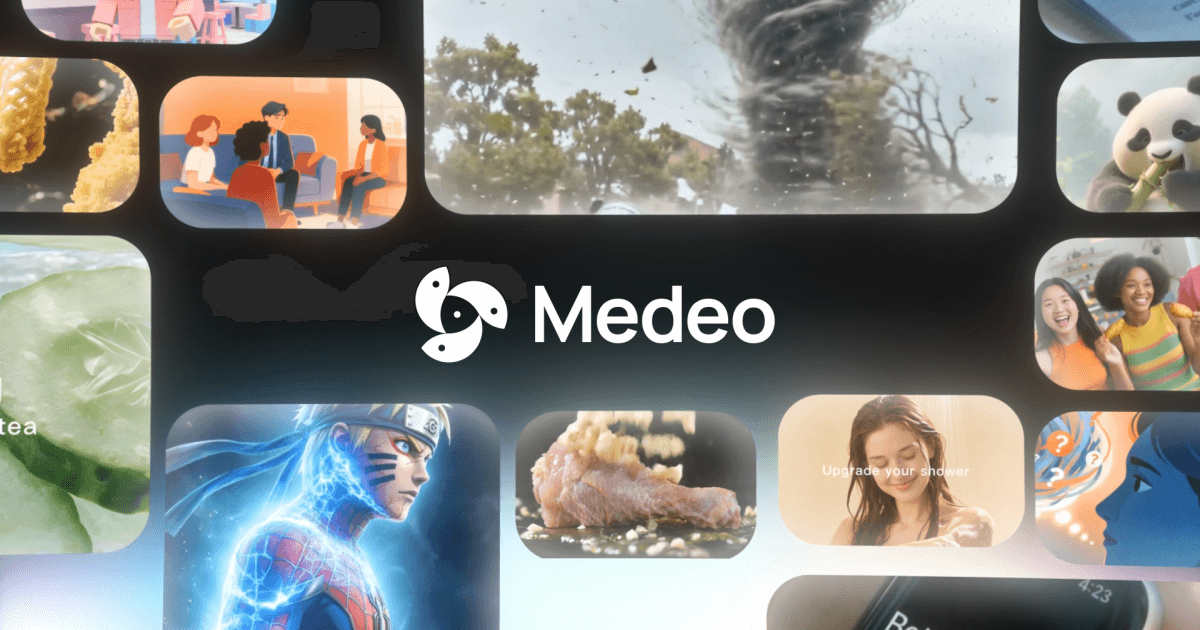
What is Medeo?
Medeo is an AI video generator that lets you create and edit videos by chatting with AI. You can turn ideas into video from inputs such as text, audio, images, videos, or links, and then refine results through conversation.
The core purpose is to reduce the need for complex video tools or editing skills by using chat-based instructions to control what appears in the video and how it changes.
Key Features
- Chat-based creation: Generate video by describing what you want in chat, rather than setting up complex editing workflows.
- Chat-based editing: Make iterative changes by issuing instructions like changing the music or adjusting the speed of a section; the video updates based on your request.
- Character consistency: Keep a character’s visual identity while generating them across new locations, actions, and emotions.
- All-in-one asset access: Access stock images and videos and hundreds of AI voices, with the ability to freely upload your own files, text, and URLs.
- Visual timeline control: Modify and drag elements such as sound, subtitles, and assets, while keeping them synced with your script.
- Flexible exports: Export in both 16:9 and 9:16 aspect ratios so the output can be used across different device formats.
How to Use Medeo
- Start for free and begin by creating a new video project.
- Input your material using text, audio, images, videos, or a link, then chat with the AI about what you want to produce.
- Edit through chat by giving specific, incremental instructions (for example, changing audio or adjusting pacing).
- Refine timing and elements using the visual track to move sound, subtitles, and assets while staying synced to your script.
- Export the finished project in the aspect ratio you need (16:9 for widescreen or 9:16 for vertical).
Use Cases
- Marketing ad creation: Draft an ad concept in text (or provide a link/source), generate a video, then adjust pacing and audio through chat to match a campaign tone.
- Educational explainers: Turn a script or outline into a video and use chat-based edits to refine sections while keeping subtitles and related elements synced to the script.
- Short-form social content: Produce a vertical 9:16 version by exporting the same project in the required format for reels or similar platforms.
- Content localization or remixing: Generate the same character across new scenes (different locations, actions, and emotions) while maintaining consistent character identity.
- Voice and media assembly: Start from a mixture of your own uploads and provided URLs, then select AI voices and add or adjust supporting assets during the timeline pass.
FAQ
Can Medeo generate videos from inputs other than text?
Yes. The site states you can create videos from text, audio, images, videos, or links.
Is editing done inside the app or only through chat?
Both. Medeo supports chat-based editing (e.g., changing music or speed) and also provides a visual track where you can modify and drag sound, subtitles, and assets.
How does Medeo help keep a character consistent?
Medeo includes character consistency so you can generate the same character in new locations, actions, and emotions while retaining a visual match.
What video formats can I export?
The site says you can export in 16:9 and 9:16 aspect ratios.
Do I need editing or production skills to use it?
The page positions Medeo for people who can “text” by enabling video creation and edits through chat without touching complex tools.
Alternatives
- AI text-to-video tools with prompt-based editing: Typically focus on generating from prompts or scripts, but may require more manual editing for timing and revisions compared with chat-based iterative changes.
- Standard non-linear video editors (NLEs): Tools like those used for timeline-based editing offer granular control, but generally require more hands-on setup than chat-driven creation and editing.
- Template-first social video creators: These are often optimized for quick production and vertical formats; compared to Medeo, they may provide less flexible chat-based editing and asset-driven generation.
- Voiceover and subtitle-first video tools: Some solutions emphasize voice and captions workflows; Medeo’s approach combines chat, asset generation, and timeline syncing around a script.
Alternatives

艺映AI
艺映AI is a free AI video generation platform focused on transforming text and images into high-quality dynamic videos.

AI Training Video Generator
The AI Training Video Generator by Coursebox allows users to create engaging training videos quickly and efficiently using artificial intelligence.

VIDEOAI.ME
VIDEOAI.ME is an AI video generator to create studio-quality, publish-ready videos with realistic AI actors and voiceovers from text or a selfie.

HeyGen
HeyGen Developers offers an API platform to generate, translate, and lipsync avatar videos with TTS models—built for scalable production workflows.

DeepMotion
DeepMotion is an AI motion capture and body-tracking platform to generate 3D animations from video (and text) in your web browser, via Animate 3D API.

Captions.ai
Captions.ai is an online video editor and app with AI-powered editing, automatic captions, music, and AI avatars for faster video creation.