
Cursor-first dictation
Start dictation with “Hey Megaphone” and get transcription and rewrites without opening a separate chat window or leaving the cursor.
Megaphone is a free, open-source Mac dictation app for live transcription, cleanup, and inline rewriting at the cursor using Apple’s on-device Foundation Model and a private Dictionary.
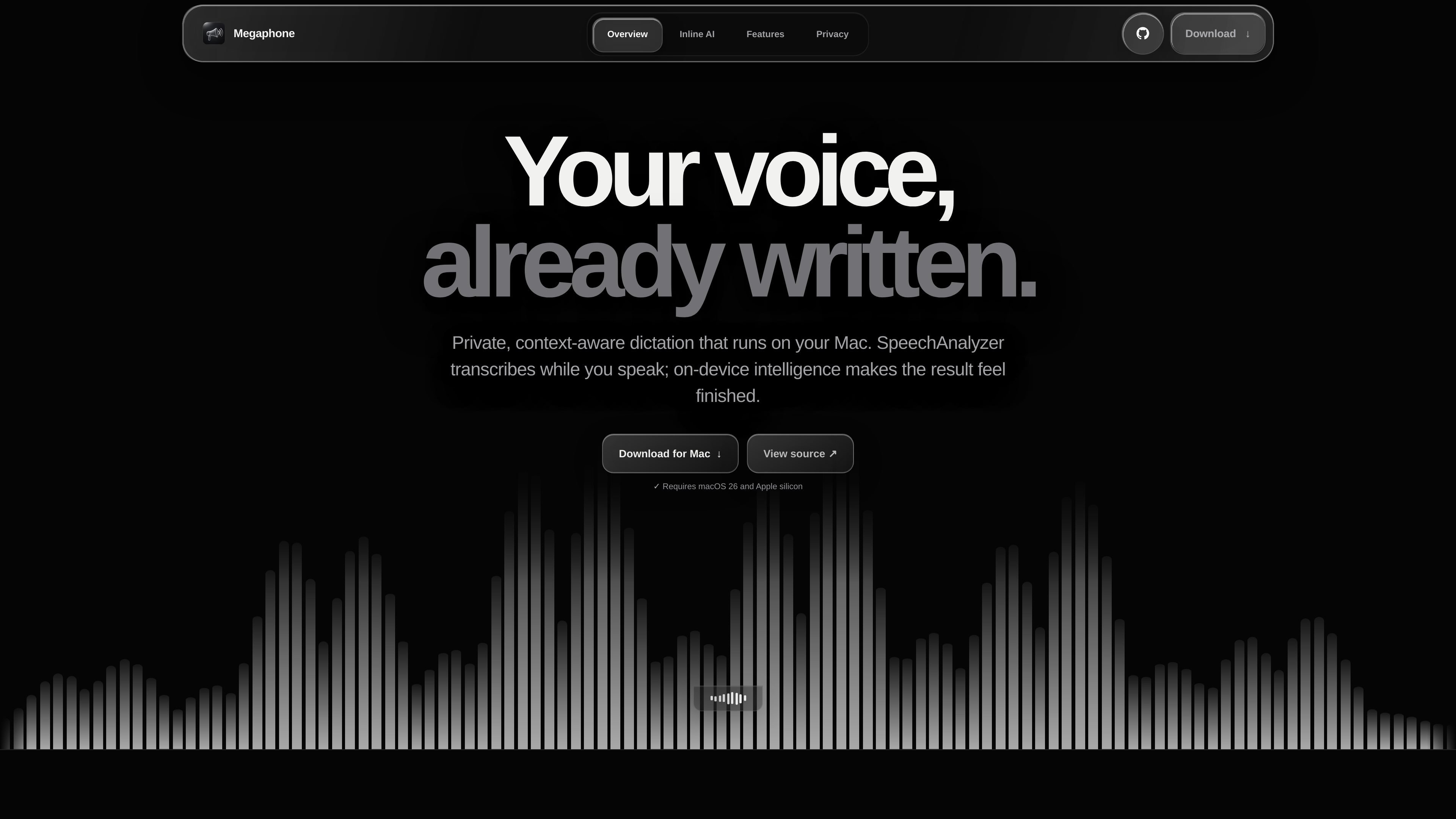
Megaphone is a free, open-source dictation app for Mac that focuses on fast live transcription, cleanup, and inline rewriting at the cursor. It is built to work inside the app you are already using, rather than sending you to a separate chat or editing interface.
The product emphasizes local processing on macOS. The site says dictation can begin with “Hey Megaphone,” and that the app uses Apple’s on-device Foundation Model, Screen Awareness, and a personal Dictionary to adapt spelling, tone, and formatting while you write.
Start dictation with “Hey Megaphone” and get transcription and rewrites without opening a separate chat window or leaving the cursor.
The app uses Apple’s on-device Foundation Model for inline rewriting, so changes return directly in the app you are already using.
Smart Cleanup removes filler and sharpens spoken text, with modes shown on the site including Smart, Basic, and Exact.
A private Dictionary lets you save names, products, acronyms, and technical terms so transcription and cleanup use the right spelling.
App Awareness reads the active app and window title locally to adjust tone, spelling, and formatting for the context you are writing in.
Megaphone includes automatic learning, where words become active after three successful dictations, and dictionary data can be exported or imported as JSON.
Dictate text directly into the app you are already working in, then keep typing without switching to a separate editor or chat interface.
Turn spoken drafting into cleaner text by removing filler words and applying a concise rewrite at the cursor.
Store names, acronyms, product terms, and technical language in the Dictionary so they stay consistent across dictations.
Let the app adapt wording, spelling, and formatting based on the active app, such as Mail, Slack, or a code-oriented window.
Export Dictionary data as JSON and bring it to another Mac if you want to keep the same vocabulary setup across devices.
Megaphone is a Mac dictation app. The site describes starting dictation with the phrase “Hey Megaphone,” then having the text rewritten at the cursor using Apple’s on-device Foundation Model.
The site positions Megaphone as free and open source, and the pricing page at the provided URL does not currently show pricing details because it returns a 404 page.
The product page shows that Megaphone is designed for macOS and emphasizes on-device processing, but it does not provide a full compatibility matrix or minimum OS version.
Megaphone uses a personal Dictionary, Smart Cleanup, app-aware context, and Inline AI to adapt transcription and rewriting while you work in other Mac apps.

SpeakoFlow is a free, open-source desktop voice-to-text app for Windows, macOS, and Linux. Dictate into any app, use Flow, cleanup, translation, and a screen-aware assistant.

QuickQuill is a local-first macOS dictation and transcription app to record meetings, summarize audio, and export notes without the cloud.

Zen Whisper is a local-first dictation and transcription app for Apple Silicon Macs on macOS 14+. Dictate into most Mac text fields and transcribe media or supported public links across 110 languages.

Speech to Text Converter is a browser-based transcription tool for live dictation and uploaded audio or video files. Free for short tasks, Pro offers unlimited transcription, AI summaries, translation, speaker ID, and advanced exports.

CAKIE is a Mac app for recording your screen and voice for an AI agent, with transcripts, screenshot highlights, and easy prompt copying.

Sanota turns spoken memories and interviews into clear written stories for personal storytelling, family history and shared memories, with guided prompts and subscriptions.