
AI meme suggestions
Suggests memes that can be used as replies in conversation, based on the homepage description of AI meme suggestions.

Meme Dealer suggests AI memes for replies, helping you keep chats lively with a simple keyboard workflow and a library of 10,000 memes.
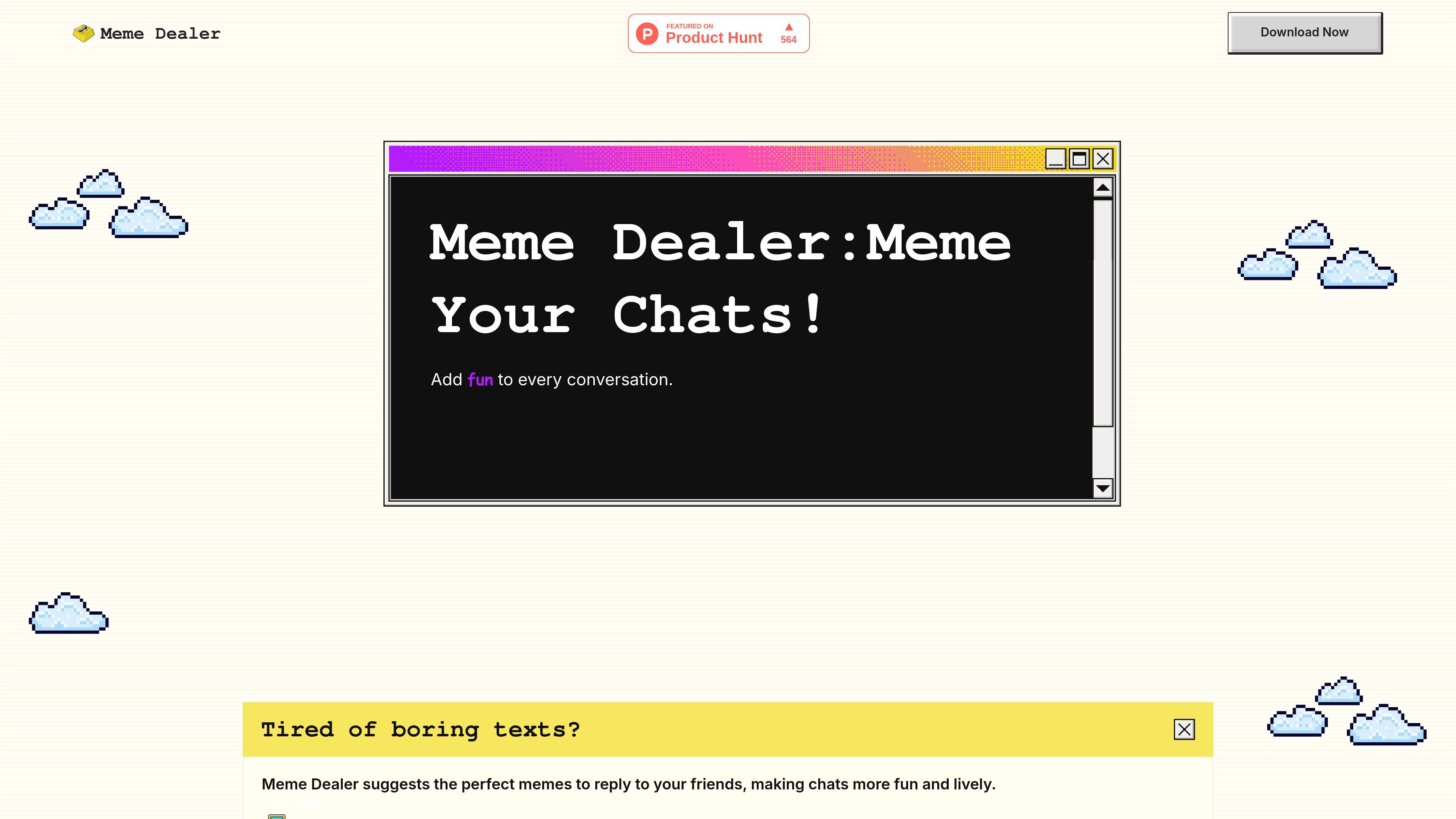
Meme Dealer is an AI meme suggestion product that helps people reply to friends with memes instead of plain text. The homepage describes it as a way to make chats more fun and lively by surfacing the right meme for a conversation.
The product appears to work through a keyboard-based workflow: users download Meme Dealer, enable the keyboard, and then start chatting with memes. The site also highlights a library of 10,000 memes and presents the tool as easy to use.
Suggests memes that can be used as replies in conversation, based on the homepage description of AI meme suggestions.
Includes a library of 10,000 memes, giving users a large pool of content to choose from.
Is presented as a keyboard workflow, with instructions to download the product and enable the keyboard before chatting.
Positions the product as simple to start using, with the homepage explicitly calling it easy to use.
Focuses on adding humor to existing conversations rather than replacing a chat app, according to the homepage copy.
Use Meme Dealer when you want a meme-ready response instead of typing a plain reply in a casual conversation with friends.
Use it as a lightweight keyboard companion when you want to browse and send memes directly from the messaging flow.
Use the product when a conversation feels flat and you want a meme to add humor or momentum to the exchange.
The homepage says you download Meme Dealer, enable the keyboard, and then start chatting with memes. That suggests it works as a keyboard-based companion rather than a standalone chat app.
The site describes it as suggesting memes to reply to friends, so the product is aimed at people who want meme-based replies in casual chats.
The homepage highlights an AI meme suggestions feature and a library of 10,000 memes.
A pricing page was requested, but the site returned a 404 page not found response. The available source does not confirm pricing, free access, or subscription details.

topple.lol is a public pay-to-rank leaderboard where listings start at $1 and bid balance decays over time and clicks for short-term visibility.

roastme.gg is a pay-to-play AI roasting site where users submit their own X handle or website, choose how much to pay, and get a public roast ranked on a leaderboard by amount paid.

Loniva is a calm daily puzzle app for memory, attention, language, speed, logic, and focus on iPhone, iPad, and Android, with a free 7-day trial.

Postaway is a web-based postcard service for free vintage-style digital postcards you can create and share by link, plus a separate waitlist for physical mail from Thailand.

Radar is a self-hostable media intelligence and social listening app for monitoring public sources, analyzing mentions, and generating briefs or content outputs with optional Claude AI.

Frames helps you create launch posters and social media marketing graphics fast with premium device frames and templates for Instagram, Twitter, and Product Hunt. Free to start.