
Variable font with weight and grade axes
MonoLisa is offered as a variable font with two axes: Weight covers Thin through Black in one file, and Grade lets users fine-tune typographic color without changing the nominal weight.

MonoLisa is a font family for software developers, with code-focused monospaced and proportional text styles, variable weights, ligatures, and a limited trial.
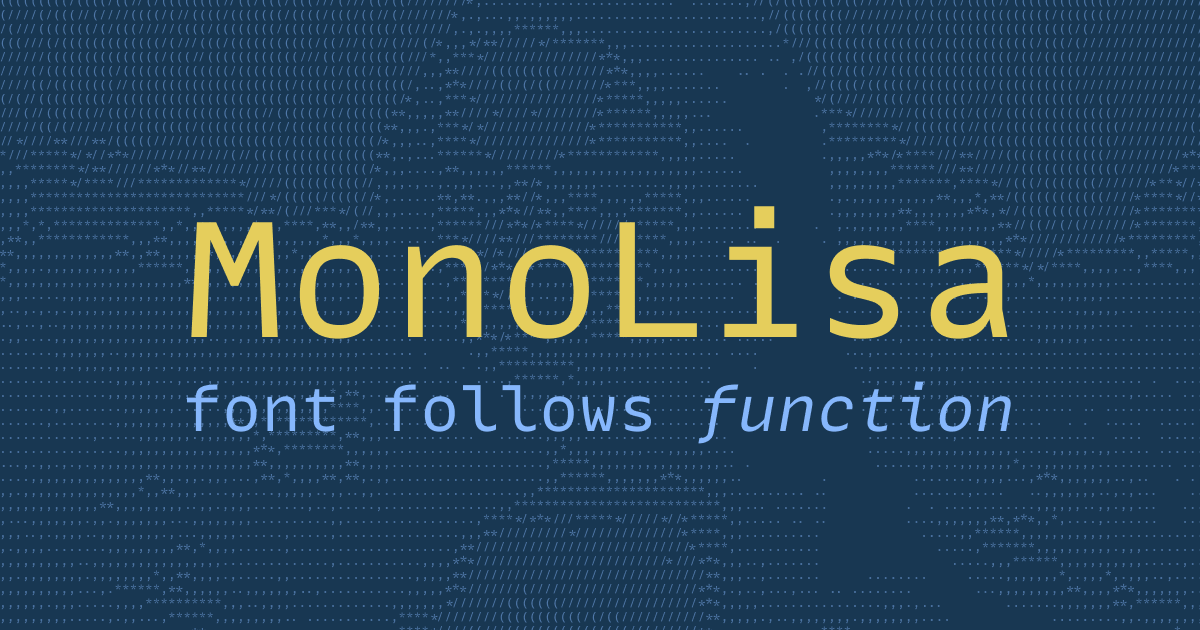
MonoLisa is a font family built for software developers, with a focus on code legibility and clear reading in both code and prose. The site positions it as a typeface that follows function, and it presents separate Code and Text families for different writing contexts.
The homepage and product pages emphasize distinctive letterforms, balanced spacing, and broad language support. MonoLisa Code is aimed at coding and terminal use, while MonoLisa Text is intended for proportional UI, documentation, and longer-form prose; the family also includes a script variant and variable font support for more flexible typography.
MonoLisa is offered as a variable font with two axes: Weight covers Thin through Black in one file, and Grade lets users fine-tune typographic color without changing the nominal weight.
The typeface ships with coding ligatures, symbols, and Powerline support, which are called out on the buying page as part of the feature set.
The family includes a script variant for italic-style use, giving users an alternate handwritten look when plain italics are not enough.
The Developer plan includes a full weight range from Thin (100) to Black (900), plus a variable format, while the trial is limited to Regular and Bold.
The FAQ says the Developer and Creator plans include more alternative glyphs and access to a customize tool for generating custom versions, even per application.
The Developer plan is available in both TTF and WOFF2, and the buying page presents it for desktop and web usage.
Use MonoLisa Code in an editor or terminal when you want a monospaced font focused on distinguishing similar characters and keeping source text easy to scan.
Use MonoLisa Text when a project needs a matching proportional companion for interfaces, docs, or prose while keeping the same overall typeface system.
Use the script variant or italics when you need an alternate style for emphasis, visual variety, or handwritten-looking presentation in design work.
Use the Developer plan if you need desktop and web delivery, a broad weight range, or the ability to generate custom versions with the provided customization tool.
Use the trial and tester pages to evaluate the font before installing it or purchasing a license, especially if you want to compare it in your own workflow.
MonoLisa offers a limited trial, and the site also lets you preview the typeface in an online tester before installing it.
Yes. The FAQ says MonoLisa can be used while streaming or publishing videos online, and it asks only that you link to the site if possible.
The FAQ says the personal license can be used for programming at your job or company, while commercial use for a company or product requires a Creator plan that fits the intended use.
MonoLisa’s FAQ says you can contact the team about team or company licensing, and it references upgrade paths and discounts for version changes.
The FAQ says the Developer and Creator plans include more alternative glyphs and access to a customize tool, and it notes that the script variant may require both normal and italic styles to be installed.

字体家AI神笔 is an AI Chinese font generator that creates full typefaces from a few sample characters, with online editing and single-character poster output.

Tinkerfont is a browser extension for inspecting and testing fonts on live websites in Chrome and Firefox. Swap typefaces with Bunny Fonts or custom uploads, scope changes, and save per-site rules.

Pica is a free macOS font manager for organizing, previewing, and activating fonts with one click, custom collections, watch folders, and OpenType support.

Letterbox is a web-based typography tool for creating stylized letterforms from text. Pick a font and colors in the browser.

Upload an image with text and find the closest free Google Font match. Preview similar fonts and download matched files without signing up.

Fontalog is a web-based font database for comparing typefaces by weight, proportion, contrast and xHeight, with similar-font search and basic metadata.