
Spatial canvas for terminal work
Work on an infinite canvas where terminals, agents, editors, diffs, sticky notes, and groups appear as nodes. This makes it easier to keep related work visible instead of switching between stacked windows.
nodeterm is a desktop tool for running terminals and coding agents as live nodes on an infinite canvas, with persistent sessions and mobile QR pairing.
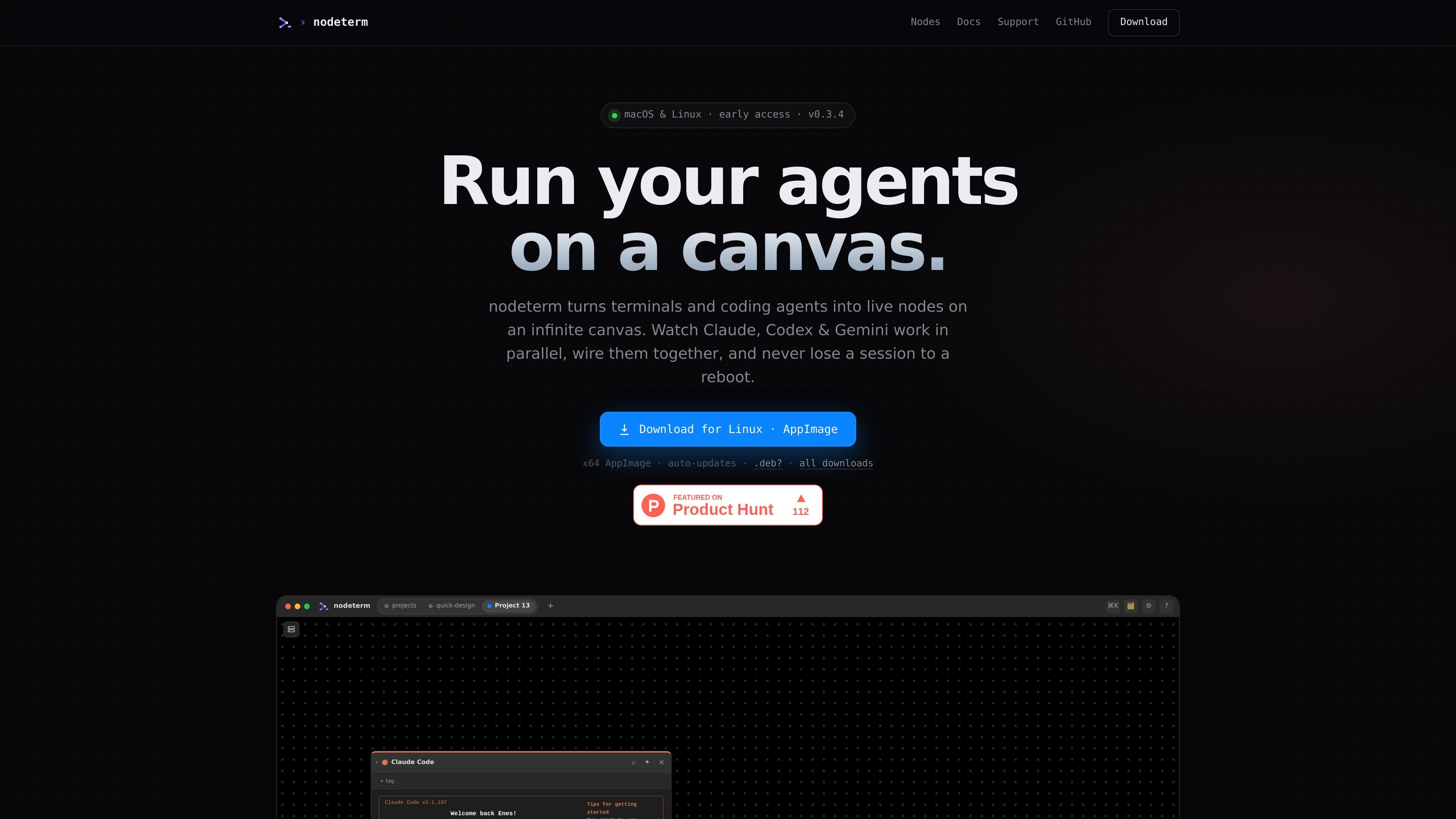
nodeterm is a desktop environment for working with terminals and coding agents on an infinite canvas. Instead of managing jobs across separate tabs, it lets you place terminals, agents, editors, diffs, and related notes as live nodes in one spatial workspace.
The homepage emphasizes visibility and continuity: agents such as Claude, Codex, and Gemini run as nodes, sessions are backed by persistent tmux, and work can be restored after a reboot. It is positioned for macOS and Linux, with additional workflows for context linking, permissions, and remote session access from a phone.
Work on an infinite canvas where terminals, agents, editors, diffs, sticky notes, and groups appear as nodes. This makes it easier to keep related work visible instead of switching between stacked windows.
Run Claude, Codex, and Gemini as live nodes and watch status changes such as RUNNING or NEEDS YOU directly on the canvas. Subagents also fan out as they spawn, so parallel work stays visible.
Draw edges between agent nodes so one node can read another node’s context on demand. You can also branch a conversation into a fresh node without losing the original thread.
Persist terminal work in tmux-backed sessions so reopening the app after a reboot returns you to the same processes, scrollback, and running agents. The homepage specifically describes restoring multiple sessions after restart.
Handle permissions from the node itself when an agent blocks and requests input, and get a ping when attention is needed. This keeps approvals tied to the exact session that needs them.
Continue a live session on mobile by pairing with a QR code, and talk to the terminal with a voice flow that uses on-device Whisper. The page says voice never leaves the machine.
Keep a project’s terminals, agents, notes, and diffs visible in one workspace so you can follow multiple threads without juggling tabs.
Start an agent task, watch its status, and respond when it asks for permission or input without losing track of the original terminal context.
Link one agent’s context to another when a task branches, so follow-up work can read prior context while preserving the original thread.
Reopen the app after closing it or rebooting the machine and return to the same tmux-backed sessions, scrollback, and running processes.
Continue a live session from a phone by pairing with a QR code when you need to check progress or respond away from your desk.
The homepage indicates nodeterm works on macOS and Linux. No other operating-system support is shown in the provided source.
It is designed for terminals and coding agents on an infinite canvas, including live terminal nodes, agent nodes, editors, diffs, sticky notes, groups, and browser-related nodes shown on the homepage.
The homepage names Claude, Codex, and Gemini as supported agents running as live nodes. It does not provide a fuller integration list.
Yes. The page says every terminal lives in a persistent tmux session, and that reopening nodeterm restores sessions, scrollback, and running agents.
The homepage says you can pair your phone with one QR code and continue the same live session in your pocket over an end-to-end encrypted relay.

ByteAsk is a terminal-first AI coding agent for C and C++ that edits repos and verifies changes with compilers, debuggers, sanitizers, and tests.

CreateOS Sandbox is an isolated compute environment for running code and agent workloads in Firecracker micro-VMs with private networking and SDK, CLI, or MCP control.

hob is an independent workspace for coding agents, with local control over sessions, terminals, history, routing, and follow-up work.

Manta AI is an autonomous web app testing tool that maps app behavior, catches regressions, and generates tests from a URL, no scripts or selectors needed.

Redline is a budgeting tool for Claude Code that paces sessions by time, tokens, cost, or plan percentage, helping them end with a usable result.

SonOf connects to your repo and PM tool, audits your codebase, and turns approved work into shipped tickets with senior engineering review.