
Template or bring-your-own agent
Start from a pre-built template that already includes prompts, tools, and skills, or connect a Claude Managed Agent you already have.

Novu Connect brings Claude Managed Agents to Slack, Teams, WhatsApp, email, and more with template setup and MCP tool reuse.
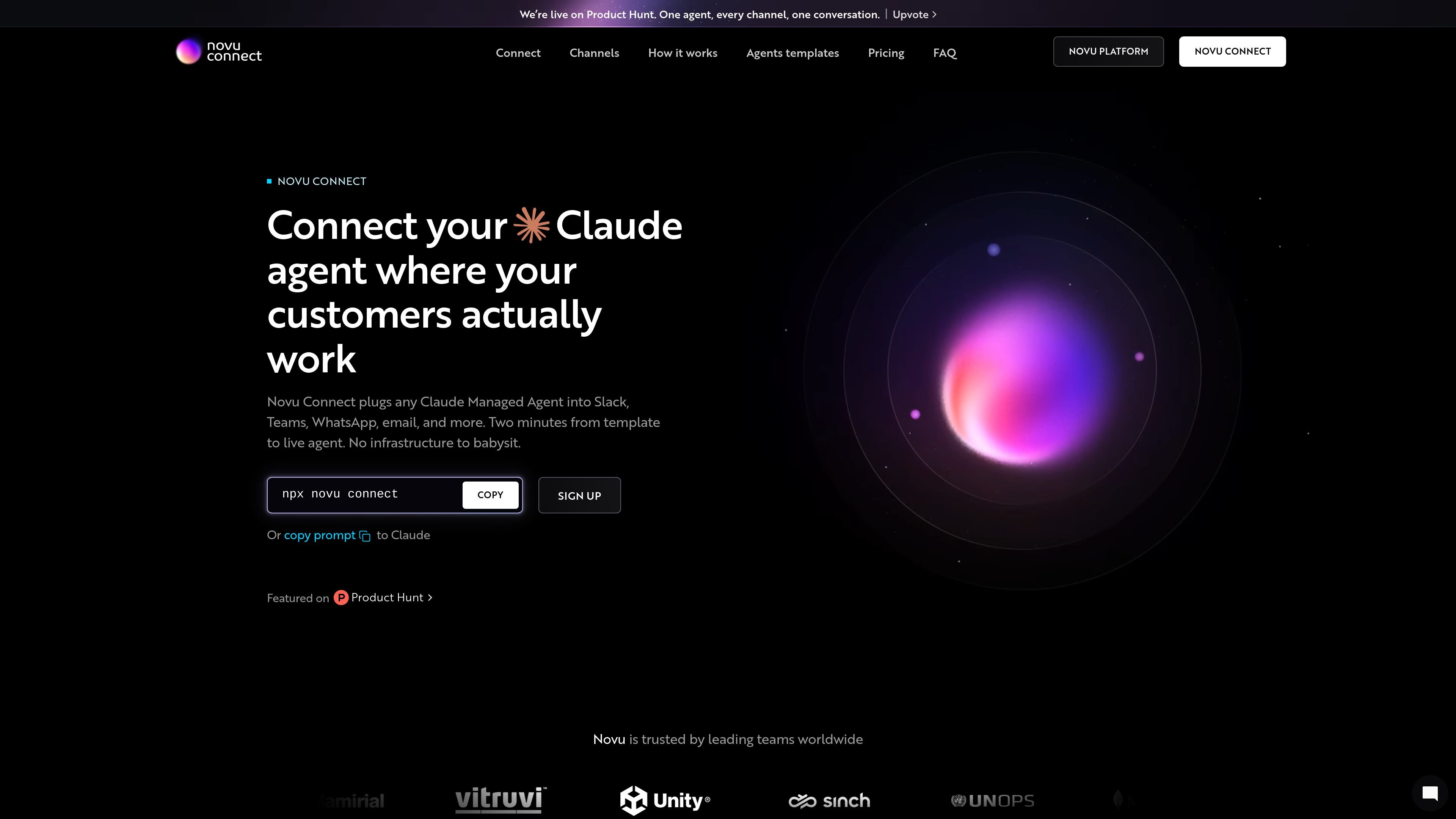
Novu Connect is a product for connecting Claude Managed Agents to workplace channels such as Slack, Teams, WhatsApp, email, Telegram, and more. Its stated purpose is to put an agent where people already work so it can answer questions, move work forward, and stay visible in one place.
The page describes two setup paths: start from a ready-made template with prompts, tools, and skills, or bring an existing Claude Managed Agent into Novu Connect. It also says you can reuse existing context and MCP tools, and that the project is open source and available from the terminal with `npx novu connect`.
Start from a pre-built template that already includes prompts, tools, and skills, or connect a Claude Managed Agent you already have.
Attach the sources your agent depends on, including docs, code, MCP tools, and product data, so it can respond with live context.
Place the same agent into Slack, Teams, WhatsApp, email, Telegram, and other channels so it works where your team already communicates.
Launch from the terminal with an `npx novu connect` flow and the prompt-based sign-in shown on the page.
Use the open-source implementation to inspect the code, contribute integrations, or adapt the workflow to a team’s process.
Deploy a Claude Managed Agent into Slack or Teams so it can answer questions and keep work moving in the same place your team already uses.
Use templates such as onboarding, trial conversion, welcome guidance, or support triage to launch a focused agent without designing every prompt from scratch.
Connect docs, code, and MCP tools to build an agent that uses real project context instead of responding from a blank prompt.
Send updates through email or messaging channels like WhatsApp and Telegram when the agent’s output needs to reach customers or distributed teams.
Adopt the open-source project when you want to inspect the implementation or adapt integrations for a specific internal workflow.
Novu Connect can start from a pre-built template or from a Claude Managed Agent you already built. The source also shows a command-line launch flow and a sign-up flow for getting started.
The source shows Slack, Teams, WhatsApp, email, Telegram, Google Chat, iMessage, Linear, Zoom, Discord, Messenger, and GitHub as channels, with several marked as coming soon.
Novu Connect includes a free plan, with paid Pro, Team, and Enterprise options listed on the pricing page. Enterprise is the path for custom volume, compliance controls, dedicated support, and flexible hosting.
The product page says Novu Connect is built in the open and that you can inspect the code, contribute integrations, or adapt it for your team’s workflow.
The source says Novu Connect can bring in docs, code, MCP tools, and product data so the agent can work with real context.

Ajelix is an agentic AI chat platform for work that turns data, files, and prompts into spreadsheets, dashboards, scripts, presentations, and reports.

Lasso is an ecommerce product data platform for enriching catalog records, processing supplier files, generating product content, and monitoring competitors. It combines a web app with a REST API, SDK, and MCP server for teams and developers.

Biji is a versatile platform designed to enhance productivity through innovative tools and features.

Ably Chat is a chat API platform for building custom realtime chat applications. It supports room-based messaging, typing indicators, presence, reactions, and message updates, with usage-based pricing options for different deployment stages.

Tavus is an AI video platform for building real-time, face-to-face agents, digital twins, and AI companions. It combines APIs, custom replicas, and multilingual conversational workflows for developers and teams.

HiringPartner.ai is an autonomous AI recruiting platform for sourcing, screening, and interviewing candidates 24/7. It supports ATS-connected workflows, bulk resume uploads, and reviewable interview outputs for hiring teams.