

ParallelCode
Dispatch AI coding agents in parallel in isolated git worktrees, review diffs, then merge results back to main. Works with Claude Code, Codex CLI, Gemini CLI.
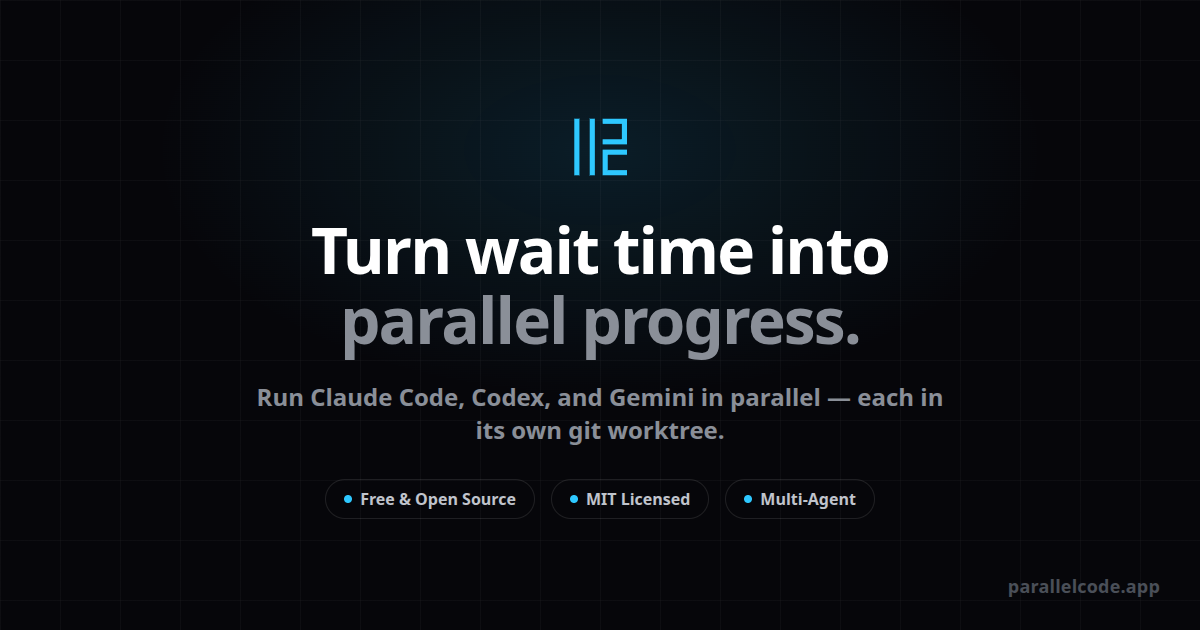
What is ParallelCode?
ParallelCode is a desktop app that dispatches AI coding agents to perform tasks in parallel, isolating each task in its own git branch and worktree. Its core purpose is to let you generate code with multiple terminal-based agents, then review the diffs and merge only the changes you want back into your main branch.
The app is designed to work with existing workflows: it runs the agent CLIs inside the desktop app while keeping your preferred IDE in charge of editing. It supports Claude Code, Codex CLI, and Gemini CLI and provides a single interface for creating tasks, monitoring agent output, and merging results.
Key Features
- Dispatch AI coding tasks in parallel: run multiple agents simultaneously so you’re not waiting for one agent to finish before starting others.
- Git worktree isolation per task: ParallelCode creates a git branch and worktree for each task, so agent runs don’t interfere with each other.
- Diff-first review and one-click merge: inspect the diff and changed files, then merge back to main from the sidebar when you’re satisfied.
- Runs real terminal CLIs in a native desktop app: the app executes the underlying agent command-line tools in a native environment rather than relying on a web-based abstraction.
- Works alongside any IDE (standalone Electron app): ParallelCode handles agent orchestration and worktrees while your IDE (VS Code, Cursor, JetBrains, Sublime, etc.) continues to edit files.
- Keyboard-first controls and phone monitoring: supports keyboard shortcuts for actions, and includes the option to scan a QR code to monitor agent terminals from a phone over Wi‑Fi or Tailscale.
- Free and open source under the MIT license: the app is available for download and development under MIT, with API keys kept yours (nothing is described as being proxied or collected).
How to Use ParallelCode
- Download and launch the app (macOS .dmg; Linux .AppImage or .deb) from the GitHub releases page.
- Create a task and choose which agent to use: Claude Code, Codex CLI, or Gemini CLI.
- Let the agent run in its own isolated git branch/worktree. While it runs, monitor the terminal output inside the app.
- Review the generated changes via the diff and changed files view.
- When ready, merge back to your main branch using the merge control in the sidebar.
Use Cases
- Compare approaches from multiple agents for the same feature: dispatch separate tasks to Claude Code, Codex CLI, and/or Gemini CLI, then review and merge the most appropriate diffs.
- Reduce disruption while iterating on multiple tickets: run multiple coding tasks concurrently, with each task isolated in its own git worktree to avoid cross-task conflicts.
- Audit changes before applying them to main: use the diff view to verify which files were changed and merge only after confirming results.
- Keep your editor workflow intact: continue editing in your existing IDE while ParallelCode manages agent execution, branch/worktree setup, and merge workflow.
- Monitor long-running agent output remotely: use phone monitoring (via QR code and Wi‑Fi or Tailscale) to keep track of agent terminals without staying at the desk.
FAQ
Does ParallelCode work with my IDE?
Yes. ParallelCode is a standalone Electron app that runs the agent workflow and manages worktrees/branches. You can keep using your preferred editor (e.g., VS Code, Cursor, JetBrains, Sublime) for code editing.
Which AI agents are supported out of the box?
The app supports Claude Code, Codex CLI, and Gemini CLI. The source also states that any CLI-based coding agent that works in a terminal can be used.
How does task isolation work?
For each task, ParallelCode creates a git branch and worktree. Each agent runs in its own directory, and the source notes symlinked node_modules and other gitignored files to support isolation.
How do I apply changes to my main branch?
ParallelCode provides a diff and changed-files view for each task. When you’re satisfied, you merge back to main from the sidebar.
Is ParallelCode free?
Yes. It is free and open source under the MIT license, and the source states that API keys stay yours and nothing is described as being proxied or collected.
Alternatives
- Multiple terminals and manual worktree management: running coding agents via your own terminal (and tools like tmux) can achieve concurrency, but you would manually manage worktrees, branches, and merges.
- Editor extensions for multi-agent workflows: some VS Code-style extensions can orchestrate agents, but they typically focus on a single editor environment and may not provide the same git worktree isolation and merge workflow.
- Single-agent, sequential runs: running one agent at a time in a terminal is simpler, but it blocks your workflow while each task finishes instead of dispatching parallel branches.
- Generic git-based branching workflows with CLI agents: you can combine git branches with terminal-based agent runs, but the UI/support for diff review, one-click merge, and integrated monitoring would be more manual than in ParallelCode.
Alternatives

AakarDev AI
AakarDev AI is a powerful platform that simplifies the development of AI applications with seamless vector database integration, enabling rapid deployment and scalability.

Arduino VENTUNO Q
Arduino VENTUNO Q is an edge AI computer for robotics, combining AI inference hardware and a microcontroller for deterministic control. Arduino App Lab-ready.

Devin
Devin is an AI coding agent that helps software teams complete code migrations and large refactoring by running subtasks in parallel.

Codex Plugins
Use Codex Plugins to bundle skills, app integrations, and MCP servers into reusable workflows—extending Codex access to tools like Gmail, Drive, and Slack.

Ably Chat
Ably Chat is a chat API and SDKs for building custom realtime chat apps, with reactions, presence, and message edit/delete.

Falconer
Falconer is a self-updating knowledge platform for high-speed teams to write, share, and find reliable internal documentation and code context in one place.