
Structured Markdown output
Convert PDFs into structured Markdown with headings, lists, and reading order preserved instead of a flat text dump. The same conversion engine is used across the browser app, API, and hosted MCP.

PDF to Markdown Converter turns PDFs into structured Markdown for browsers, developers, and AI agents, with anonymous browser conversion plus API and hosted MCP access.
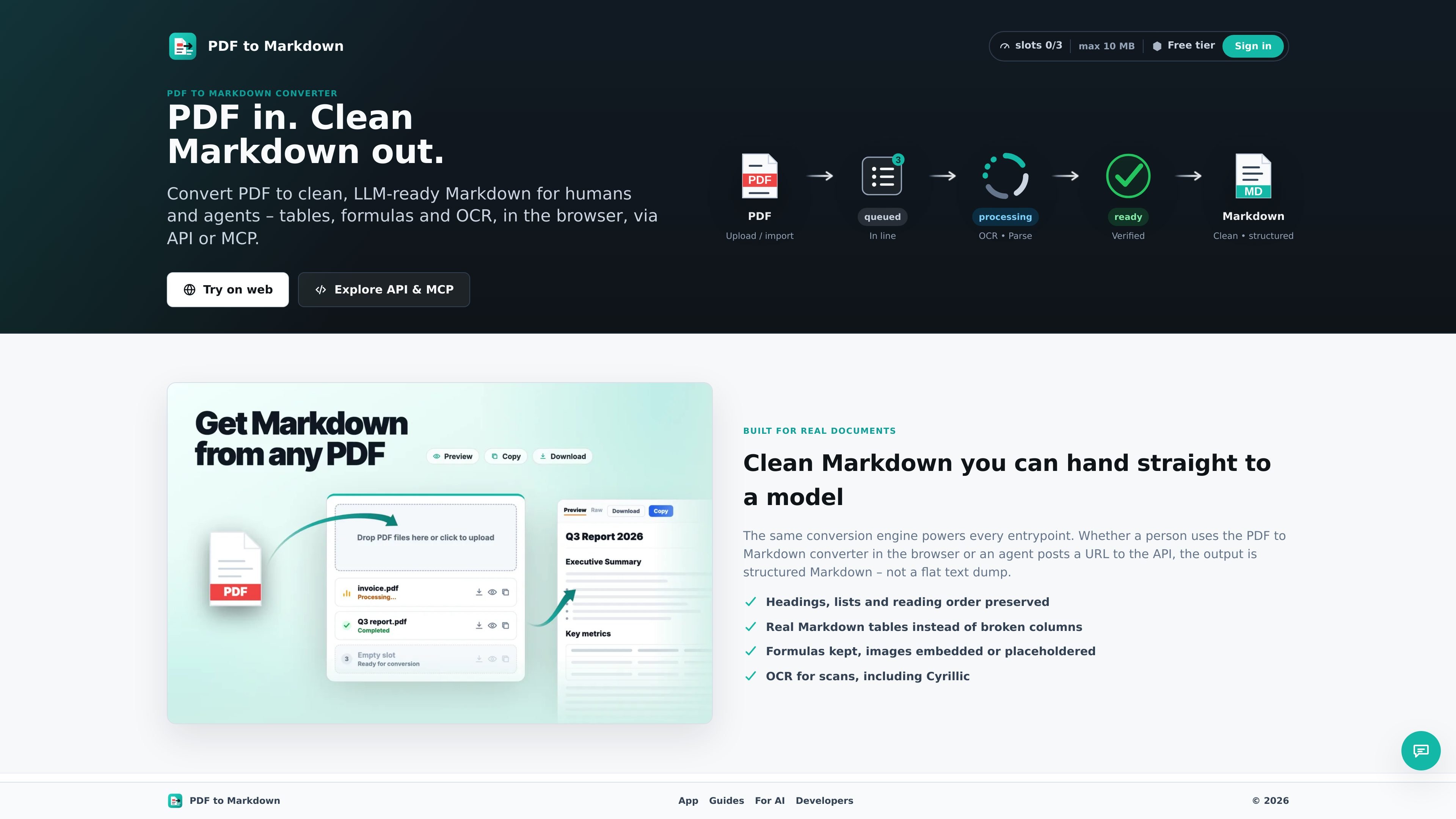
PDF to Markdown Converter is a service for turning PDF documents into clean, structured Markdown. It is built for people and agents that need output they can paste into notes, prompts, or documentation instead of a flat text extraction.
The product exposes the same conversion engine through a Chrome extension, a browser-based workbench, a REST API, and a hosted MCP endpoint. That lets a user convert a local file or PDF URL in the browser, while developers and agents can automate the same workflow over HTTPS with API keys.
The source emphasizes preserving document structure: headings, lists, reading order, tables, formulas, links, footnotes, and OCR text from scanned PDFs. It also describes image handling choices, with either embedded base64 images or lightweight placeholders depending on the workflow.
Operationally, the service uses queued jobs with status polling, result download, and slot cleanup. Anonymous conversion is available in the browser surfaces, while API and MCP access use a free Google account to generate bearer keys for paid or automated use.
Convert PDFs into structured Markdown with headings, lists, and reading order preserved instead of a flat text dump. The same conversion engine is used across the browser app, API, and hosted MCP.
Extract tables as real Markdown tables so columns stay readable for people and downstream tools. The product emphasizes preserving document structure rather than reflowing everything into plain text.
Keep formulas, links, and footnotes intact where possible, and embed images as base64 or replace them with placeholders. This makes the output more usable for editing, review, and LLM prompts.
Run OCR on scanned and image-only PDFs, including Cyrillic, so non-text documents can still be converted into selectable Markdown. Users can force OCR when needed.
Work through multiple surfaces: Chrome extension, web app, REST API, and hosted MCP. The extension and web app can be used anonymously, while the API and MCP use bearer API keys.
Create a job, poll status, fetch Markdown, and delete the job when finished. Paid tiers also support webhooks and batch create, which fit automated workflows.
Use the Chrome extension or web app to convert a PDF into Markdown you can paste into notes, documentation, or an editor. This is the clearest fit when a person wants a quick conversion without building an integration.
Send a PDF URL or uploaded bytes to the REST API when you need conversions inside your own application or script. The documented flow is job creation, status polling, Markdown download, and slot cleanup.
Connect an agent through the hosted MCP endpoint when you want conversion to appear as a tool inside an MCP-compatible workflow. The hosted MCP uses the same underlying limits and lifecycle as the API.
Convert scanned or image-heavy PDFs that need OCR before they are useful in downstream tools. The product highlights selectable Markdown output for scanned documents, including Cyrillic text.
Prepare PDF content for LLM prompts, RAG pipelines, or knowledge bases that work better with structured Markdown than with raw PDF text. The product explicitly positions its output for use with ChatGPT, Claude, Notion, Obsidian, GitHub, and similar workflows.
No. The Chrome extension and web app can be used anonymously for everyday conversion. A free Google account is only needed if you want API keys, hosted MCP, or paid tiers.
Sign in with Google, generate an API key, and send it as a Bearer token over HTTPS. The key is a secret you store securely and can revoke later.
The hosted MCP is a managed Model Context Protocol endpoint that exposes the conversion workflow as agent tools. It is described as a thin wrapper over the same REST API, so it follows the same slots, limits, and retention rules.
Paid tiers add more slots, larger file limits, longer document time budgets, longer retention, webhooks, batch create, and higher queue priority.
The service supports PDF conversion to Markdown. The source highlights OCR for scans, real Markdown tables, formulas, images, links, and footnotes, but does not describe support for other input formats.

nolainocr is an AI OCR tool that extracts structured data from PDF invoices, receipts, forms, contracts, and bank statements into Excel, Google Sheets, JSON, or CSV.

ByteAsk is a terminal-first AI coding agent for C and C++ that edits repos and verifies changes with compilers, debuggers, sanitizers, and tests.

CreateOS Sandbox is an isolated compute environment for running code and agent workloads in Firecracker micro-VMs with private networking and SDK, CLI, or MCP control.

hob is an independent workspace for coding agents, with local control over sessions, terminals, history, routing, and follow-up work.

Ably Chat is a chat API platform for custom realtime chat apps, with rooms, typing indicators, presence, reactions, message updates and usage-based pricing.

Manta AI is an autonomous web app testing tool that maps app behavior, catches regressions, and generates tests from a URL, no scripts or selectors needed.