
AI profile picture generation
Create profile pictures from a single selfie with options for professional headshots, lifestyle looks, and creative transformations.

PFPMaker is an AI profile picture maker for professional or creative portraits from a selfie, with background removal and editing tools.
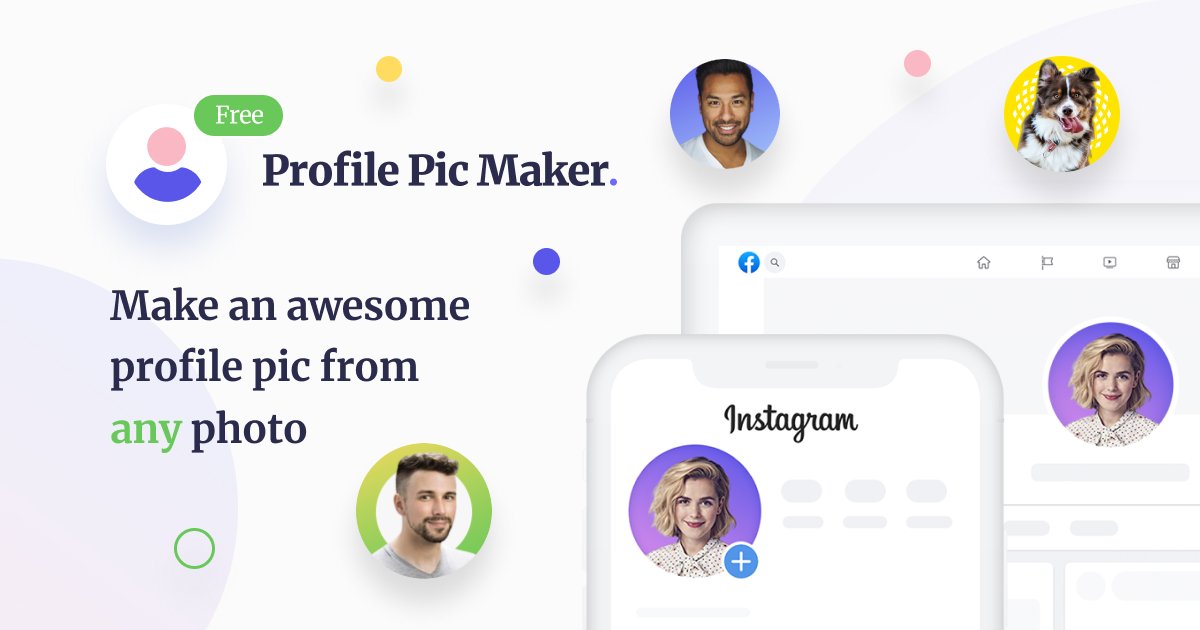
PFPMaker is an AI profile picture and portrait tool for creating professional headshots, creative profile photos, and edited portraits from one selfie. The site presents it as a platform for quick edits, profile-picture makeovers, and more advanced AI transformations.
It combines free tools such as profile picture generation and background removal with premium AI options like headshots, scene changes, clothing changes, makeup edits, cartoon and anime styles, and a chat-based editor. The product is aimed at people who want a better-looking profile picture for social media, LinkedIn, resumes, email signatures, and similar uses.
Create profile pictures from a single selfie with options for professional headshots, lifestyle looks, and creative transformations.
Remove the background from a portrait to get a cleaner headshot for social profiles, resumes, or email signatures.
Swap in office, business, artistic, colorful, solid, gradient, or image-based backgrounds to match the intended use.
Adjust the final image with borders, text, filters, shadows, decals, and similar editing tools.
Use the chat-based AI portrait editor to describe a change in text and generate portrait variations that would be hard to create manually.
Create a clean LinkedIn-style headshot or resume photo from a single selfie, with background and style options tuned for a more formal presentation.
Produce display pictures for social platforms, messengers, and email signatures when you want a consistent image across channels.
Experiment with different looks, locations, and artistic treatments using the premium AI tools for more expressive portraits.
Clean up a photo with background removal, then refine it with filters, borders, text, or background changes for a more polished result.
Use the studio tools to create branded or consistent team imagery for business-oriented profile and identity photos.
The site says profile pictures can be used on social media, messengers, email signatures, resumes or CVs, dating apps, and similar places.
The product processes the uploaded photo on its backend to remove the background, and the original photos are automatically removed every 24 hours.
Supported uploads are JPG and PNG files up to 5 MB.
The background remover works better with a clear, high-contrast photo, good lighting, and a headshot that is fully visible within the image boundaries.

Pixelcut is an AI photo editor for product images, social content and video assets. Free and paid plans; mobile app and browser access for individuals and teams.

Airbrush is an AI photo and portrait editor for web, desktop, and mobile. Retouch portraits, remove backgrounds, and enhance images with credit-based AI tools.

Kittl is a browser-based AI design platform for branding, product visuals, and digital or print graphics. Includes editor, templates, mockups, collaboration, and free plan.

An All-In-One AI Platform that combines tools for image, video, voice, writing, and chat to enhance creativity and collaboration.

Petalica Paint is a web service for automatic line-art coloring and tracing drawings from photos, with commercial use allowed under stated terms.

Video Effects SDK adds real-time webcam effects like background blur, replacement or removal, denoising, framing, beautification, and color grading for live video apps.