
AI portrait retouching
Enhance portraits with AI retouch tools that smooth skin, soften lines, reduce wrinkles, and preserve a natural look.

Airbrush is an AI photo and portrait editor for web, desktop, and mobile. Retouch portraits, remove backgrounds, and enhance images with credit-based AI tools.
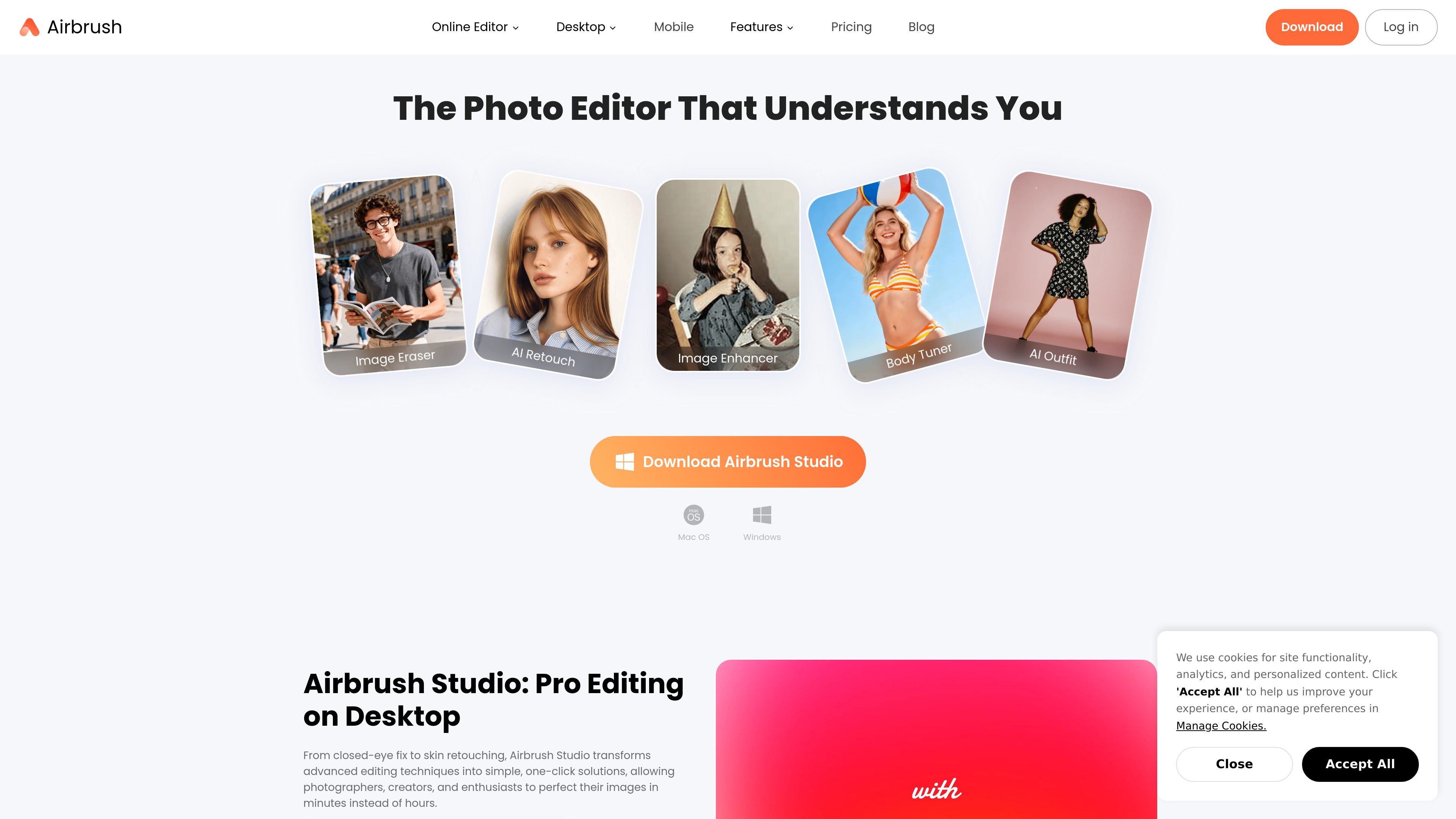
Airbrush is an AI-powered photo and portrait editor built for editing images and some video tasks in a single product surface. The site positions it as a tool for creators, everyday users, and professionals who want fast edits without manual retouching.
Its toolset covers portrait retouching, background removal, image enhancement, body and face adjustments, filters, and other cleanup tools. The pricing pages also show that Airbrush uses a credit system for generating or exporting content and offers both free and paid access options, with desktop, mobile, and web availability described across the site.
Enhance portraits with AI retouch tools that smooth skin, soften lines, reduce wrinkles, and preserve a natural look.
Remove backgrounds and refine masks with tools for background removal and replacement workflows.
Improve or reshape photos with tools such as image enhancement, body tuning, crop and expand, liquify and reshape, and color adjustment.
Access a broad toolset from one place, including eraser, spot healing, magic removal, image enhancer, and creative blur.
Use desktop and mobile surfaces for different workflows, including Airbrush Studio on Windows and Mac and the online editor.
Work with credit-based usage for generating or exporting content, with subscription and purchased credits handled separately.
Polish portraits for profile photos, headshots, resumes, and business pages using natural retouch tools that smooth skin and preserve facial detail.
Edit social content faster by combining retouching, enhancement, and background changes in one workflow for posts and creator assets.
Remove or replace backgrounds for product images, profile photos, and marketing visuals when a clean cutout is needed.
Adjust facial details, body shape, clothing wrinkles, and other image attributes when a shot needs targeted refinement rather than a full redesign.
Use the credit-based editor for repeated generation or export tasks where you want to manage usage across subscription or purchased credits.
Airbrush is available as an online editor and through desktop and mobile downloads. The site also surfaces Airbrush Studio for Windows and Mac.
Airbrush includes AI tools for retouching portraits, removing backgrounds, enhancing images, editing body and face features, and applying effects such as filters and background changes.
The pricing page shows a free plan and paid plans, plus a 7-day free trial offer. It also explains that credits are used for generating or exporting content, with different rules for subscription and purchased credits.
Airbrush’s retouch workflow is designed for natural-looking results rather than heavy beauty filtering, and the retouch page says users can choose from seven retouch styles.
The source pages show individual and business-oriented use cases, including headshots, content creation, and professional photo retouching, but they do not provide detailed team collaboration features on the pages reviewed.

Pixelcut is an AI photo editor for product images, social content and video assets. Free and paid plans; mobile app and browser access for individuals and teams.

Aaavatar is a macOS portrait editor for teams. Remove backgrounds, apply brand colors or presets, and export consistent staff photos to LinkedIn, Slack, and email.

Upscale.media is an AI image upscaling and enhancement tool by Pixelbin that sharpens low-resolution images in the browser, with bulk processing and API support.

Free browser-based AI image enlarger by PhotoAid for upscaling JPEG, WEBP, and PNG photos, especially portraits, without heavy blur.

BgSub is a browser-based AI tool for removing or replacing image backgrounds. Fast cutouts, background replacement, and color adjustment for product images, photos, and web visuals.

Slazzer is an AI photo editor for automatic background removal, with web app, API, desktop software and plugins, plus upscaling and restoration tools.