
AI image, vector, and video generation
Generate polished images, editable vector artwork, and animated video outputs from AI models built into the platform.

Kittl is a browser-based AI design platform for branding, product visuals, and digital or print graphics. Includes editor, templates, mockups, collaboration, and free plan.
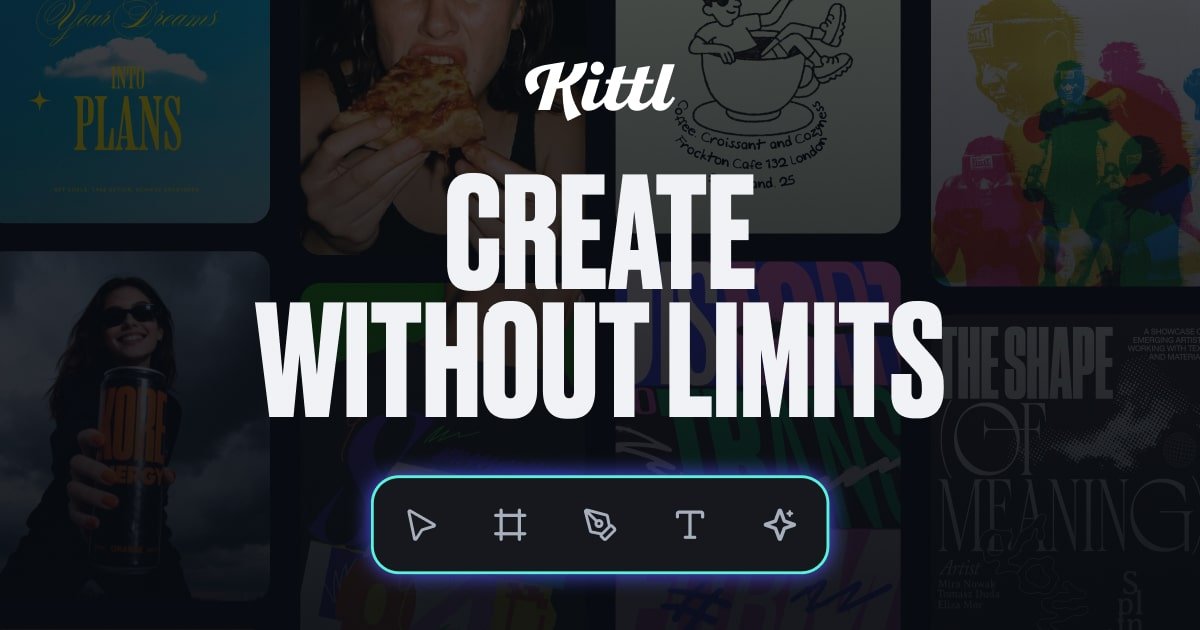
Kittl is a browser-based design platform built around AI-assisted image generation, editing, and asset-driven layout work. It combines an editor, mockups, templates, fonts, and graphics so creators can move from an idea to a polished design in one place.
The product is positioned for designers, sellers, and businesses that need branding, product visuals, and social or print graphics. Its feature set includes AI image, vector, and video generation; background removal; image upscaling; vectorization; collaboration; and text effects.
Generate polished images, editable vector artwork, and animated video outputs from AI models built into the platform.
Edit graphics, text, and layouts in a browser-based canvas with drag-and-drop controls and text effects.
Remove backgrounds, upscale low-resolution images, and vectorize raster artwork for cleaner production files.
Use ready-made templates, mockups, fonts, and curated graphics to move from concept to finished design faster.
Work with collaborators on shared projects, including real-time editing and comments.
Apply smart design flows and AI features while staying in control of the final output, rather than relying on fully automated design generation.
Build brand visuals, marketing graphics, and product artwork in one workspace without moving between separate tools for generation and editing.
Create social posts, banners, thumbnails, and other digital graphics using templates, fonts, and AI-assisted image creation.
Prepare print-ready layouts and product visuals for items such as flyers, posters, labels, stickers, and merch designs.
Collaborate with teammates or clients on a shared project, with real-time editing and comments available inside the editor.
Use the free plan to explore templates, learn the editor, and test AI features before moving to a paid plan for commercial work.
Yes. Kittl offers a free plan that includes access to curated templates and tools, along with limited projects and one-time AI tokens.
Paid plans unlock premium templates and assets, high-resolution and vector exports, more AI tokens and features, larger project limits, and commercial licensing.
Yes. Kittl supports real-time collaboration, and the pricing page says viewers are always free while additional editors are billed according to the plan you choose.
Yes. The pricing page says subscriptions renew monthly or annually depending on the plan, and you can cancel directly from your account settings.
The help page lists Editing & Design, Subscription, Account Settings, and Licensing as help topics, and says support will reply within 24 hours if you contact them.

PixelDrive is a bulk image generation API for on-brand images from one template via browser editor, REST API, CSV batch, or MCP.

GPTIMG2 AI is a web-based image generator built on OpenAI’s GPT Image 2 model, with prompt-driven creation, reference edits, readable text, and higher-res outputs.

TapNow is a web-based AI visual creation platform for businesses, creators, and teams with image and video generation, editing, planning, and collaboration tools.

An All-In-One AI Platform that combines tools for image, video, voice, writing, and chat to enhance creativity and collaboration.

Pixelcut is an AI photo editor for product images, social content and video assets. Free and paid plans; mobile app and browser access for individuals and teams.

Petalica Paint is a web service for automatic line-art coloring and tracing drawings from photos, with commercial use allowed under stated terms.