
Phone control for Codex
Pairs a phone to a Mac-hosted Codex session so instructions can be sent from mobile while responses stream back to the app.
Remodex is an open-source bridge and mobile app for controlling Codex from your phone while execution stays on your Mac. iPhone-first, with an Android beta.
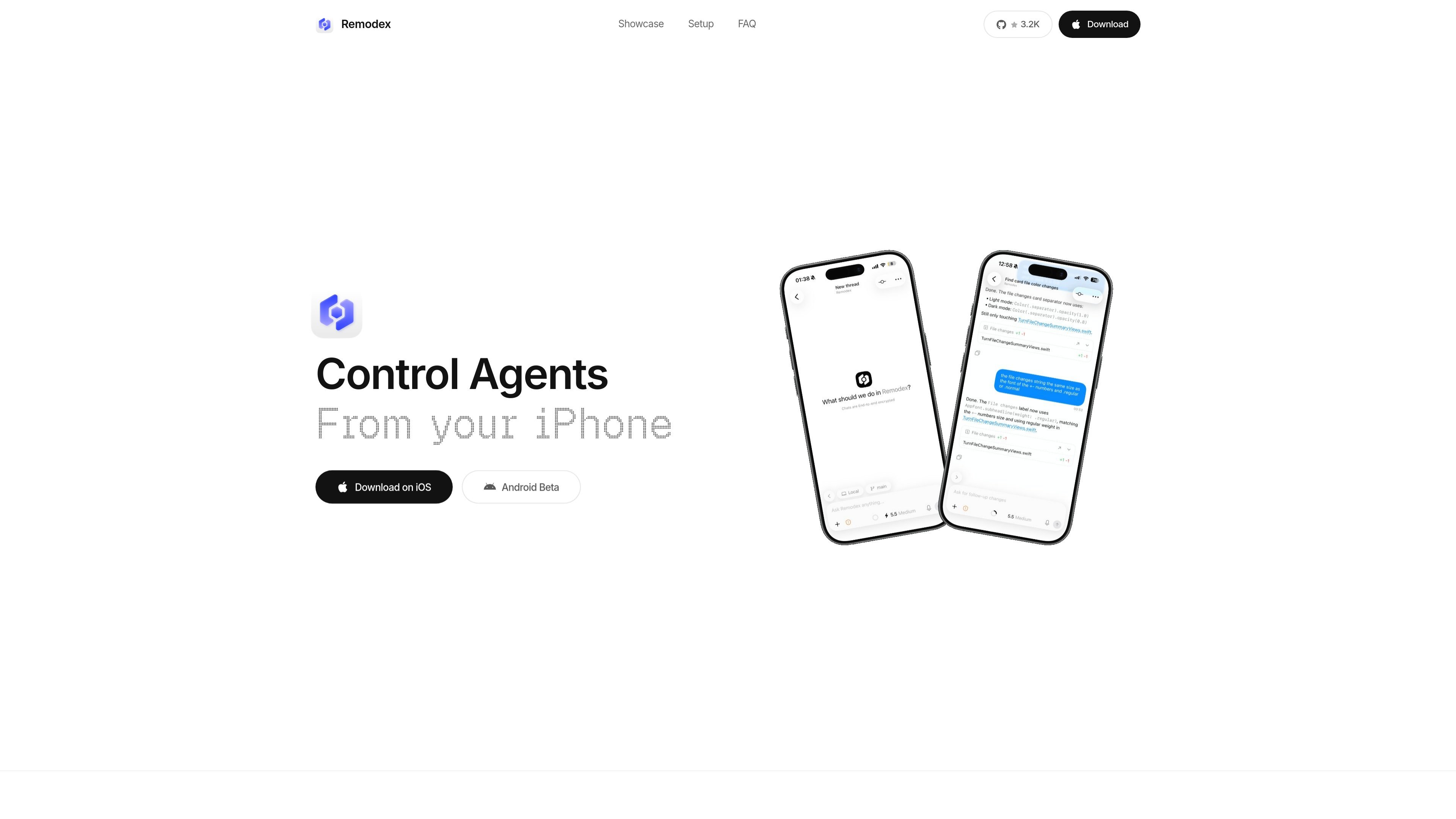
Remodex is a local-first open-source bridge plus mobile app for controlling Codex from a phone. Codex still runs on your Mac; the app pairs over a secure session and sends instructions through the bridge while responses stream back in real time.
The basic setup is intentionally lightweight: install the bridge with `npm i -g remodex@latest`, run `remodex up`, then pair from the app by scanning the QR code shown inside the app. The source says you need Node.js 18+ and Codex CLI already installed and logged in on your Mac.
Pairs a phone to a Mac-hosted Codex session so instructions can be sent from mobile while responses stream back to the app.
Uses an authenticated end-to-end encrypted channel with X25519, Ed25519, AES-256-GCM, and replay protection after pairing.
Runs Codex, git actions, and workspace actions on the Mac rather than on the phone, keeping execution local to the machine that already has the tooling.
Supports launchd-based background operation on macOS so the bridge can keep running after the terminal closes.
Includes local Git actions such as status, commit, push, pull, branch switching, stash, checkout, and log.
Can open a native SSH session from the iPhone, with key material stored in the iOS Keychain.
Use Remodex when you want to start, guide, or review Codex work from your phone instead of returning to the Mac for every prompt.
Use it for local Git maintenance on the Mac when you only have your phone handy, such as checking status, switching branches, or pushing commits.
Use the SSH session feature when you need a shell connection from the phone and want the key material kept in the iOS Keychain.
Use the self-hosting path if you want the relay under your own control or prefer a private-network setup such as Tailscale for iPhone access.
Use the Android beta flow if you want to test the Android client while following the Google Group and Play testing enrollment steps in order.
Remodex is a local-first bridge plus mobile app for controlling Codex from a phone. Codex runs on your Mac, and the phone pairs to it over a secure session.
You need Node.js 18 or newer, Codex CLI installed and already working on your Mac, and the Remodex iOS app on your iPhone. The source also says Android beta access is available through Google Groups and Google Play testing.
Install the bridge with `npm i -g remodex@latest`, then run `remodex up` on your Mac. Open the app, follow onboarding, and scan the QR code from inside the app.
Git actions run locally on your Mac through the bridge, including status, commit, push, pull, branches, checkout, stash, and log. The app can also open a native SSH session from the phone.
Yes. The repo is described as self-host friendly, with support for setting `REMODEX_RELAY` to your own relay or using `./run-local-remodex.sh` from a source checkout. For iPhone self-hosting, Tailscale is recommended as the private-network path.

ByteAsk is a terminal-first AI coding agent for C and C++ that edits repos and verifies changes with compilers, debuggers, sanitizers, and tests.

ArtDeck is a visual reference board app for iPhone, iPad, and Mac. Collect mixed references on one canvas and study them with ToolBox lenses. Offline, optional iCloud sync, one-time purchase.

Codex Plugins bundle reusable skills, app integrations, and MCP servers into workflows you can install in the Codex app or use from Codex CLI.

ClawTick is an AI agent automation platform for scheduling jobs from the CLI, dashboard, or REST API. Built for developers and teams using LangChain, CrewAI, webhooks, or custom workflows with monitoring, alerts, and logs.

Falconer is an AI-powered company brain that keeps internal docs accurate, searchable, and up to date by syncing with GitHub, Slack, and Linear.

Ghost is a terminal-based AI assistant for chatting, code generation, and CLI tasks. Includes free models, supports Linux, macOS, Windows, and is open source.