
One CLI for multiple media types
The product is positioned as a single command-line interface for image, video, and audio generation workflows.

Picsart CLI is a developer-focused CLI for generating image, video, and audio content from terminal, CI, or Dockerfile workflows with 130+ AI models.
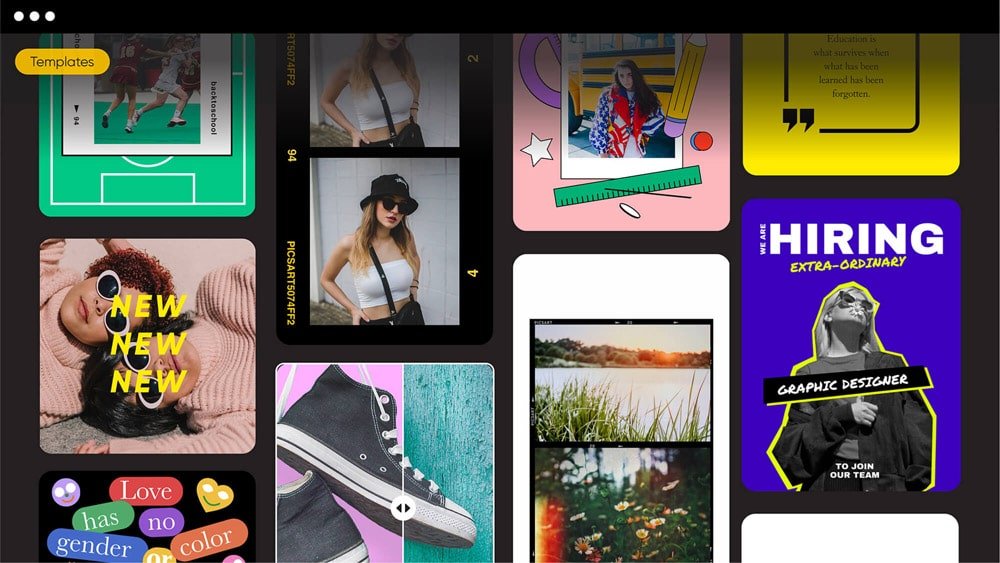
Picsart CLI is a developer-focused command-line product for generating image, video, and audio content from one interface. The homepage positions it as a way to work with 130+ AI models, including Flux, Sora, Kling, Veo, Runway, and ElevenLabs.
The product is meant to fit into terminal-based workflows rather than a standalone editor. Picsart says it can be dropped into any terminal, CI job, or Dockerfile, and the pricing page adds that Pro and Ultra users can auto-generate content from their terminal or agent with the CLI.
The product is positioned as a single command-line interface for image, video, and audio generation workflows.
The homepage says it connects to 130+ AI models, including Flux, Sora, Kling, Veo, Runway, and ElevenLabs.
The pricing page says Pro and Ultra subscribers can auto-generate content from a terminal or agent with Picsart CLI.
The pricing page says Picsart can be used inside Claude Code, Cursor, and ChatGPT via MCP, extending the CLI into agentic coding and chat environments.
Picsart’s plans include both photo and video editing tools alongside the CLI, so teams can keep generation and editing in one product family.
Use Picsart CLI when you want to generate creative assets from scripts or command-line tooling instead of a visual editor.
Use it in CI pipelines or Dockerfile-based workflows where media generation needs to run as part of an automated build or delivery process.
Use it when your team wants to route creative tasks through agentic tools such as Claude Code, Cursor, or ChatGPT via MCP.
Use the CLI when you need access to multiple model families for different output types, such as image generation, video generation, or audio generation.
Picsart CLI is for developers who want to generate creative assets from a terminal, CI job, or Dockerfile using Picsart’s model catalog and AI workflows.
The source describes it as one CLI for image, video, and audio, and says it includes access to 130+ AI models.
The source does not publish a setup guide on the page, but it says the CLI can be dropped into a terminal, CI job, or Dockerfile.
The pricing page says Picsart Pro and Ultra include the ability to auto-generate content from your terminal or agent with the Picsart CLI, and Ultra also adds API services credits and team-oriented features.
The public page does not spell out command syntax, supported outputs, or all model-provider connections, so those details need confirmation from the product docs.

Edgee is an AI gateway for coding agents and LLM apps. It compresses tokens, routes requests across models, and adds observability and team controls.

Prompty Town turns a link into a building in a small internet city. Buy a tile, add a prompt, and publish it alongside other buildings.

Creativly is a web-based AI creative studio for fast visual concepts, mockups, and stylized images from short inputs.

AakarDev AI helps teams manage AI provider access, project setup, logs, and analytics in one dashboard. BYOK support included.

BookAI allows you to chat with your books using AI by simply providing the title and author.

Skills Janitor is a GitHub-hosted set of slash commands for auditing, tracking, and cleaning up Claude Code and OpenAI Codex skills.