

Postproxy
Postproxy provides a unified social media publishing API to post to Instagram, TikTok, LinkedIn, X, YouTube, Facebook, Threads & more via one REST call.
What is Postproxy?
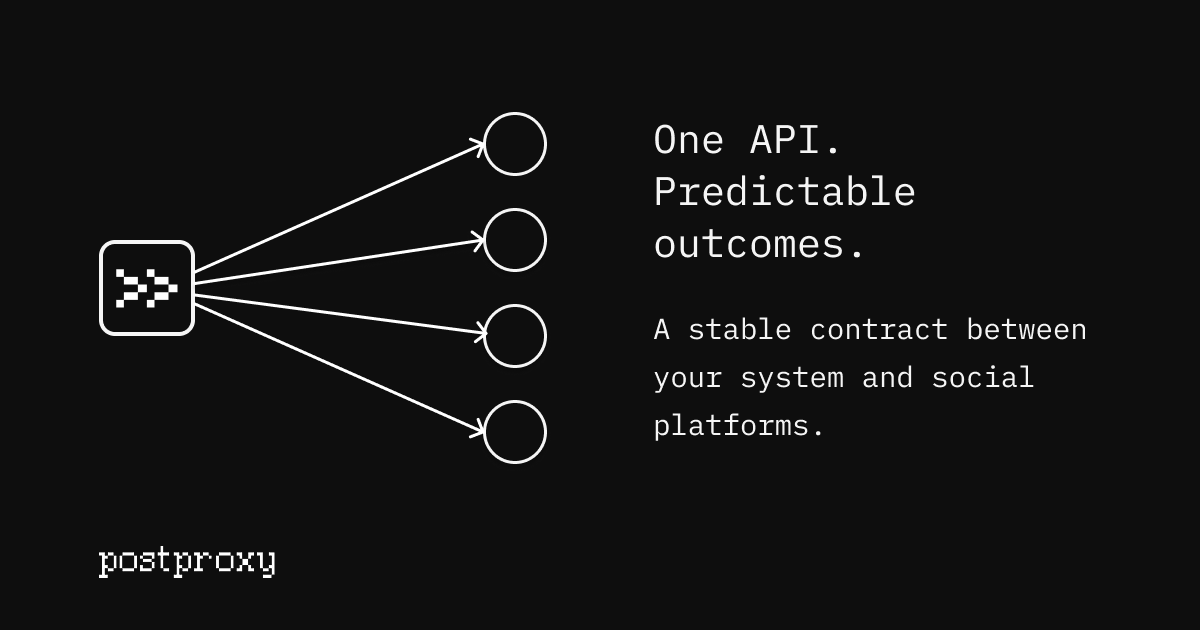
Postproxy is a unified social media publishing API that lets you publish to multiple social networks using a single REST endpoint. Instead of building and maintaining separate per-platform integrations, you connect once and send one payload; Postproxy maps your content and media to each selected platform’s rules.
The core purpose is to provide a stable API layer for publishing, including connection handling, request-to-platform translation, and per-platform publish outcomes.
Key Features
- Unified publishing endpoint (REST): Send a single request (e.g.,
POST /v1/publishor the documentedPOST /api/posts) with one payload and selected “profiles,” and Postproxy handles publishing across multiple platforms. - Per-platform outcome mapping: The API returns outcomes per destination profile (e.g., published, processing, failed), so you can see what happened for each network.
- Platform connection management: OAuth flows, token storage, and automatic refresh are handled for you as part of the platform connection workflow.
- Deterministic retries and status reporting: The system supports retries and rate-limit/quota-aware behavior, with clear publish state reporting and logged attempts.
- Format conversion for delivery: Content is transformed to meet each platform’s requirements (e.g., how the message/body is adapted for each network).
- SDKs for common languages: Official SDKs are referenced for Node, Python, Ruby, and other popular languages, reducing the amount of custom API plumbing.
- Webhooks for publish lifecycle events: You can create a webhook endpoint (e.g., with events such as
post.processed,platform_post.published, andplatform_post.failed) and receive updates from Postproxy.
How to Use Postproxy
- Start with the Postproxy docs and create an API request using your API key (the site shows
Authorization: Bearer YOUR_API_KEYand JSON payload examples). - Connect the social accounts you want to publish to via Postproxy’s platform connections (OAuth). Postproxy manages tokens and refresh.
- Publish with one request by sending your post content plus a list of target profiles (platforms) and optional media URLs.
- Optionally subscribe to webhook events so your application is notified when processing completes or when a platform publish succeeds or fails.
Example payloads shown on the site include fields like:
post.body(orcontentin some SDK examples)profiles(e.g.,"twitter","linkedin","threads")media(array of media URLs)
Use Cases
- Build a single “Publish” action in your app: A product can offer users one publish flow while Postproxy handles per-network formatting, delivery, and results for each selected platform.
- Replace fragile per-platform integrations: Teams can consolidate multiple custom integrations into one API call, reducing the surface area affected by platform-specific changes.
- Agency or multi-client publishing queues: Use profile grouping and scheduling/queueing concepts to keep different clients’ connections separated and to manage high-volume publishing.
- Automation pipelines and AI-triggered posting: Treat publishing as a single step in an upstream workflow (e.g., triggered by an automation node or an agent) while Postproxy handles retries and status.
- Server-side publishing for end users without Postproxy accounts: Provision a scoped environment per customer so publishing runs under your brand while users connect accounts through your UI.
FAQ
-
Which platforms are supported? The site lists support for Instagram, TikTok, LinkedIn, X, YouTube, Facebook, Threads, and Pinterest.
-
Can I publish to multiple networks with one request? Yes. The examples show a single payload with
profilesspecifying the target platforms, and the API maps the content to each platform. -
Do I need to handle OAuth token refresh myself? No. The site states that OAuth flows, token storage, and automatic refresh are managed for you.
-
How do I know whether each platform succeeded? Postproxy provides per-platform outcomes (including failed and published states) and supports deterministic retries with explicit status reporting.
-
Are there webhooks for publish events? Yes. The site includes an example webhook creation request with events like
post.processed,platform_post.published, andplatform_post.failed.
Alternatives
- Build direct integrations with official platform APIs: This can give maximum control but typically requires maintaining separate OAuth flows, formatting rules, rate-limit handling, and error/retry logic per platform.
- Use a dedicated social media management platform: These tools handle publishing across networks through their own workflows; you trade custom API control for faster setup and an opinionated UI/process.
- Use a generic automation + scheduler with per-platform adapters: You can orchestrate posting steps in a pipeline, but you still need adapters/integration code for each destination network.
- Use an iPaaS/integration service with social connectors: This can centralize workflows, but message transformation, retry policies, and per-platform outcome detail depend on the available connectors and configuration.
Alternatives

Supermeme.ai
Supermeme.ai is an AI meme generator that turns your text into shareable memes with template matching, multilingual outputs, and social-friendly exports.

PXZ AI
An All-In-One AI Platform that combines tools for image, video, voice, writing, and chat to enhance creativity and collaboration.

Slidesgo
Discover free Google Slides themes and PowerPoint templates on Slidesgo. Download and customize online to create presentations.

Grok AI Assistant
Grok is a free AI assistant developed by xAI, engineered to prioritize truth and objectivity while offering advanced capabilities like real-time information access and image generation.

Creativly
Creativly is a browser-based creative tool that helps you create without writing prompts—generate creative outputs fast with a simple workflow.

AI Song Maker
Create royalty-free songs effortlessly with our AI Song Maker and Music Generator.