Quven icon

Quven

Quven is a free self-hosted media server for films, shows, music, ebooks, and comics, with native apps, direct play, transcoding, profiles, and remote access.

Quven

Self-hosted media server for personal libraries

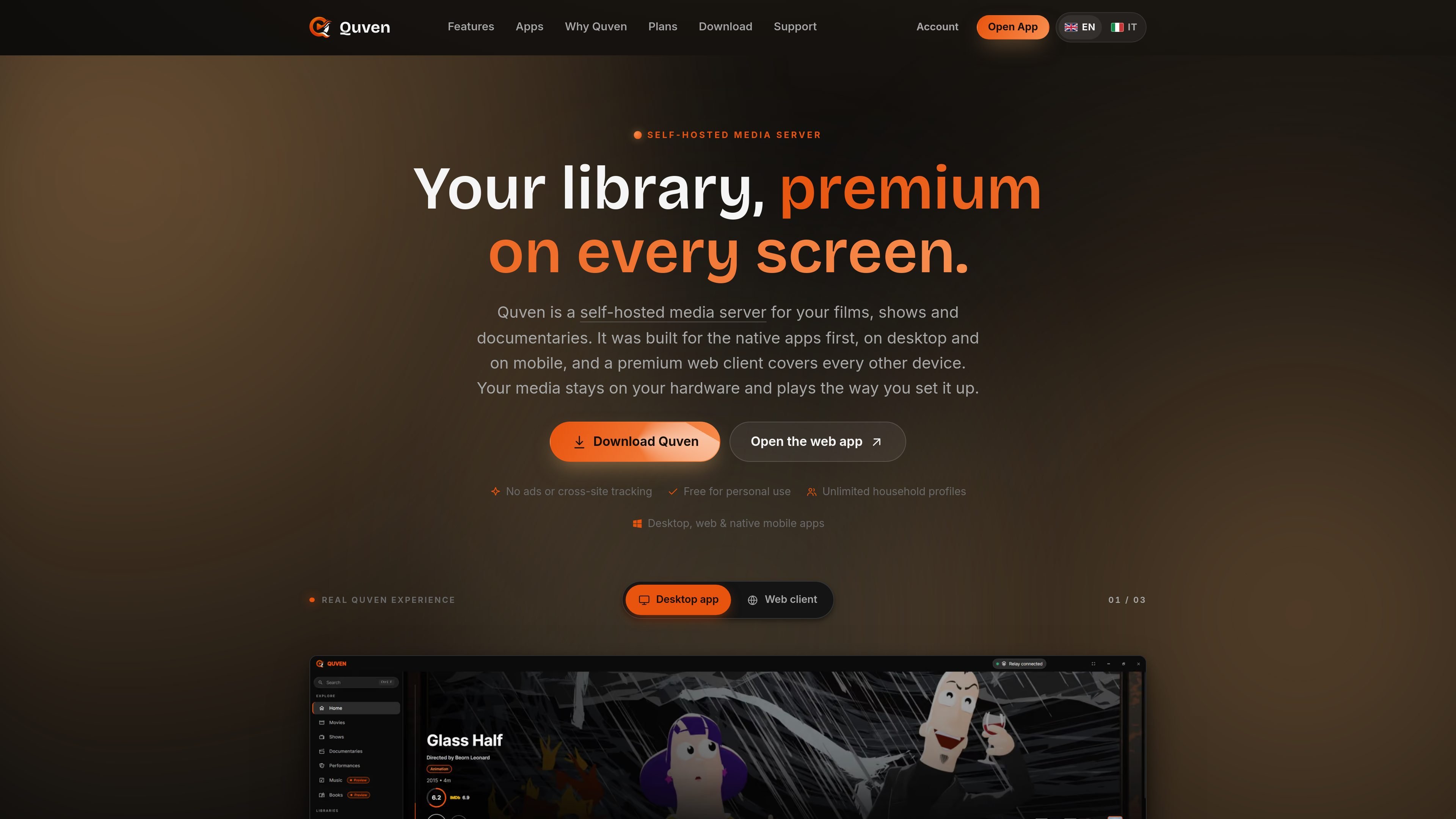
Quven is a free, self-hosted media server for films, television shows, documentaries, music, ebooks, and comics. It runs on the hardware where the library is stored, scans folders into organized libraries, matches metadata against several catalogues, and serves the collection to native apps or a browser client.

Its main workflow is native-first playback: compatible clients can receive the original media without transcoding, while other devices can use on-the-fly transcoding and HDR tone-mapping. Quven supports household profiles, resume positions, watchlists, and remote streaming through either user-managed networking or an optional hosted relay on Pro. Personal use is free; Pro and Max add paid features, but pricing is not specified in the available source content.

Core capabilities

Direct play and native playback

When the selected client supports the source, Quven streams the original container, video, audio, and subtitles without re-encoding. Native players support formats including H.264, HEVC, AV1, VP9, AAC, AC3, EAC3, DTS, TrueHD, and FLAC, subject to client capability.

Hardware transcoding and HDR handling

If direct play is unavailable, the server transcodes during playback and can use NVIDIA, Intel, AMD, or Apple acceleration where available. HDR10 and Dolby Vision sources can be tone-mapped to SDR for displays that do not support HDR.

Metadata matching and multi-file titles

The library matcher uses TMDb, TVDB, OMDb, and AniDB, with support for common release-style naming and manual Fix match correction. A single title can group 4K and 1080p files, alternate cuts, and different audio-language versions.

Subtitle support and local transcription

Native playback supports styled ASS/SSA, PGS, and VobSub subtitles, along with SRT, VTT, and sidecar files. Pro can generate a reusable subtitle track locally from dialogue when no subtitle file exists.

Music, ebook, and comic libraries

Quven reads music tags and nearby artwork, supports lyrics from embedded tags or LRC files, and provides an ebook and comic reader on supported desktop and web clients. Playback queues and reading position are retained per profile.

Profiles and read-only integration API

Household profiles can have optional PINs, while watchlists, ratings, resume points, and reading position are associated with the profile. A read-only integration API can expose server data to tools such as Homepage, Grafana, or scripts.

Practical use cases

  • Organize a personal movie and TV archive

    Install the server beside a locally stored film and TV collection, point libraries at the relevant folders, and let Quven match titles, episodes, editions, and metadata. Multiple versions of a film can remain under one entry.

  • Watch one library across household devices

    Use Windows or macOS desktop playback, mobile apps, Android TV, Fire TV, or iPhone and iPad apps to watch from different rooms and devices. Direct play avoids conversion when the client supports the source.

  • Separate household viewing and reading

    Set up user profiles with optional PINs so household members can keep separate watchlists, ratings, resume points, and reading positions while sharing the same server and media folders.

  • Access a library remotely

    Stream from outside the home either through a self-managed port, reverse proxy, or tunnel, or use the Pro relay when avoiding router configuration is more important than keeping networking fully self-managed.

  • Run a broader personal media collection

    Manage a mixed collection by combining tagged music, lyrics and artwork, ebook or comic reading, subtitle files, and video libraries in one self-hosted installation. A read-only API can also supply server data to dashboards or scripts.

Pros and Cons

Pros

  • Media remains on the user’s own hardware for local playback rather than being hosted as a managed media library.
  • Native apps cover Windows, macOS, iPhone, iPad, Android, Android TV, and Fire TV, with a web client available on Pro.
  • Direct play preserves compatible video and lossless audio, while hardware-accelerated transcoding supports devices that need conversion.
  • Library organization handles metadata matching, alternate files and editions, profiles, subtitles, music, and ebooks in one server.

Cons

  • Remote access without router or DNS configuration requires the Pro managed relay; free users must configure their own network path.
  • Linux currently has a server application rather than a native Linux desktop client, and Apple TV and smart-TV apps are listed as planned.
  • Some capabilities, including the premium web client, local subtitle generation, and additional media tools, are tier-dependent.

FAQ

How is Quven installed and set up?

Quven is installed on the machine that stores the media. Windows has an MSI installer for Windows 10 and 11, macOS has a signed package for macOS 13 or later on Intel and Apple silicon, and Linux server AppImages are available for x64 and ARM64. After launch, sign in, link the server to a Quven Account, add media folders, and scan the library.

Can Quven be used away from home?

You can stream over your home network or configure remote access yourself with a port, reverse proxy, or tunnel such as Tailscale. Pro adds a managed relay that works without port forwarding or DNS configuration; a fair-use bandwidth allowance applies.

What happens when a device cannot play a file directly?

Native clients direct-play compatible source files without re-encoding. When a device cannot decode a file, Quven can transcode on the fly using detected acceleration such as NVIDIA NVENC or CUDA, Intel Quick Sync, AMD, or Apple VideoToolbox. HDR sources can be tone-mapped to SDR for compatible clients.

Is Quven free, and are paid plans available?

The Free tier is for personal use and includes native clients, hardware transcoding, metadata matching, multi-file title variants, unlimited profiles, and do-it-yourself remote access. Pro and Max add further capabilities, including the hosted web client and managed relay in Pro. Current prices are not stated in the available page content.

Which devices and operating systems does Quven support?

Quven has native desktop clients for Windows and macOS, mobile apps for iPhone, iPad, Android phones and tablets, Android TV, and Fire TV, plus a browser client. Linux is currently server-only; Apple TV and smart-TV apps are planned.

Quick Facts

Category
Self-hosted media server
Media types
Films, TV shows, documentaries, music, ebooks, and comics
Free tier
Free for personal use with unlimited household profiles
Desktop/server platforms
Windows, macOS, and Linux server; Linux desktop client planned
Mobile and TV apps
iOS/iPadOS, Android, Android TV, and Fire TV
Remote access
Self-managed networking on every plan; managed relay on Pro