
Prompt-to-app creation
Describe an app in plain English or from a sketch, document, or screenshot, and RapidNative turns it into a working mobile app flow.

RapidNative is an AI-native mobile app builder that turns prompts, sketches, documents, or screenshots into interactive React Native apps for teams to prototype, collaborate, preview on device, and export code.
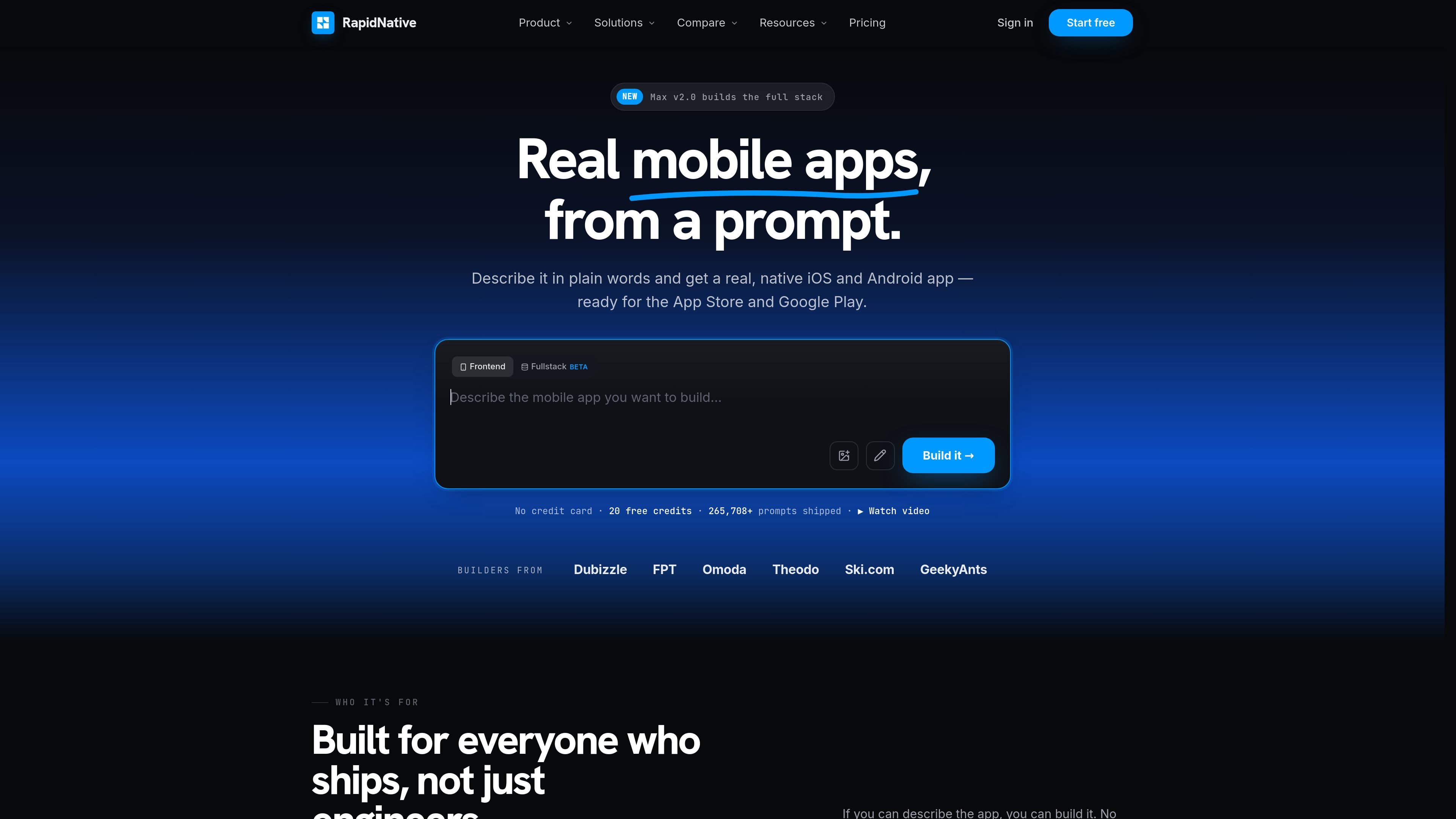
RapidNative is an AI-native mobile app builder that turns plain-language prompts, sketches, documents, or screenshots into interactive mobile apps. The product focuses on real React Native output so teams can move from idea to a shareable prototype or production path without starting from a blank project.
The site positions RapidNative for founders, product managers, designers, and developers who need to validate ideas, share working demos, or hand off code. It emphasizes collaborative building, device preview, and the ability to export standard React Native and Expo code for further development or publishing.
Describe an app in plain English or from a sketch, document, or screenshot, and RapidNative turns it into a working mobile app flow.
Build native mobile experiences in React Native, with the site emphasizing real iOS and Android apps rather than web wrappers.
Edit screens by pointing at a part of the app and describing the change, which the product updates in place.
Preview the app on a phone while you build, with support for sharing and testing on actual devices.
Work in a shared workspace where multiple people can see updates and collaborate on the same app in real time.
Export the code and continue outside the platform, with React Native and Expo code available to download on paid plans.
Turn a product idea into an interactive prototype that stakeholders can try on a phone, helping teams validate flow and alignment before engineering begins.
Create working demos for roadmap reviews, investor conversations, or internal planning instead of relying on static decks and mockups.
Move from wireframes or visual references to a native mobile prototype that designers can refine with the team in real time.
Build MVPs or test apps from a prompt and then export the code for engineering, supporting a path from concept to implementation.
Generate mobile app code, preview it on-device, and hand it off to developers who can continue with the exported React Native project.
Yes. The pricing page includes a free plan with 20 AI credits per month and 5 screens per project, and the FAQ says it is intended for trying the platform, prototyping, and learning.
Credits are spent when you generate code. Monthly plans refresh credits each billing month, annual plans include a larger yearly credit bundle, and unused credits do not carry over.
Paid plans grant commercial rights, including publishing to the App Store and Google Play. The FAQ says the free plan is intended for personal projects, prototyping, and learning.
Yes. You own the code you generate, and RapidNative says it exports standard React Native and Expo code that you can take to your own repo and developers.
Yes. The pricing FAQ says you can cancel at any time, and your subscription stays active until the end of the current billing period.

Speculos deploys Claude Code apps to shareable URLs, with private, org-wide or public visibility and team controls for domains, data and cloud deployments.

ByteAsk is a terminal-first AI coding agent for C and C++ that edits repos and verifies changes with compilers, debuggers, sanitizers, and tests.

CreateOS Sandbox is an isolated compute environment for running code and agent workloads in Firecracker micro-VMs with private networking and SDK, CLI, or MCP control.

GitBot is a local browser workspace for reusable coding bots powered by Claude Code, Codex, or OpenCode, with persistent threads and configurable permissions.

hob is an independent workspace for coding agents, with local control over sessions, terminals, history, routing, and follow-up work.

Ably Chat is a chat API platform for custom realtime chat apps, with rooms, typing indicators, presence, reactions, message updates and usage-based pricing.