
Generate multiple schema formats
Turn a URL into a learned schema and receive the result as JSON Schema, Zod, or Pydantic output depending on the page view and API request.

Schema Source from Tabstack generates JSON Schema, Zod schema, or Pydantic models from a URL for developers who need structured output and a documented JSON endpoint.
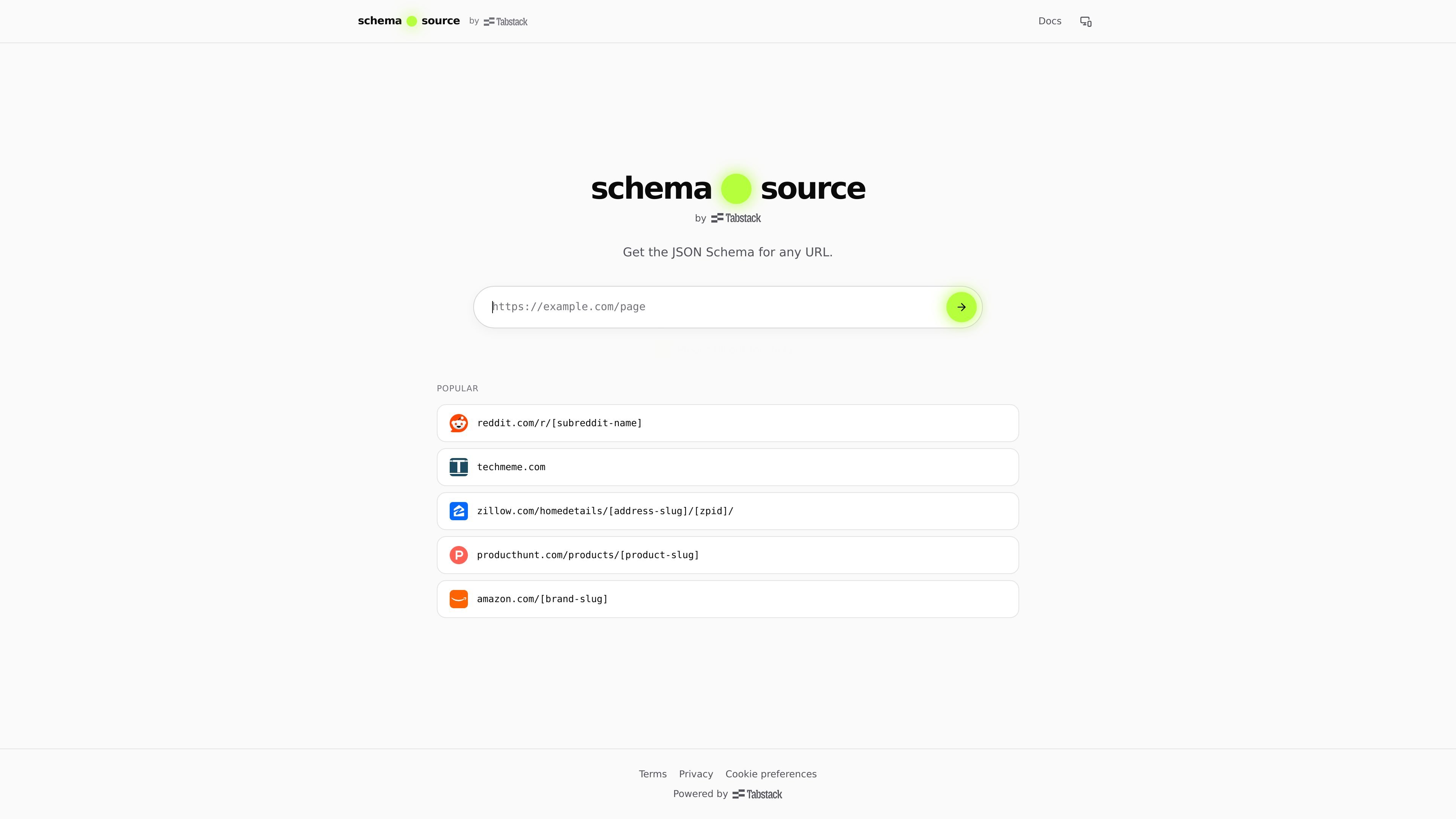
Schema Source from Tabstack is a URL-to-schema generator that extracts structured data from a page and presents it as JSON Schema, Zod, or Pydantic output. The home page positions it as a way to generate schema from any URL, while the docs show that every schema page also functions as a JSON endpoint.
The product is aimed at developers who need a programmatic representation of page content. It can return cached schema data for known URL patterns, and it supports browser access, HTTP content negotiation, and a documented JSON response shape for API consumption.
Turn a URL into a learned schema and receive the result as JSON Schema, Zod, or Pydantic output depending on the page view and API request.
The same `/get/...` page serves HTML for browsers and JSON for API clients, so documentation and API access live on the same host.
Schema pages expose a JSON endpoint with cached results, which lets repeat requests reuse previously extracted schemas.
The docs show how to fetch schemas with either a browser-friendly `?format=json` query or an `Accept: application/json` request header.
Supported examples include patterns for `reddit.com/r/[subreddit-name]` and `producthunt.com/products/[product-slug]`, showing that the tool learns URL-specific schemas from known site shapes.
Pull structured data from a known URL pattern when you need a machine-readable schema for downstream processing or validation.
Call the JSON endpoint from code to retrieve cached schema output for repeated requests to the same URL.
Inspect documented response shapes, error codes, and rate limits before wiring the endpoint into a client or automation flow.
Use the pattern examples as a reference when mapping site-specific pages such as subreddit listings or Product Hunt product pages.
Browsers receive HTML from the same host, while API clients can request JSON by appending `?format=json` or sending `Accept: application/json`. The query string takes precedence over the header.
No. The server decodes the URL path with `decodeURIComponent` and also falls back to the raw string if decoding fails.
The first request for a URL triggers extraction synchronously and may take a few seconds. Later requests for the same URL are served from cache.
The `/get/*` endpoint is rate limited to 60 requests per minute per IP. Responses include `RateLimit-Limit` and `RateLimit-Remaining`, and 429 responses include `Retry-After`.
Error responses use a shared shape: `{ "error": { "code", "message" } }`. Documented codes include `BAD_URL`, `RATE_LIMITED`, `EXTRACTION_FAILED`, `UPSTREAM_UNAVAILABLE`, and `EXTRACTION_TIMEOUT`.

ByteAsk is a terminal-first AI coding agent for C and C++ that edits repos and verifies changes with compilers, debuggers, sanitizers, and tests.

CreateOS Sandbox is an isolated compute environment for running code and agent workloads in Firecracker micro-VMs with private networking and SDK, CLI, or MCP control.

hob is an independent workspace for coding agents, with local control over sessions, terminals, history, routing, and follow-up work.

Ably Chat is a chat API platform for custom realtime chat apps, with rooms, typing indicators, presence, reactions, message updates and usage-based pricing.

Manta AI is an autonomous web app testing tool that maps app behavior, catches regressions, and generates tests from a URL, no scripts or selectors needed.

SonOf connects to your repo and PM tool, audits your codebase, and turns approved work into shipped tickets with senior engineering review.