
Deploy-aware measurement
The product tags each deploy and compares before-and-after metrics so you can see whether a change moved the needle.

Staats is dashboard-less site analytics for coding agents. Measure deploys, track traffic changes, and ask performance questions in chat without a dashboard.
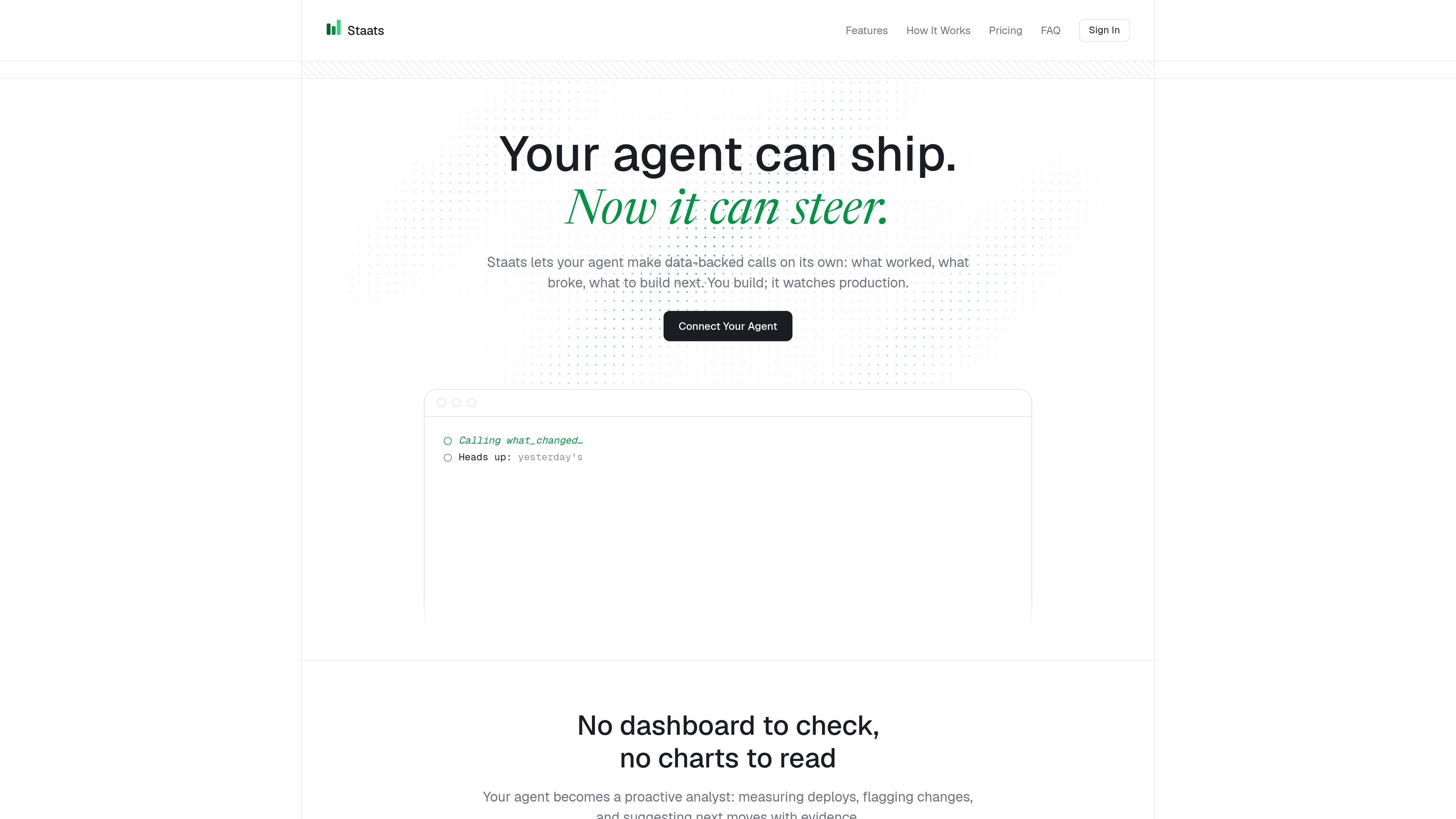
Staats is dashboard-less site analytics built for coding agents. Instead of sending you to charts, it lets an MCP-enabled agent measure deploys, notice traffic changes, and answer questions about site performance inside the chat where you are already working.
The product is aimed at developers who want their agent to keep watch over production sites. Setup is described as a one-command connection plus a small script tag, after which the agent can tag deploys, instrument events, surface anomalies, and summarize traffic with evidence.
The product tags each deploy and compares before-and-after metrics so you can see whether a change moved the needle.
It surfaces traffic surges, viral social spikes, and referrer anomalies with context so an agent can point out what changed.
You can ask about visitors, top referrers, and conversions directly in Claude or Cursor instead of switching to a separate analytics tab.
A data-track attribute can be added to buttons or links, and the docs also mention window.track() for custom triggers.
The site journey view maps visitors from landing page to checkout and highlights where funnels leak.
The tracker script is about 1.5 KB, uses no cookies, and is designed to run alongside other analytics tools.
Use Staats after a deploy to confirm whether visitor volume, signups, or other measured activity changed, and let the agent compare before-and-after performance.
Ask the agent where a traffic spike came from when a post, referral source, or unexpected link sends a sudden burst of visitors.
Instrument buttons, links, or other actions while building a feature so tracking is added as part of the implementation work rather than as a separate analytics task.
Follow a funnel from landing page to checkout to find the step where visitors drop off and decide what to improve next.
Keep several side projects or apps under one account key and compare them from the same agent workflow.
You connect Staats through its MCP setup, then install the tracker script on each site. After that, you can ask questions in your coding agent’s chat and receive traffic summaries, changes, and suggested next steps there.
The getting started guide says Staats works with Claude Code, Cursor, Windsurf, Codex, and raw MCP URLs. The home page also mentions VS Code clients such as Roo Code, Cline, and Copilot.
The tracker script is about 1.5 KB, sets no cookies, stores zero PII, and does not require a GDPR cookie banner. The home page also says it does not log IP addresses.
Yes. The home page says the script can live alongside Google Analytics, PostHog, or Plausible, so you can start with one project without replacing your current setup.
The docs say every site has a full CSV export in the dashboard, and deleting a site or account removes data immediately and permanently.

PromptScout tracks how ChatGPT, Gemini, Google AI Overviews, and Perplexity mention your brand or competitors, with source analysis and website audits.

Sleek Analytics is a privacy-friendly web analytics tool with real-time visitor tracking, Core Web Vitals, and revenue attribution.

ByteAsk is a terminal-first AI coding agent for C and C++ that edits repos and verifies changes with compilers, debuggers, sanitizers, and tests.

MeetStream is a meeting bot API for Zoom, Google Meet, Microsoft Teams, and Webex. Record, stream, and analyze meetings with usage-based pricing and $5 free credit.

SaveMRR is a Stripe retention tool for SaaS teams to scan churn and MRR leaks, then automate recovery with dunning, cancel-save offers, win-back emails, and onboarding nudges.

CreateOS Sandbox is an isolated compute environment for running code and agent workloads in Firecracker micro-VMs with private networking and SDK, CLI, or MCP control.