
Unified search and analytics
Run full-text, fuzzy, geospatial, vector, and hybrid search against analytical data through one database engine.

SereneDB is a search-OLAP database combining full-text, vector, hybrid, and geospatial search with analytical SQL over shared data for PostgreSQL-compatible workflows.
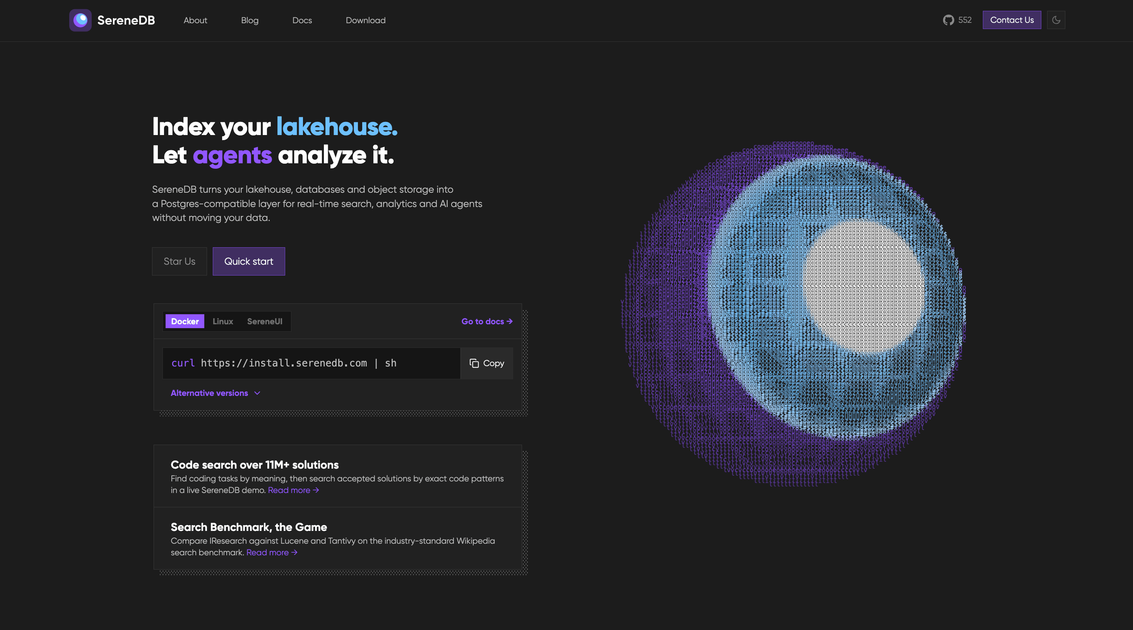
SereneDB is a search-OLAP database for running search and analytical workloads over the same data. It combines full-text, fuzzy, geospatial, vector, and hybrid search with columnar storage and SQL execution, giving teams one engine for workflows that might otherwise use separate search, vector, and analytics systems.
The product uses the PostgreSQL wire protocol and ships as a single binary, so it can be started with the Linux installer or Docker and accessed with psql or other PostgreSQL-compatible clients. Its documented workflows also read remote Parquet, CSV, and JSON data, generate embeddings from SQL, and apply search predicates, semantic ranking, and aggregations in one query.
Run full-text, fuzzy, geospatial, vector, and hybrid search against analytical data through one database engine.
Use SQL for joins, unions, aggregations, and large analytical queries with vectorized execution powered by Velox.
Combine search indexes, columnar storage, remote tables, and RocksDB-backed durable updates in a hybrid storage design.
Create inverted indexes that combine text analysis with IVF vector indexing, then use operators and ranking methods such as @@, BM25, and vector distance.
Generate embeddings from SQL with ai_embed and configure an OpenAI-compatible provider, including a local Ollama endpoint, without a separate vector service.
Read Parquet, CSV, and JSON directly from object storage, HTTP, or the Hugging Face Hub, and index external files on S3 or disk for zero-ETL search workflows.
Build applications that need keyword matching, semantic ranking, and structured filtering or aggregation without synchronizing a search cluster, vector store, and warehouse.
Load a catalog, document collection, or other remote dataset, generate embeddings in SQL, and support lexical and semantic retrieval against the same table.
Query Parquet, CSV, or JSON in object storage or on external files, then apply search indexes and analytical queries without a conventional batch import step.
Run dashboards or investigative SQL queries on records selected by a text or vector search predicate, such as grouping matching documents by category or calculating averages.
Prototype a search-analytics service locally or in a container using the single-binary distribution and familiar PostgreSQL clients.
SereneDB is distributed as a single binary. The quick-start documentation provides a Linux installer command, a Docker image example, and links to direct downloads and GitHub releases. A sample Docker run publishes port 7890.
Yes. SereneDB speaks the PostgreSQL wire protocol and supports SQL, so users can connect with psql or other PostgreSQL-compatible clients. The quick-start example connects to localhost on port 7890, with no credentials required by default in that example.
SereneDB can read Parquet, CSV, and JSON from object storage, HTTP, and the Hugging Face Hub. The documentation also describes indexing external files in place on S3 or disk, supporting search without a separate import workflow for those data sources.
The documented workflow keeps full-text search, vector search, semantic ranking, and SQL analytics on the same data. Embeddings can be generated with ai_embed from SQL using an OpenAI-compatible endpoint, including a local Ollama server, after which an inverted index can support lexical and vector queries.

Mindcase is a web data API and console for extracting structured data from websites and major platforms, with prompt or API access and prepaid per-record billing.

ByteAsk is a terminal-first AI coding agent for C and C++ that edits repos and verifies changes with compilers, debuggers, sanitizers, and tests.

CreateOS Sandbox is an isolated compute environment for running code and agent workloads in Firecracker micro-VMs with private networking and SDK, CLI, or MCP control.

GitBot is a local browser workspace for reusable coding bots powered by Claude Code, Codex, or OpenCode, with persistent threads and configurable permissions.

hob is an independent workspace for coding agents, with local control over sessions, terminals, history, routing, and follow-up work.

Ably Chat is a chat API platform for custom realtime chat apps, with rooms, typing indicators, presence, reactions, message updates and usage-based pricing.