

Sloyd
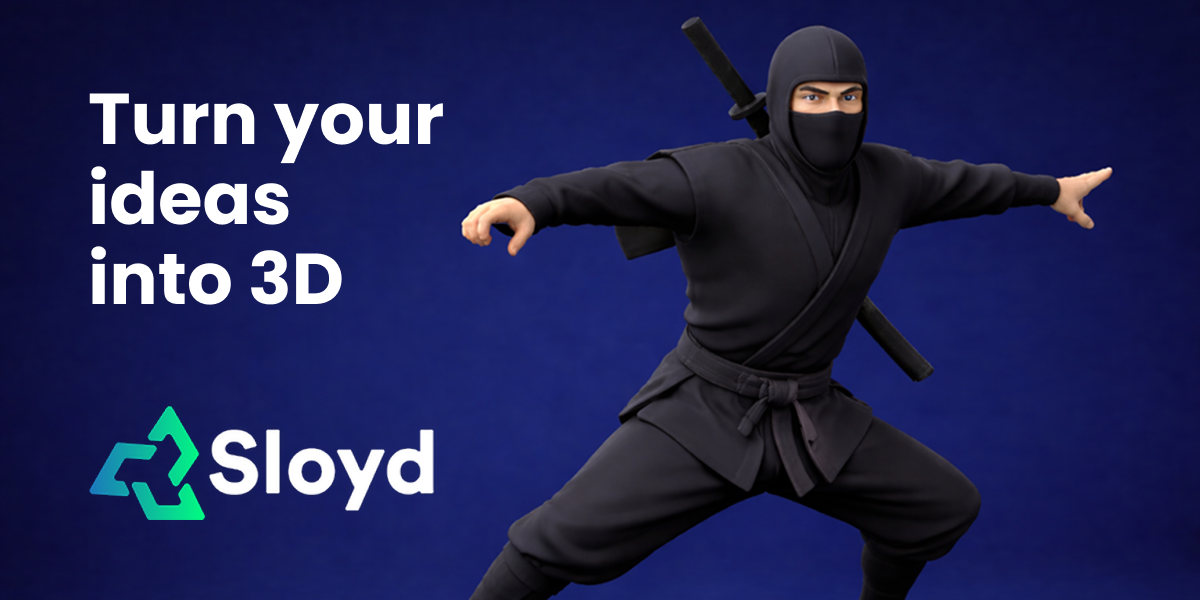
Sloyd is an AI 3D model generator that creates 3D models from text prompts or images online, with templates, rigging, and animation.
What is Sloyd?
Sloyd is an AI 3D model generator that creates 3D models from text prompts or from images. The product is positioned for workflows that need quick, repeatable 3D asset creation without installing separate modeling tools, and it includes an editor for template-based creation.
Sloyd’s core purpose is to help users generate 3D models online by choosing a creation method (text or image) and using its template system and template editor to guide how outputs are produced.
Key Features
- Text-to-3D model generation: Create 3D models using text prompts, enabling asset ideation without starting from existing geometry.
- Image-to-3D model generation: Generate 3D models from images, supporting workflows where reference images already exist.
- Unlimited generations (as stated in meta description): Generate models without a stated cap on the number of creations.
- Template Editor for controlled outputs: Use a template editor to shape how text-to-3D creation works, indicating there is a configurable template-driven process.
- Online 3D creation (no installation claim): The FAQ indicates you can do 3D modeling online without installing software.
- 3D template system: “How do 3D templates work?” suggests Sloyd relies on templates to standardize or parameterize generation.
- Rigging and animation support (as stated in meta description): The tool is described as supporting rigging and animation alongside model generation.
How to Use Sloyd
- Choose a creation method: Decide whether you want to generate a 3D model from a text prompt or from an image.
- Use the template system: Start with 3D templates and, if needed, open the Template Editor to define how your prompt translates into a 3D result.
- Generate models: Run the generation workflow to produce your 3D model(s). If you need iterations, regenerate as many times as you like (Sloyd’s meta description mentions unlimited generations).
- Use outputs for your next step: If you’re building game-ready or animated assets, use the rigging/animation capabilities that Sloyd describes.
Use Cases
- Rapid character or asset concepting for game development: Generate base 3D models from text prompts during early prototyping, then iterate quickly using the generation workflow.
- Reference-driven modeling for designers: Create 3D models from images when you already have visual references but want to move into 3D quickly.
- Template-driven production for consistent results: Use templates (and the Template Editor) when you need repeated generation following a consistent structure or mapping from input to output.
- Animation-ready asset creation: Produce models intended to be rigged and animated, aligning model generation with downstream animation needs.
- Online 3D workflows without local software: When you need to create 3D models but prefer not to install dedicated modeling tools, use the online generation approach indicated by the FAQ.
FAQ
-
Is there a limit to how many models I can create? The page meta description states “Unlimited Generations.” The FAQ asks about limits, but the provided content only explicitly confirms unlimited generations in the meta description.
-
Can I generate 3D models using text prompts? Yes. The page meta description states “Text & Image to 3D model,” and the FAQ includes a question about generating 3D models using text prompts.
-
Can I do 3D modeling online without installing software? The FAQ includes this question, indicating the product is designed for online 3D modeling without installing software.
-
Can I also create 3D models from images? Yes. The FAQ includes a question about creating 3D models from images, and the meta description states image-to-3D support.
-
How do 3D templates work (and how does the Template Editor affect text-to-3D creation)? The FAQ lists questions about how templates work and how text-to-3D creation works in the Template Editor, but the provided content does not include further details beyond those references.
Alternatives
- Dedicated text-to-3D tools: Use separate text prompt-to-3D generation applications that focus on producing geometry from descriptions, typically requiring a different workflow than template-based editing.
- Image-to-3D generation tools: Tools specialized for converting images into 3D structures, which may center on reference processing rather than prompt-driven template workflows.
- Traditional 3D modeling software with import/export pipelines: Create or refine models using standard modeling tools, where you manually control geometry but may not have the same AI-driven generation flow.
- Online/no-install 3D asset generators: Other browser-based generators for 3D assets that prioritize quick creation over detailed manual modeling, differing by whether they emphasize text, image, and template/editor control.
Alternatives
GameGrad
GameGrad turns PDF class notes into arcade study games, with quiz questions from your notes when you lose to keep you learning.

Terraforge: Alchemy Craft Game
Tier-based puzzle game: drag and mix elements to discover new creations, saved in an in-app grimoire. Optional Master Forger hints; offline + iCloud sync.

DailyPlay.ai
Turn passive visitors into loyal customers with DailyPlay.ai—create personalized, data-driven mini games built for your brand’s engagement goals.

DeepMotion
DeepMotion is an AI motion capture and body-tracking platform to generate 3D animations from video (and text) in your web browser, via Animate 3D API.

MOG BATTLE | Who Mogs Who?
MOG BATTLE | Who Mogs Who? is a head-to-head attraction ranking app with an ELO-style rating, real votes, and a global leaderboard.

Skybox AI
Generate professional 360° skyboxes and environments with AI—fast output and HDRI exports for immersive, virtual production, and game workflows.