
AI auto-zoom on clicks
Automatically detects clicks and applies cinematic, spring-animated zoom in real time, reducing the need for post-production.

SnapZoom is a Chrome screen recorder for product demos and tutorials with auto zoom on clicks, local recording, and quick exports. Includes webcam overlays and studio backgrounds.
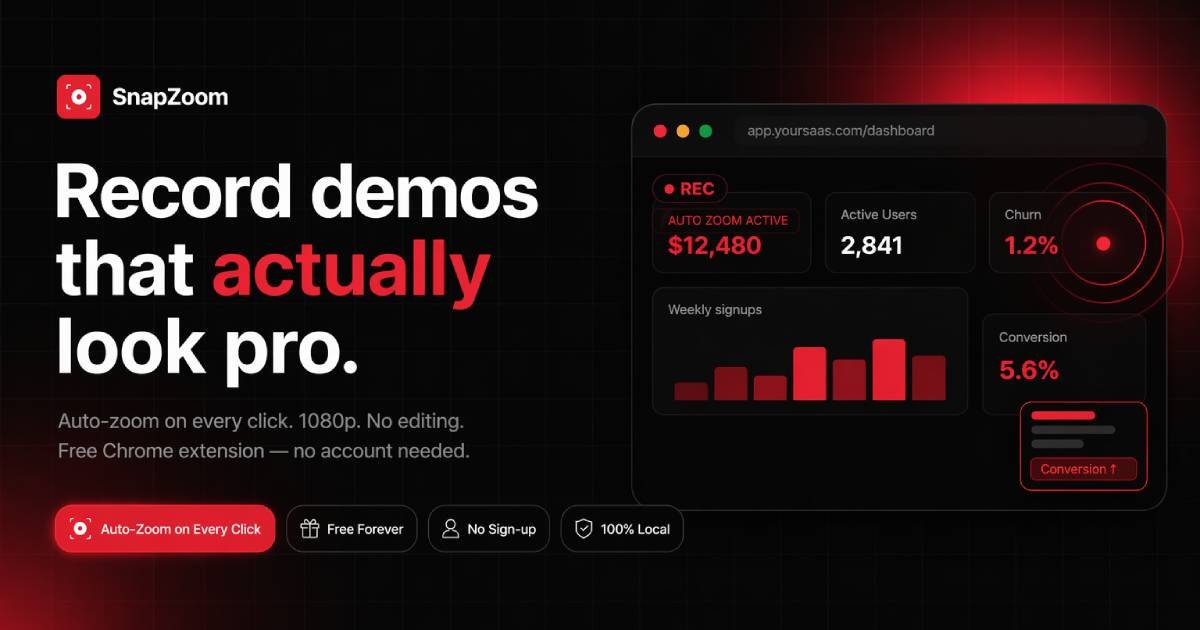
SnapZoom is a Chrome screen recorder focused on creating product demos and tutorials with automatic zoom effects. It records a tab, detects clicks in real time, and applies cinematic zoom transitions so the final video needs little or no manual editing.
The site positions it as a free, local-first tool for creators on Windows and Linux who want faster demo production, no watermark, and simple export. It also highlights webcam overlays, studio backgrounds, and support for 1080p and 4K output.
Automatically detects clicks and applies cinematic, spring-animated zoom in real time, reducing the need for post-production.
Exports videos through a fast rendering path the site describes as 12x faster and capable of 4K output in seconds.
Lets creators add a circular webcam overlay with configurable placement and studio-style presentation.
Includes 37+ studio background options for framing demos and screen recordings with a more polished look.
Provides trim and crop controls, zoom-intensity settings, and a toggle to disable auto-zoom when needed.
Records locally in the browser and states that nothing is uploaded, with no account required on the site.
Record feature walkthroughs with automatic zoom so UI changes and click targets stay visible without manual edits.
Capture step-by-step training videos that follow each action clearly and export quickly after recording.
Show bugs or edge cases to engineers with focused zooming on the relevant part of the interface.
Send personalized video updates to customers or clients with webcam overlays and a polished background.
Create onboarding videos that explain workflows in a visual, repeatable format for new users.
SnapZoom records Chrome tab demos and applies automatic zooming on clicks in real time, so you can create polished screen recordings without manual keyframing or editing.
The site presents SnapZoom as a Chrome screen recorder that works on Windows and Linux.
The product page says SnapZoom exports videos instantly with no watermark and supports 1080p and 4K exports.
The site says recordings stay local and nothing is uploaded, which it presents as a privacy benefit for sensitive demos.
The pricing section on the site lists a lifetime access offer and also mentions a current free option on the page header, but the pricing page itself returns a 404, so the exact plan details are unclear from the available sources.

DualStream is a streaming studio for desktop and mobile live scenes from one project, with free Test Drive and Premium multistreaming, collaboration, and watermark-free clips.

Tavus is an AI video platform for real-time face-to-face agents, digital twins, and AI companions, with APIs and multilingual workflows for developers.

HiringPartner.ai is an autonomous AI recruiting platform for sourcing, screening, and interviewing candidates 24/7 with ATS-connected workflows and bulk resume uploads.

QuickQuill is a local-first macOS dictation and transcription app to record meetings, summarize audio, and export notes without the cloud.

Bezel is a macOS app for mirroring and recording Apple devices on a Mac. Supports wireless AirPlay and USB mirroring for demos, walkthroughs, and screen recordings.

Capso is a native macOS screenshot and screen recording app for capturing, annotating, recording, and extracting text from screen content. Free forever, open source, and an alternative to CleanShot X.