
AI SEO assistant
Connect Google Search Console and ask questions in plain English about traffic drops, CTR changes, rankings, and next actions. Answers are based on your actual GSC data rather than generic SEO advice.

sneo.ai is an SEO analysis platform that connects to Google Search Console and turns site data into plain-English answers, prioritized actions, and reporting. It is aimed at SEO professionals and agencies that need faster diagnosis, audits, and multi-site workflows.
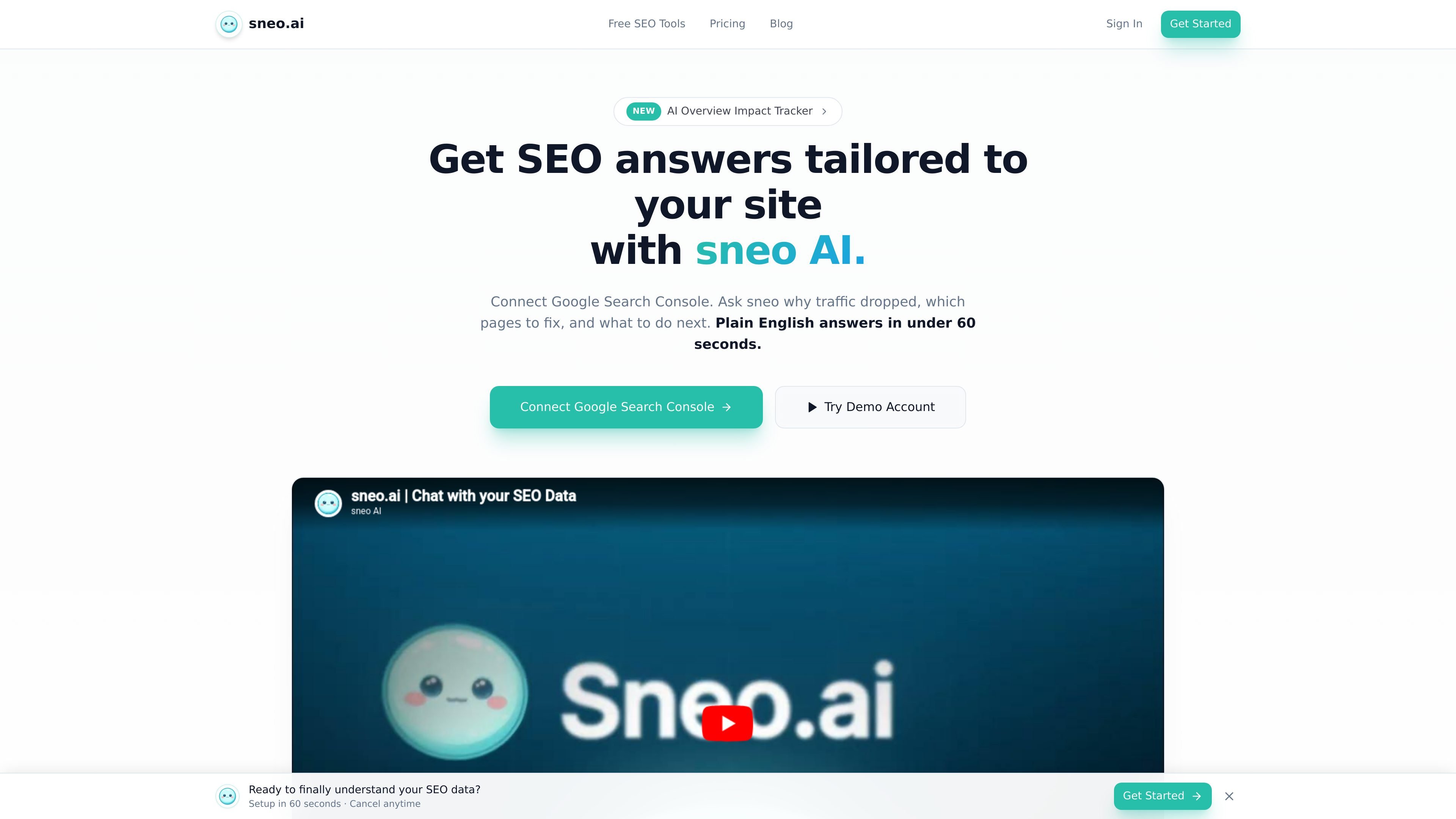
sneo.ai is an SEO analysis platform that connects to Google Search Console and turns that data into plain-English answers, prioritized actions, and site-specific recommendations. The product is positioned as an intelligence layer on top of GSC rather than a replacement for it.
It is built for professionals and agencies that want to investigate traffic changes, identify quick wins, audit page-level issues, and track progress across multiple sites without exporting data into spreadsheets. The pricing page shows Pro, Agency, and Custom / Enterprise options, while the homepage emphasizes read-only access, fast setup, and GDPR-compliant handling of GSC data.
Connect Google Search Console and ask questions in plain English about traffic drops, CTR changes, rankings, and next actions. Answers are based on your actual GSC data rather than generic SEO advice.
See clicks, impressions, CTR, position, device, country, and query breakdowns in a dashboard with real-time sync and up to 16 months of history from GSC.
Find low-CTR opportunities, near-page-1 keywords, keyword cannibalization, query intent clusters, volatility, and forecasted traffic so teams can prioritize work by click impact.
Audit pages for thin content, missing meta descriptions, heading issues, and schema gaps across connected sites, with shared quotas depending on plan.
Submit URLs through Google’s Indexing API, track submission history and indexing status, and monitor unindexed pages for faster discovery.
Generate SEO reports, export CSV files, and on the Agency plan create white-label PDF reports and branded client output.
Use the assistant to find out why a page or query lost clicks, which queries caused the change, and what fix is most likely to recover performance.
Review queries and pages with high impressions but weak CTR, then use the generated recommendations to improve titles and meta descriptions.
Inspect pages near position 11–20, thin content, missing meta tags, and schema gaps to identify the quickest page-level improvements.
Manage multiple client properties from one workspace, share AI questions across sites, and produce branded reports for clients on the Agency plan.
Submit updated URLs, track indexing status, and monitor whether new or revised content is getting discovered faster.
sneo connects to Google Search Console with a read-only Google OAuth flow, then lets you ask questions about your SEO data in plain English. It is designed to surface explanations, benchmarks, and next-step recommendations from the data already in GSC.
The pricing page shows a Pro plan for individual professionals, an Agency plan for teams managing client sites, and a Custom / Enterprise option for larger needs. The Agency plan includes white-label reports and team collaboration.
The site says you can cancel anytime, and the pricing page repeats that there is no long-term contract. Annual billing is mentioned with a 15% savings, but the source does not give additional refund-policy detail.
The site says sneo uses read-only Google Search Console access and keeps your data in your control. It also states that the product is GDPR compliant.
The free tools page says the browser-based utilities run instantly with no account required and no data leaving your browser. Those tools are separate from the main GSC-connected product.

PromptScout tracks how ChatGPT, Gemini, Google AI Overviews, and Perplexity mention your brand or competitors, then pairs those results with source analysis and website audits. It helps teams decide what to fix in content, positioning, or site readiness next.

ClayHog is an AI search visibility platform for tracking brand presence in ChatGPT, Gemini, Perplexity, Claude, and Google AI Overviews from one dashboard.

beehiiv is a newsletter platform for creators, publishers, and brands that want to build, grow, and monetize email newsletters and websites from one place. It offers a free Launch plan, plus paid tiers for more advanced growth, monetization, and support features.

Skayle is a content and AI search visibility platform that researches topics before writing, publishes structured content to a CMS, and tracks whether brands are cited in AI search. It is aimed at teams that want one system for publishing, schema-rich content, and visibility monitoring.

SaveMRR is a Stripe retention tool for SaaS teams that scans billing data for churn and MRR leaks, then automates recovery through dunning, cancel-save offers, win-back emails, and onboarding nudges. It is built for founders and bootstrapped teams using Stripe.

Hype is a web tool for finding trending YouTube topics by category, time range, and scoring mode. Spot emerging ideas and review source videos.