
Social preview checking
Check how a website link preview appears before sharing it, so you can spot missing or incorrect preview metadata.

Social Share Preview is a service for checking how a webpage will appear as a social link preview on Facebook, Twitter/X, LinkedIn, and Pinterest. It also offers free browser extensions for Firefox and Chrome.
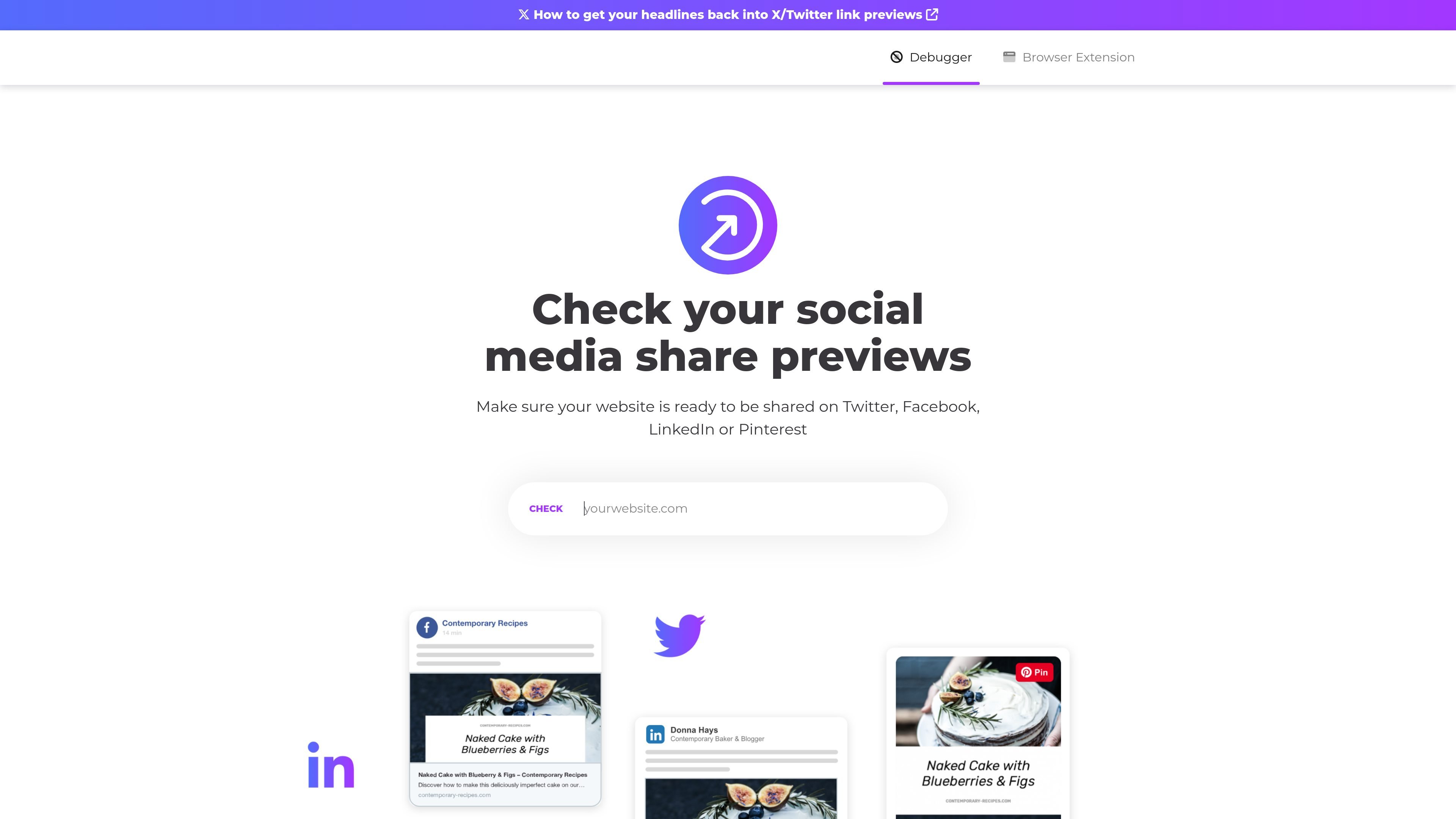
Social Share Preview is a web service for checking how a page will look when shared on social platforms. The homepage says it helps users preview link cards for Facebook, Twitter/X, LinkedIn, and Pinterest, and points to both a debugger and free browser extensions.
The browser extensions page shows the product’s workflow more clearly: you can inspect previews directly through the service or use browser plugins to check the social share preview of pages you browse. The site also frames it as part of Placid.app, a creative automation toolkit, and links to related share-image tools for WordPress, Webflow, Ghost, and a free Open Graph image generator.
Check how a website link preview appears before sharing it, so you can spot missing or incorrect preview metadata.
Inspect previews for the platforms named on the site: Facebook, Twitter/X, LinkedIn, and Pinterest.
Use the debugger mentioned on the homepage to review link preview behavior for a URL.
Install the free browser extensions to check share previews while you browse pages on the web.
Access the extensions in Firefox and Chrome according to the browser extensions page.
Check whether a blog post, landing page, or product page has the right title, image, and overall appearance before posting it on social media.
Use the browser extensions while browsing your site or editing content to spot preview issues without leaving the page you are on.
Verify how a URL appears on different social networks when you need to compare presentation across Facebook, Twitter/X, LinkedIn, and Pinterest.
Confirm that shared links still look correct after content updates, metadata changes, or image swaps.
It lets you check how a page will appear as a social link preview on platforms such as Facebook, Twitter/X, LinkedIn, and Pinterest.
The source mentions a debugger and free browser extensions, so users can either inspect previews through the service or install a browser plugin for quicker checks while browsing.
The browser extensions page lists Firefox and Chrome as available browsers for the free plugins.
The site presents the service as part of Placid.app and links to other share-image tools, but it does not provide pricing details on the pages reviewed.

DailyPlay.ai is a behavioral growth platform using AI site scans and micro-games to boost engagement and conversions across web, mobile, and more.

Knock is customer engagement infrastructure for product, marketing, and transactional messaging teams—activate your data and ship cross-channel workflows with developer tooling.

Frames helps you create launch posters and social media marketing graphics fast with premium device frames and templates for Instagram, Twitter, and Product Hunt. Free to start.

SocialEcho is an all-in-one social media AI workspace for publishing, engagement, listening, analytics, and automation across major networks. It is built for creators, brand teams, agencies, and businesses that want to manage multiple accounts from one system.

PostGod is a LinkedIn ghostwriting tool that helps professionals draft posts in their own voice. The site says you can generate free posts, then continue with a paid subscription for ongoing post creation.

Playlist Push is a music promotion platform for Spotify and TikTok campaigns. It helps artists, managers, and labels submit tracks to vetted curators and creators for organic promotion, feedback, and placements.