
Keyboard dictation
Hold Fn to speak, release it to insert the recognized text at the cursor in any app, or press Esc to cancel. The app supports more than 60 languages and can switch languages mid-sentence.

Szept is a macOS app for keyboard dictation, AI text cleanup, screenshots, and screen recording—designed for AI agent workflows and other Mac apps.
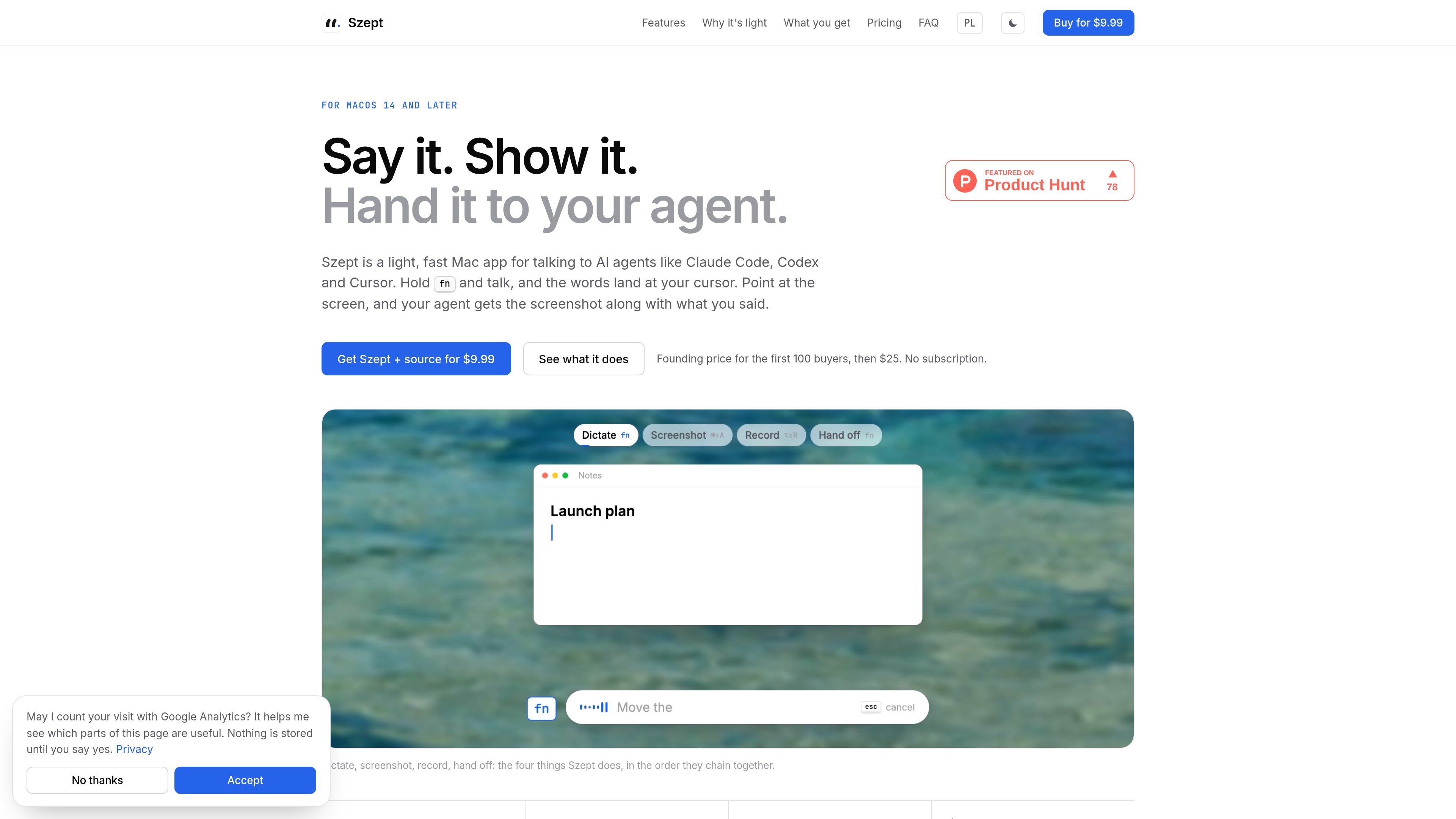
Szept is a lightweight macOS application for dictation, screen capture, recording, and sending that material to AI-assisted workflows. Its central interaction is keyboard-driven: hold Fn to speak, capture a screen with a shortcut, then add instructions and paste the text or media into the app currently in use, including examples such as Claude Code, Cursor, and chat applications.
The app is designed for macOS 14 and later and combines speech recognition through the user's Soniox account with optional AI cleanup. It keeps screenshots and recordings on the Mac, provides searchable history for dictations and media, and includes source code with a direct purchase so users can adapt the project or have an AI coding agent work with it. A direct purchase is listed at $9.99 for the first 100 buyers, with the site stating that the price then becomes $25 and that there is no subscription.
The privacy policy says Szept has no account, sign-in, analytics, crash reporting, or telemetry in the app. Audio is sent to Soniox while the dictation key is held; optional cleanup or translation sends selected text to the provider configured by the user.
Hold Fn to speak, release it to insert the recognized text at the cursor in any app, or press Esc to cancel. The app supports more than 60 languages and can switch languages mid-sentence.
Optional cleanup removes ums, repeats, and false starts, adjusts punctuation, and formats text according to the destination, such as email, chat, or code. It can also use a saved email sign-off.
Use Command-Shift-A to capture a window or selected region, then annotate, blur, pin on top, extract text, read a QR code, translate, or make a scrollshot.
Use Option-Shift-R to record a region or the whole screen with system audio and microphone input. Camera bubble, click effects, trimming, and MP4 or GIF export are supported.
Dictations, screenshots, and recordings are organized in searchable history and a media timeline. Search works across languages, and entries can be copied and pasted again.
The app stores dictionary terms and language hints locally, keeps API keys in the macOS Keychain, and uses macOS permissions for microphone, Accessibility, screen capture, and optional camera access.
Speak a description of a bug or layout issue, capture the relevant screen region, and hand both the instruction and file path to an agent such as Claude Code or Cursor.
Dictate messages into email, chat, or other apps and use destination-aware cleanup to remove false starts and apply the appropriate formatting before pasting.
Capture a product walkthrough or troubleshooting sequence with system audio, microphone input, optional camera bubble, and click effects, then save it as MP4 or GIF.
Capture information from an existing screen by extracting text, reading a QR code, translating selected content, or making a scrollshot for later reference.
Reuse earlier dictated text or locate past captures through multilingual search in the local history and media timeline.
Szept is a Mac app for macOS 14 and later. The site describes a signed, notarized DMG for direct purchasers; a Mac App Store version is also referenced in the privacy policy as Voice Dictate.
Hold Fn and speak. When you release the key, Szept inserts the recognized text at the cursor in the current app. You can press Esc to discard the dictation.
Press Command-Shift-A, then select a window or drag a region. Szept can annotate, blur, pin, copy text from, translate, or read a QR code from the capture. Screen recordings can be started with Option-Shift-R and saved as MP4 or GIF.
Speech is streamed to Soniox using the Soniox account and API key configured by the user. Optional AI cleanup sends the finished transcript and destination context to the selected AI provider; it is off until an API key is stored. Screenshots and recordings are processed on the Mac and only go where the user sends them.
A direct purchase includes the app, a private GitHub repository containing the Swift project and related materials, and one year of updates. The site states that the source license allows covered users to use, modify, build, and keep changes private, with personal and team terms defined in the license.

Tavus is an AI video platform for real-time face-to-face agents, digital twins, and AI companions, with APIs and multilingual workflows for developers.

CAKIE is a Mac app for recording your screen and voice for an AI agent, with transcripts, screenshot highlights, and easy prompt copying.

SpeakoFlow is a free, open-source desktop voice-to-text app for Windows, macOS, and Linux. Dictate into any app, use Flow, cleanup, translation, and a screen-aware assistant.

Sanota turns spoken memories and interviews into clear written stories for personal storytelling, family history and shared memories, with guided prompts and subscriptions.

Carbon Voice is an async voice messaging app for teams and individuals, with transcripts, AI catch-up, and cross-device access.

QuickQuill is a local-first macOS dictation and transcription app to record meetings, summarize audio, and export notes without the cloud.