
PDF workspace editing
Open multiple PDFs in one workspace, then reorder, rotate, merge, and export them without uploading files.

TabTasker is a privacy-first browser tool suite for PDFs, images, audio, text, and developer tasks. Runs locally with no upload or sign-up.
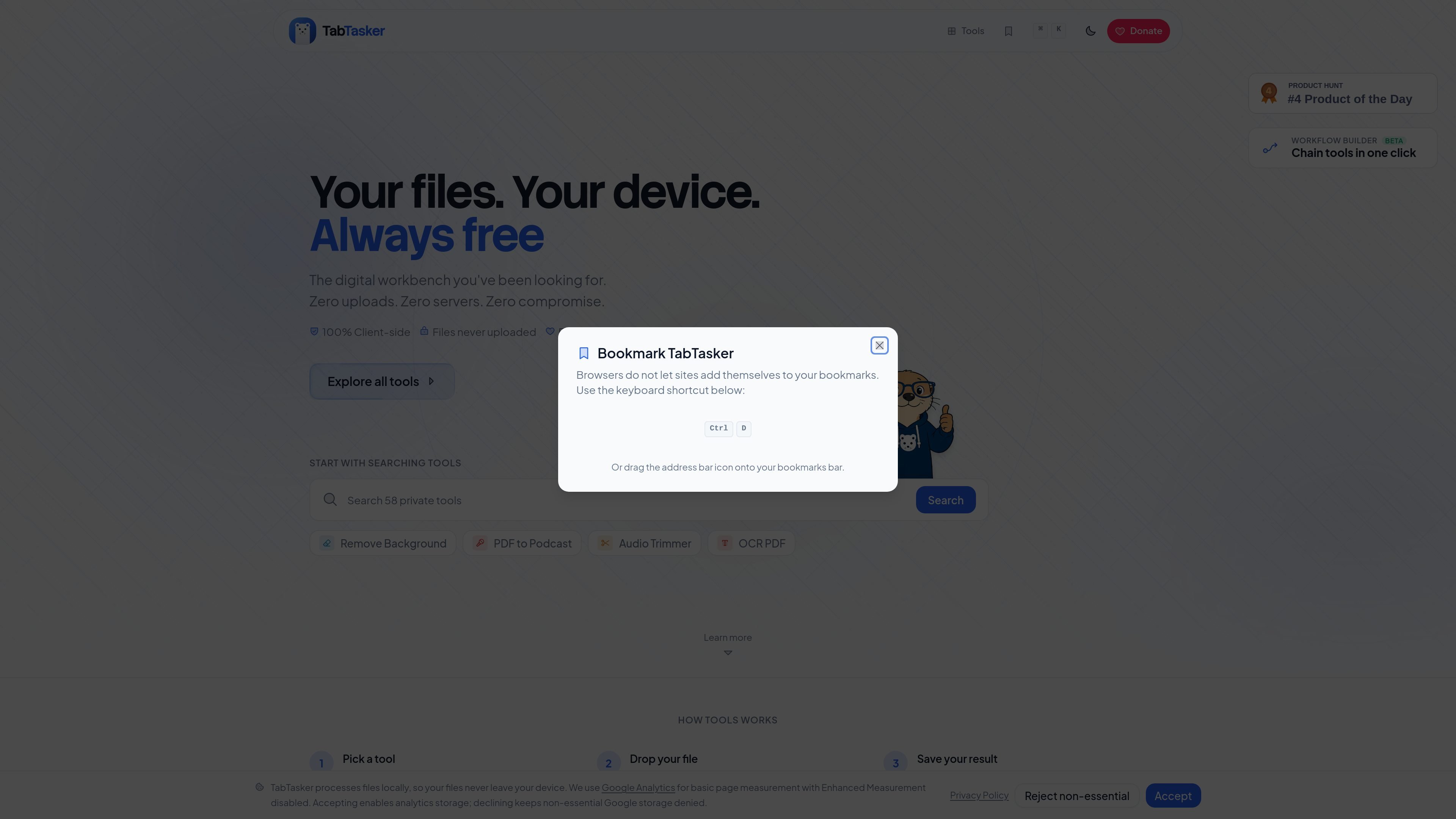
TabTasker is a browser-based collection of privacy-first tools for working with PDFs, images, audio, text, and developer data. The site says the tools run locally in your browser, so files stay on your device rather than being uploaded.
The product is organized around focused utilities such as PDF editing, image conversion, speech transcription, and developer helpers, plus workflow features that let you chain several tools into a single batch process. It is positioned as free, with no sign-up required, and the PDF editor page says it continues working offline after the page has loaded.
Open multiple PDFs in one workspace, then reorder, rotate, merge, and export them without uploading files.
Draw, add text, highlight, stamp, redact, protect, unlock, OCR, and compare PDFs in the browser.
Convert, compress, resize, upscale, remove backgrounds, inspect metadata, and extract text from images locally.
Transcribe speech, generate audio, trim clips, reduce noise, and change pitch or speed without leaving the browser.
Run browser-based utilities for JSON, JWT, URL encoding, hashes, UUIDs, regex, diffing, timestamps, QR codes, cron, passwords, and more.
Chain multiple TabTasker actions into a one-click batch flow for repeatable tasks.
Edit, merge, rotate, compress, or OCR sensitive PDFs without uploading them to a cloud service.
Convert, resize, compress, upscale, or remove backgrounds from images entirely in the browser.
Transcribe recordings, trim clips, reduce noise, and adjust pitch or speed for podcast or note-taking workflows.
Run local tools for JSON, hashes, regex, timestamps, QR codes, passwords, and TypeScript work without installing desktop software.
Combine several steps into a workflow, such as OCR plus compression or background removal plus upscale, to finish a repetitive process faster.
Yes. The site states that TabTasker tools are free forever, and the PDF Workspace page says there is no paywall, trial, or usage cap.
Yes. The tools described on the site run in the browser and the source pages state that files stay on your device and do not leave it for the browser-based tools.
No. The source pages say there is no account required, and PDF Workspace also says there is no install or extension needed.
Yes for the core browser tools. The PDF Workspace page says it keeps working offline once the page has loaded, and the site describes the tools as running locally in your browser.
The file-share feature is separate from the local file tools: it sends files browser to browser over WebRTC, while a small signaling server only helps the devices find each other at the start.

ByteAsk is a terminal-first AI coding agent for C and C++ that edits repos and verifies changes with compilers, debuggers, sanitizers, and tests.

CreateOS Sandbox is an isolated compute environment for running code and agent workloads in Firecracker micro-VMs with private networking and SDK, CLI, or MCP control.

ArtDeck is a visual reference board app for iPhone, iPad, and Mac. Collect mixed references on one canvas and study them with ToolBox lenses. Offline, optional iCloud sync, one-time purchase.

Codex Plugins bundle reusable skills, app integrations, and MCP servers into workflows you can install in the Codex app or use from Codex CLI.

hob is an independent workspace for coding agents, with local control over sessions, terminals, history, routing, and follow-up work.

Ably Chat is a chat API platform for custom realtime chat apps, with rooms, typing indicators, presence, reactions, message updates and usage-based pricing.