
Four-step analysis pipeline
Processes a URL through four agent roles so the same page is examined from measurement, pattern, taste, and editorial review perspectives.

Taste is a Claude Code skill that reads a website’s design taste from a URL and turns it into design tokens plus reasoning for AI agents and developer tools.
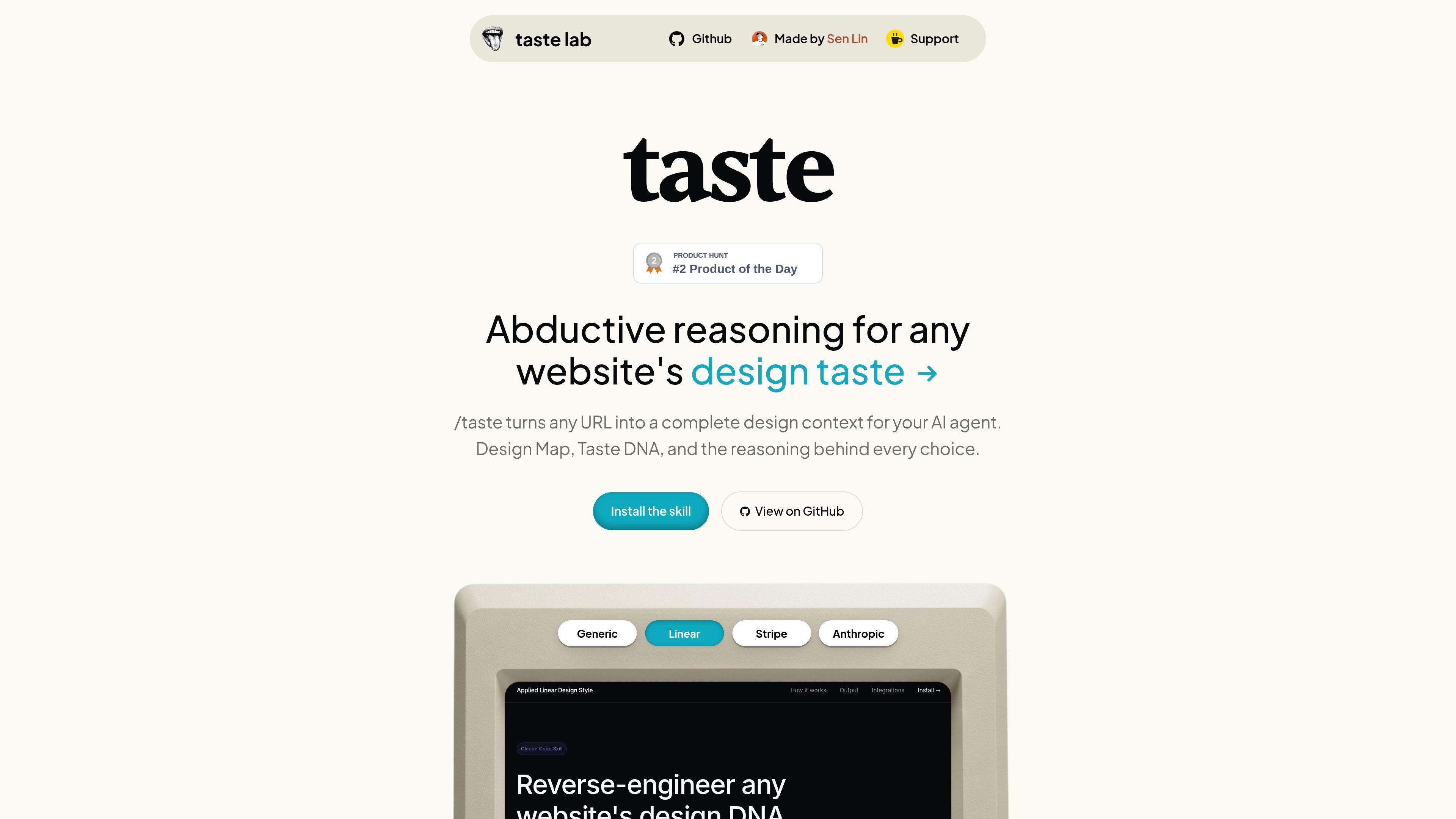
Taste is a Claude Code skill for reading the design taste of a website from a URL. It turns a page into design context that an AI agent can use, combining extracted tokens with the reasoning behind the visual decisions.
According to the homepage, each run analyzes a site in four passes: measurements, patterns, taste inference, and an observer review. The result is a compact brief with a complete token set and a set of taste principles explaining what the design chooses and what it gives up.
Processes a URL through four agent roles so the same page is examined from measurement, pattern, taste, and editorial review perspectives.
Collects exact design values from the page, including colors, spacing, radii, shadows, typography, and other measurements cited in pixels, hex values, and ratios.
Derives 4 taste principles that explain the design logic behind choices, including the trigger, decision, reason, evidence, and trade-off.
Runs an anti-slop quality gate that validates JSON before writing the final files.
Writes two output files for each run: a `.md` brief and a `.json` file named for the analyzed domain.
Use Taste when you want to inspect an existing site and extract the design tokens and reasoning that appear to shape its visual system.
Use it when you need structured design context that an AI coding agent can turn into implementation decisions or rule files.
Use it to produce a brief and machine-readable JSON file for a specific domain, then reuse that output in later runs or tools.
Use it when comparing multiple websites and you want consistent measurement categories and principle-based analysis rather than subjective notes.
It appears to be a Claude Code skill that can also be used with Gemini CLI. The homepage also lists output paths for Cursor, Windsurf, GitHub Copilot, Bolt, Antigravity, v0 by Vercel, Figma, and Lovable, but the site only explicitly shows setup examples for Claude Code and Gemini CLI.
The homepage describes a four-step workflow: extract measurements from a webpage, detect patterns, infer taste, and run an observer pass that filters the result. The end product is a `.md` file and a `.json` file for the domain that was analyzed.
The homepage shows a three-step setup for Claude Code or Gemini CLI: clone the skill into the relevant skills directory, install Playwright MCP, then restart the CLI and run `/taste` on a URL.
The site says the skill can read any website's design taste and produce design context from a URL. It is aimed at AI agents and developers who want structured design tokens and reasoning from an existing site.
The pricing page at `/pricing` currently returns a 404, so the site does not provide a published pricing model in the collected evidence.

Ghost is a terminal-based AI assistant for chatting, code generation, and CLI tasks. Includes free models, supports Linux, macOS, Windows, and is open source.

imgcook is a design-to-code tool that converts design drafts into front-end code. It supports plugin-based and developer workflows for Sketch, Photoshop, VS Code, and CLI usage.

Ably Chat is a chat API platform for building custom realtime chat applications. It supports room-based messaging, typing indicators, presence, reactions, and message updates, with usage-based pricing options for different deployment stages.

AakarDev AI helps teams manage AI provider access, project-level setups, logs, and analytics from one dashboard. It supports BYOK workflows and lists providers including OpenAI, Google Gemini, Anthropic, Groq, Mistral AI, and Perplexity AI.

DeepMotion is a web-based AI motion capture and 3D animation platform with Animate 3D for video-to-animation and SayMotion for text-to-animation.

Arduino VENTUNO Q is an edge AI computer for AI and robotics applications. It combines AI inference and deterministic control on a single board and is designed to work with Arduino App Lab.