
Prompt-to-thumbnail generation
Turn a written idea into a thumbnail without starting from a blank canvas. The product is positioned around quick, prompt-based generation for YouTube-style visuals.

ThumblifyAI is an AI thumbnail generator for YouTube-style visuals. Create thumbnails from prompts, match styles, and train face or brand style—no design skills needed.
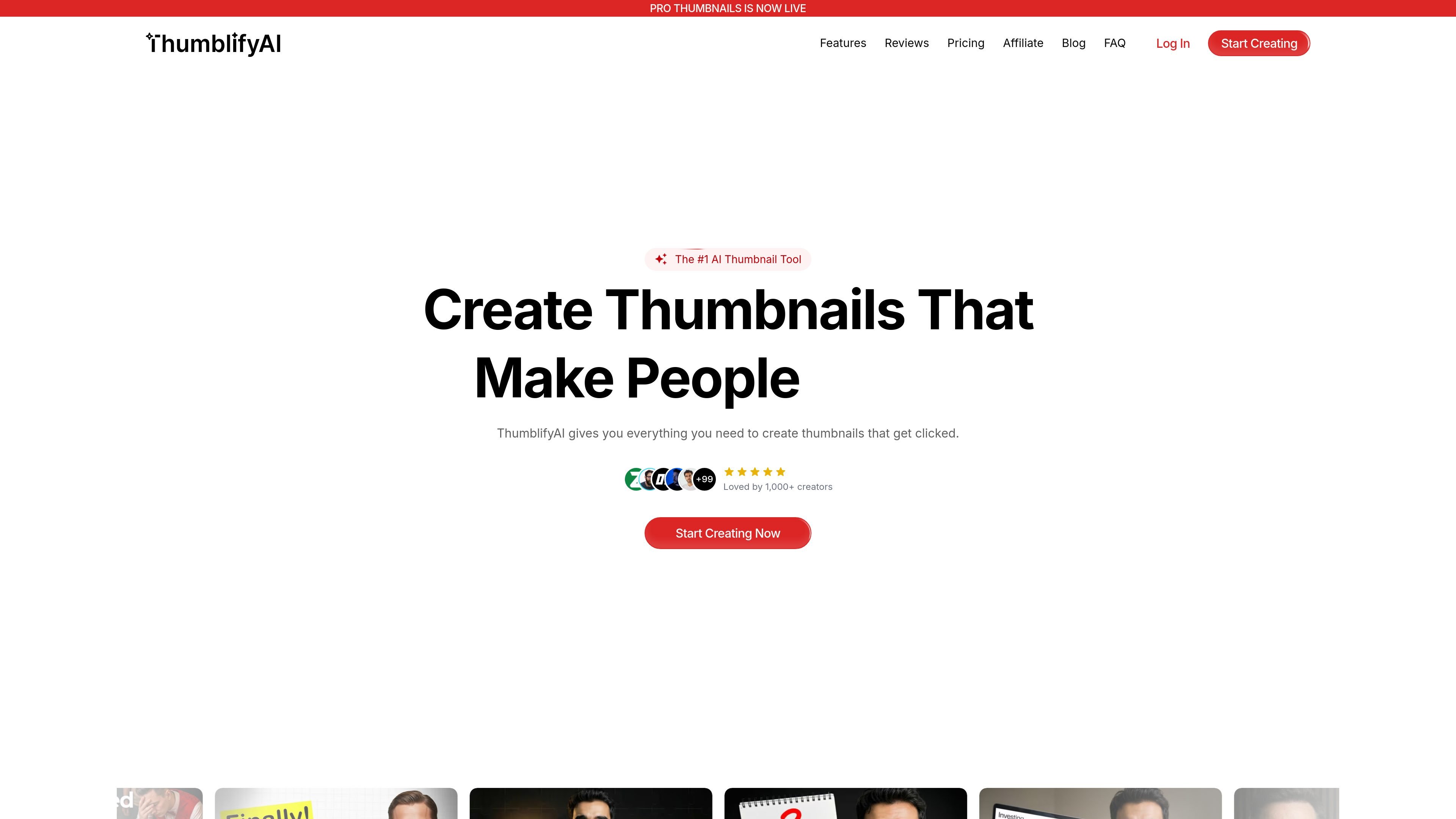
ThumblifyAI is an AI-powered thumbnail generator focused on YouTube-style visuals. It helps creators produce thumbnails from prompts, recreate a thumbnail style they already like, and train the system on a face or visual style for more consistent output.
The product is designed for people who want faster thumbnail production without using design software. Its site emphasizes creating clickable thumbnails for YouTube and Shorts, with additional support for Instagram and TikTok formats, and positions the tool for creators, agencies, brands, and short-form video teams.
Turn a written idea into a thumbnail without starting from a blank canvas. The product is positioned around quick, prompt-based generation for YouTube-style visuals.
Upload a thumbnail you like and generate a new version that keeps the layout, colors, and composition while changing the content and branding.
Train the model on a few photos of your face so thumbnails can feature you consistently across videos without repeat photoshoots.
Train the AI on your own design style to keep future thumbnails visually consistent with your channel or brand.
Adjust specific parts of a thumbnail with AI editing while leaving the rest of the design intact, which is useful for targeted revisions.
Generate thumbnails for multiple platform formats, including YouTube, Shorts, Instagram, and TikTok, using the size that fits the destination.
A solo creator can type a video concept and get a ready-to-test thumbnail quickly, instead of building a design manually in Canva or Photoshop.
A creator who wants a recognizable on-camera presence can upload a few photos and use the trained face model across future videos.
A channel owner can upload a thumbnail style they admire, then generate a new version that follows the same visual structure while using their own topic and branding.
A team can make small local changes, such as replacing one object or refining a background area, without redoing the full thumbnail.
Agencies, brands, and short-form creators can produce thumbnails for different platforms while keeping a consistent look across formats.
ThumblifyAI is an AI thumbnail generator for YouTube-style thumbnails. It can create thumbnails from prompts, help match an existing thumbnail style, and train on your face or style for more consistent results.
The site shows a login flow, a Google sign-in option, and a pricing page that invites users to create an account. The source also mentions buying AI credits and using the product without a monthly subscription, but it does not show full pricing details.
Yes. The site includes a Style Match feature for recreating the look of an uploaded thumbnail and a Train AI feature for learning from your face or style so new thumbnails stay consistent.
The source says thumbnails can be created for YouTube, YouTube Shorts, Instagram, and TikTok, with platform sizing selected in the product flow.
The source says no design skills are needed and emphasizes prompt-based creation, style matching, and AI editing. It does not state that a YouTube channel connection is required.

ThumbnailCreator is an AI YouTube thumbnail generator for fast, YouTube-specific workflows, with face training, person swap, variations, and thumbnail extraction.

Thumbmagic is an AI thumbnail maker for YouTube and short-form social platforms. Generate, edit, and test thumbnail variations from a video URL, uploaded footage, or a script prompt.

Cre8Virals is an AI YouTube growth tool for titles, scripts, descriptions, tags, thumbnails, and upload-time suggestions based on trend analysis.

PreviewMyProfile YouTube Thumbnail Maker is a free browser tool to create and preview YouTube thumbnails, edit templates, adjust images and text, and export 16:9 JPGs without sign-up.

Mittalmar is a web-based YouTube research and ideation tool for creators, strategists, and media teams. Find video opportunities, shape titles and thumbnails, and organize research workflows.

Growati is a YouTube automation tool for thumbnails, titles, descriptions, and chapters, helping creators and teams cut repetitive post-production work with credits.