
Video-to-thumbnail generation
Paste a YouTube URL, upload footage, or start from a script idea, then let the AI extract frames, faces, and key moments to generate thumbnail options.

Thumbmagic is an AI thumbnail maker for YouTube and short-form social platforms. Generate, edit, and test thumbnail variations from a video URL, uploaded footage, or a script prompt.
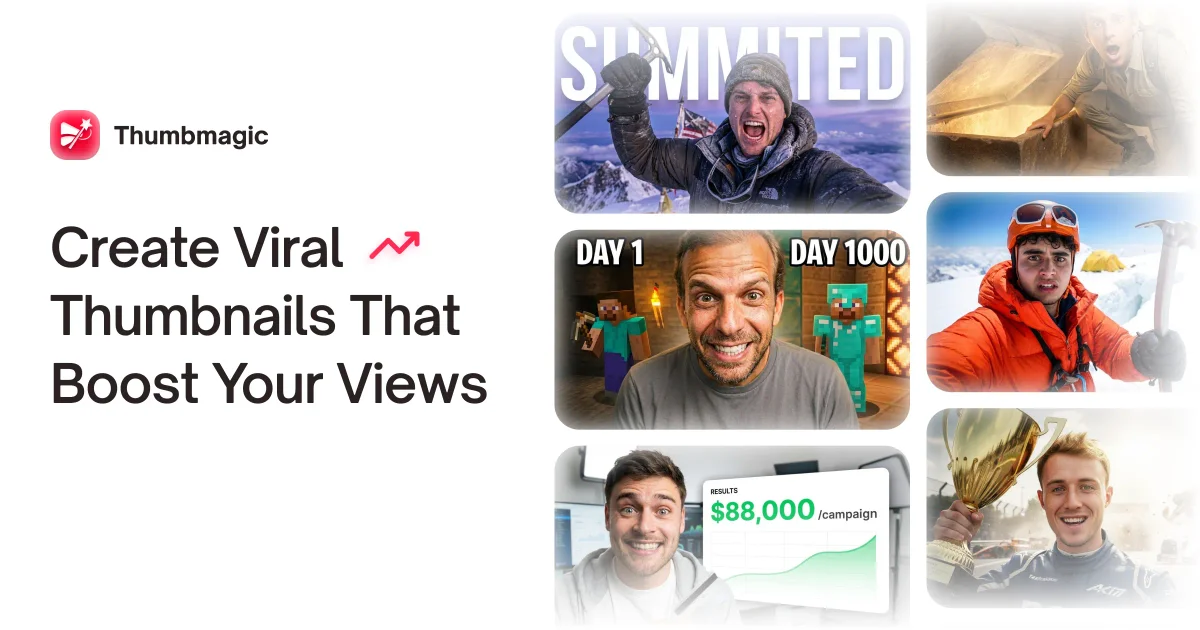
Thumbmagic is an AI thumbnail maker for creators who need thumbnails for YouTube and other social platforms. The site presents it as a way to generate, edit, and vary thumbnail concepts without using Photoshop or building designs from scratch.
Its workflow centers on three inputs: a YouTube URL, uploaded video, or script prompt. From there, it generates thumbnail layouts, lets you refine them with prompt-based edits, and exports finished images for YouTube, Shorts, TikTok, Instagram, and A/B testing.
Paste a YouTube URL, upload footage, or start from a script idea, then let the AI extract frames, faces, and key moments to generate thumbnail options.
Click any part of a thumbnail, describe the change, and generate a new version. The editor supports background, clothing, object, and text changes.
Write thumbnail copy in Text mode with control over fonts, colors, shadows, and positioning, without regenerating the whole image.
Generate multiple thumbnail variations for the same source so you can compare options and test which one performs best.
Create thumbnails in standard 16:9 and vertical 9:16 formats, with exports described as 4K and platform-ready for YouTube, Shorts, and other platforms.
Creators can paste a video URL or upload footage, then generate a thumbnail that matches the content before publishing.
Editors can click specific thumbnail elements, change text or visuals, and generate variants for side-by-side comparison.
Teams and agencies can create many thumbnails with a consistent style for repeated publishing across channels.
Short-form creators can generate vertical thumbnails for Shorts, TikTok, and Instagram rather than redesigning each format manually.
Creators can draft thumbnails from a script idea before filming, using the topic and tone to guide the visual direction.
Thumbmagic generates thumbnails from a YouTube URL, uploaded video, or a script prompt. The workflow shown on the site is: import your content, choose or adjust a template, then export the thumbnail.
For the video-to-thumbnail workflow, the site says it supports MP4, MOV, AVI, and WEBM files up to 5GB. It also accepts YouTube URLs and script text.
Yes. The site says you can switch to 9:16 templates for vertical thumbnails that work across short-form platforms, and it also mentions thumbnails for YouTube, YouTube Shorts, TikTok, and Instagram.
The feature pages say each edit uses 1 credit, and each generation uses 1 credit and produces 2 variants. The pricing page itself was not available, so plan totals and pricing details are not shown on the site pages provided.
The site says the thumbnail editor lets you click an element, describe the change, and generate a new version in about 20 seconds. The video-to-thumbnail page says generation takes about 45 seconds.

PixelDrive is a bulk image generation API for on-brand images from one template via browser editor, REST API, CSV batch, or MCP.

图像大厨imgcook 是一款设计转代码工具,可将设计稿转换为前端代码,支持 Sketch、Photoshop、VS Code 和 CLI 工作流。

Napkin AI turns text into editable visuals for presentations, documents, and shareable content. Text-first generation, collaboration, and export to PPT, PNG, SVG, or PDF.

appdesigns creates App Store and Google Play screenshots from app images. Add device frames, customize layouts, and export unlimited PNGs without watermarks or an account.

Beautiful.ai is an AI presentation platform for teams and enterprises. Create branded slide decks with Smart Slides, collaboration, and export options.

Shotie is a Mac app for localized App Store and Google Play screenshots from captures, generated screens, or uploads, with chat editing and one-zip export.