
AI metadata generation
Generate optimized YouTube metadata in one workflow, including titles, descriptions, and chapters.

Growati is a YouTube automation tool for thumbnails, titles, descriptions, and chapters, helping creators and teams cut repetitive post-production work with credits.
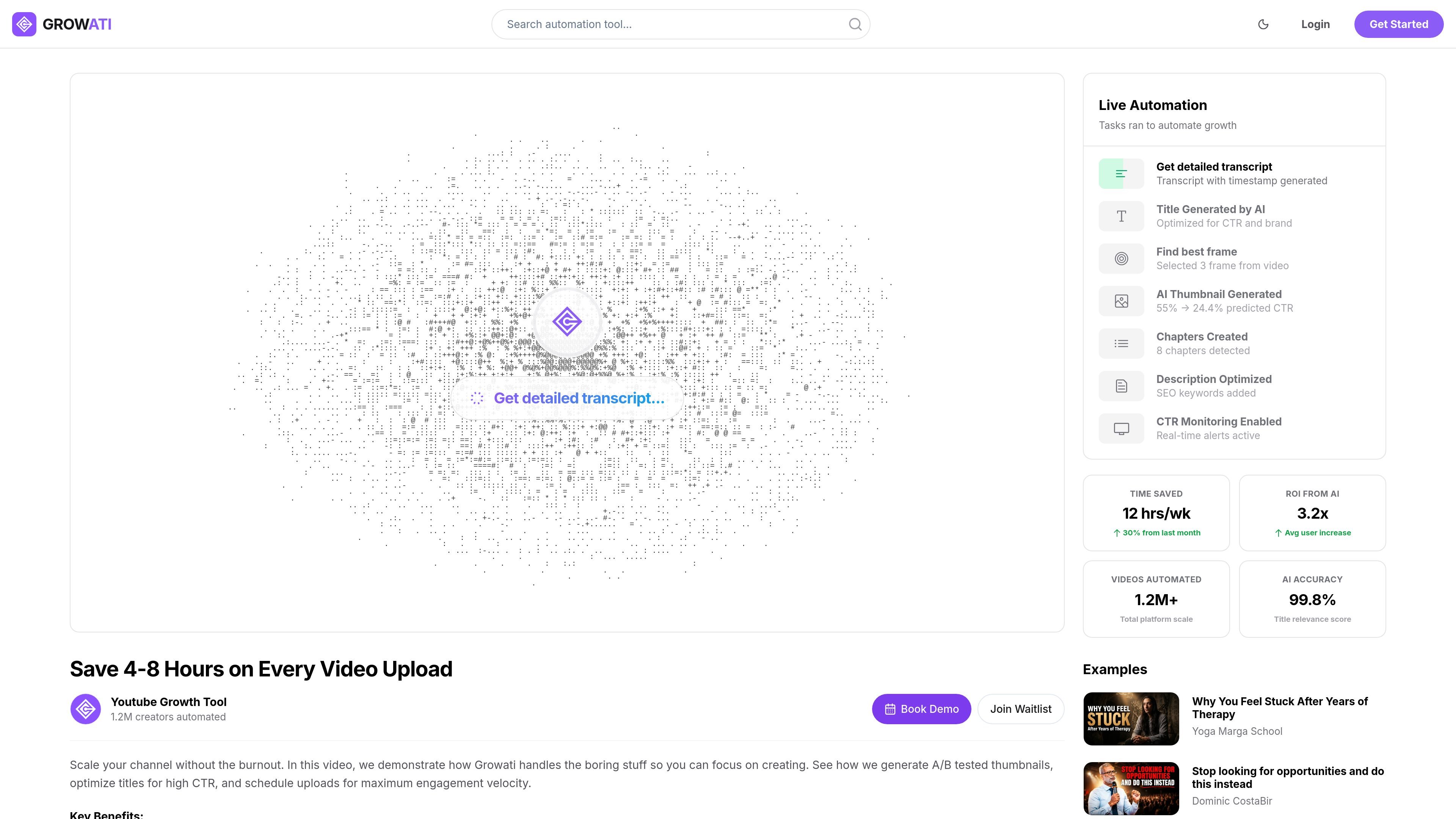
Growati is a YouTube automation tool that focuses on post-production tasks such as thumbnail creation, title generation, description writing, and chapter generation. The product is positioned for creators and studios that want to reduce repetitive upload work and keep their channel operations moving faster.
The site describes a credit-based, usage-oriented workflow: you connect a YouTube account with official Google OAuth, choose an automation flow, and then review, publish, or revert changes as needed. Pricing is organized into paid plans with different credit amounts, channel limits, collaboration features, and higher-tier support for teams and studios.
Generate optimized YouTube metadata in one workflow, including titles, descriptions, and chapters.
Create thumbnail concepts and thumbnail outputs for video uploads, with stronger options on higher plans.
Use best-frame selection to pick a strong still from source footage before thumbnail work starts.
Chain multiple post-production tasks into a repeatable workflow that can run with review steps or automation.
Track how generated assets perform over time and keep rollback options available for control.
A creator uploading regularly can use Growati to generate thumbnails, titles, descriptions, and chapters without rebuilding the same post-production steps for each video.
A solo channel operator can stay on a lean plan while using credits for the parts of the workflow they need most, rather than paying for a fixed bundle of manual effort.
A small team can split work across editors and strategists, review output before publishing, and use higher-tier collaboration features as the channel grows.
An agency or studio managing multiple channels can use higher-tier plans, custom workflows, analytics, and API access to fit a more formal publishing process.
A creator concerned about channel safety can connect through OAuth, review changes where applicable, and revoke access from the Google account if needed.
Growati connects to your YouTube account through official Google OAuth and uses the permissions needed for the workflow you enable. The company says it uses official Google / YouTube APIs, does not require sharing passwords, and lets you revoke access from your Google account at any time.
The source describes Growati as a YouTube automation tool for thumbnails, titles, descriptions, and chapters. It can generate metadata, create thumbnail concepts, and run automation workflows for post-production.
The pricing page shows usage-based plans with credits included in each tier. It also says credits are the unit used behind Growati and that each automation task consumes a set number of credits depending on the work performed.
Yes. The pricing page includes collaboration-oriented plans with multiple team-member limits, and the enterprise tier adds advanced roles, team management, and custom workflows.
The how-it-works page says you can review and control changes where applicable, and it mentions rollback options and performance monitoring. The security page also says permissions are used for the automation tasks you enable.

Hype is a web tool for finding trending YouTube topics by category, time range, and scoring mode. Spot emerging ideas and review source videos.

An All-In-One AI Platform that combines tools for image, video, voice, writing, and chat to enhance creativity and collaboration.

Slidesgo is a presentation template platform for Google Slides, PowerPoint and Canva workflows, with free and Premium templates plus AI-assisted creation.

Wysera is an AI business platform with PostWyse for content and OpsWyse for CRM and revenue workflows, powered by shared Wyse AI and approval-first automation.

Grok is a free AI assistant developed by xAI, engineered to prioritize truth and objectivity while offering advanced capabilities like real-time information access and image generation.

Creativly is a web-based AI creative studio for fast visual concepts, mockups, and stylized images from short inputs.