
Browser-based PDF workspace
Merge, compress, convert, sign, secure, and edit PDFs from a browser tab without installing desktop software.

ToolPDFs is a browser-based workspace for PDF, image, text, and developer utilities. Merge, convert, sign, secure, compress, and edit files locally in your browser, no signup needed for basic use.
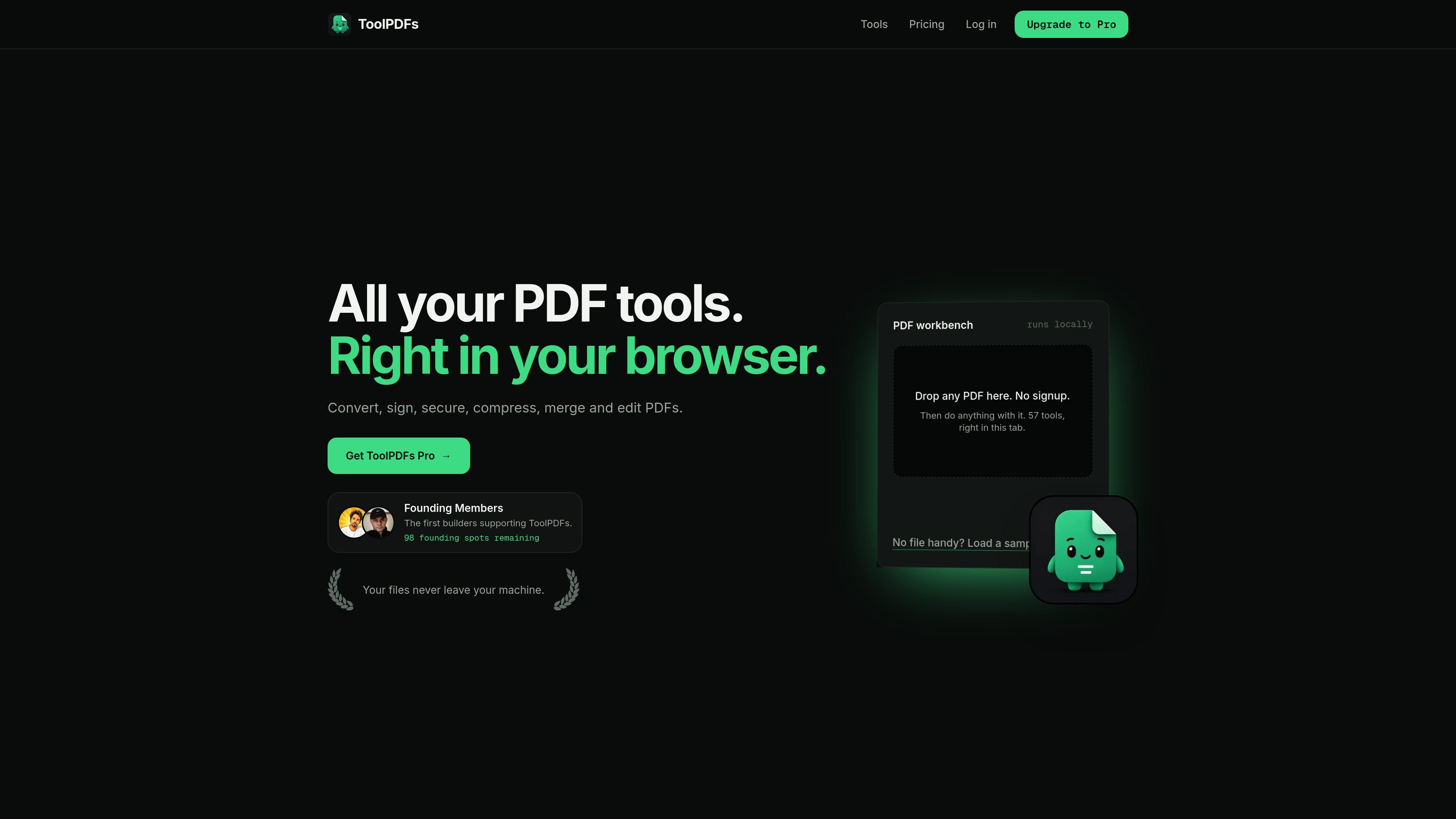
ToolPDFs is a browser-based workspace for PDF, image, text, and developer utilities. Its homepage positions the product as a place to merge, compress, convert, sign, secure, and edit documents without leaving the browser.
The core workflow is local processing: the site says files stay on your machine, do not travel to a ToolPDFs server, and are not kept after you close the tab. The toolset is organized around practical document tasks such as merging PDFs, signing forms, extracting text, converting files, and reorganizing pages.
Merge, compress, convert, sign, secure, and edit PDFs from a browser tab without installing desktop software.
The site says files stay on your machine and are processed locally, with no cloud copy, upload queue, or retention period for the core workflow.
ToolPDFs groups tools across PDF, image, text, and developer workflows, including conversion, organization, extraction, and data utilities.
The merge tool supports ordering multiple PDFs before combining them into one file.
Sign PDF lets you draw, type, or upload a signature image and place it on selected pages.
The pricing page lists Free, monthly Pro, annual Pro, and lifetime membership options, with Pro described as unlimited usage of all tools.
Combine multiple PDF sections, scanned pages, or appendices into one file in the order you choose before downloading the merged result.
Add a drawn, typed, or uploaded signature image to an authorized document when you need a signed copy for internal or routine paperwork.
Move between PDF and office formats, or extract text and images when you need content in a more editable or reusable form.
Reorder, split, rotate, compress, or remove pages when a PDF needs cleanup before sharing or archiving.
Use the text, JSON, CSV, timestamp, or image utilities when your work involves lightweight browser-side data cleanup and quick conversions.
No. The site says the merge handler reads and combines PDF contents in the browser and does not send document contents to ToolPDFs application APIs.
The free plan includes 20 operations per day shared across all tools. The pricing page also lists Pro plans for unlimited usage.
The merge tool states that files can be up to 25 MB each on the free plan, and Pro removes the file size limit.
The Sign PDF page says it adds a visual signature image. It does not verify identity, create an audit trail, or provide a certificate-based digital signature.
The tools page shows browser-based PDF, image, text, and developer utilities. It does not describe any third-party integrations.

PDFTools is a browser-based suite of free and premium PDF tools for editing, conversion, and document handling—process PDFs locally without uploading files.

DocuSmart AI is a cloud-connected document search tool for nonprofits and civil society organisations. Search Drive, OneDrive and Dropbox files with cited answers for reporting, compliance and grants.

ArtDeck is a visual reference board app for iPhone, iPad, and Mac. Collect mixed references on one canvas and study them with ToolBox lenses. Offline, optional iCloud sync, one-time purchase.

Codex Plugins bundle reusable skills, app integrations, and MCP servers into workflows you can install in the Codex app or use from Codex CLI.

An AI-powered tool that summarizes PDF documents quickly and efficiently, providing clear insights and allowing users to interact with the content.

Paperpal is an AI tool for academic writing, offering literature reading, language polishing, citations, plagiarism checks, AI detection, and pre-submission review.