
Instant shuffling
Press Space to cycle through curated font combinations and lock individual positions when you want to keep part of a pairing.

tttypes is a free web app for exploring Google Fonts pairings with live previews and export-ready outputs for websites, apps, resumes, business cards, and more.
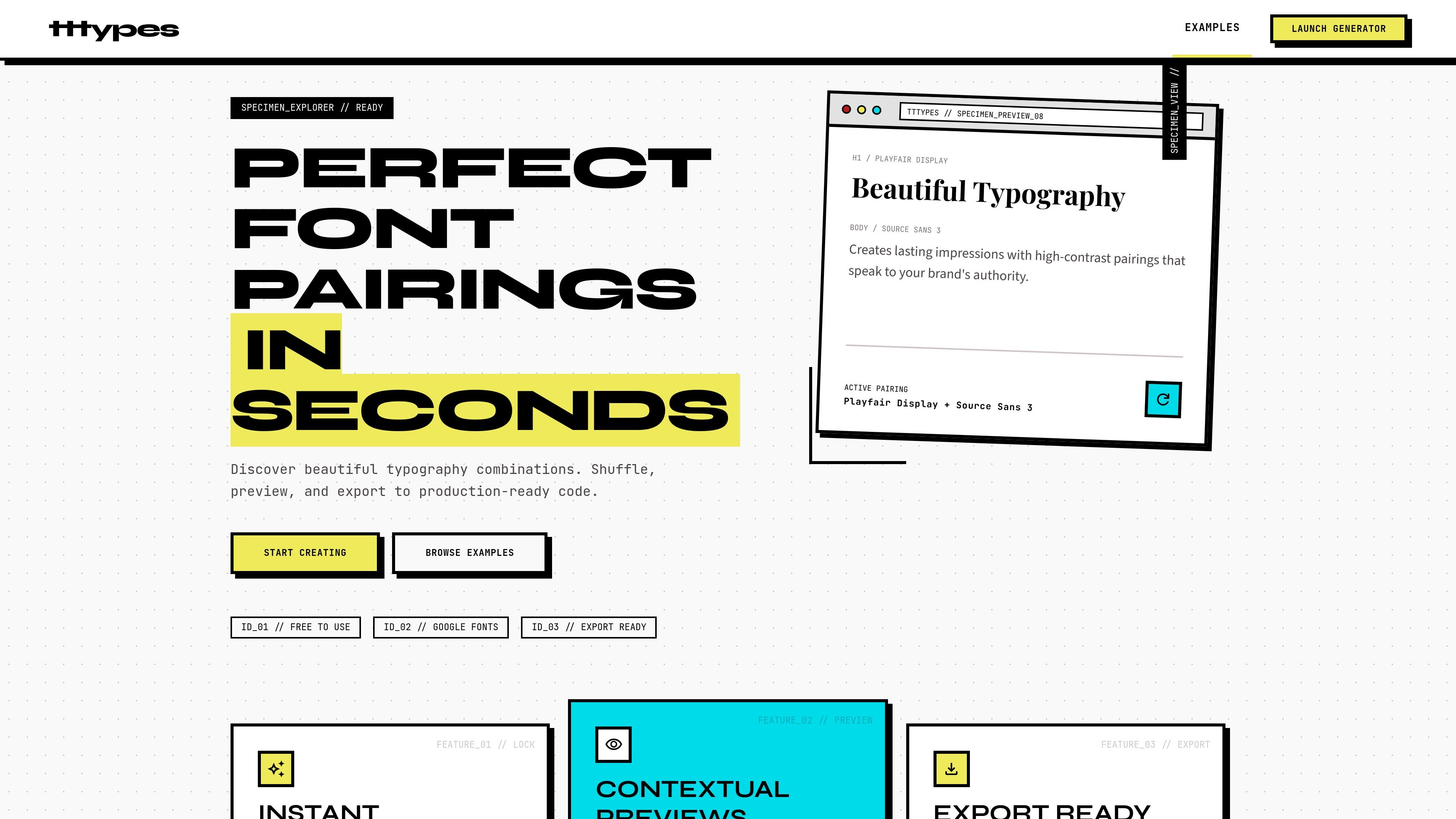
tttypes is a free font pairing generator focused on Google Fonts combinations. It helps designers explore type pairings quickly, preview them in realistic contexts, and export the results into production-ready formats.
The homepage positions the product as a way to discover and refine typography choices in seconds. Users can shuffle through curated pairings, lock fonts they want to keep, and compare combinations across website, app, and print-style layouts before moving to code or embed output.
Press Space to cycle through curated font combinations and lock individual positions when you want to keep part of a pairing.
Preview type choices in realistic layouts for websites, mobile apps, business cards, resumes, and other contexts before exporting them.
Copy CSS variables, download Google Fonts links, or export embed code to move from exploration into implementation.
Browse the curated pairing library or generate your own combinations in real time to narrow down a final direction.
The site says its pairing engine analyzes 10,000+ combinations across 15 metrics, including visual weight, x-height, and terminal style.
Explore font pairings for a new visual direction, then lock promising choices and keep shuffling the rest until the combination feels balanced.
Check how heading and body fonts look in website, app, or other UI layouts before handing the pairing to development.
Prepare a resume, business card, or similar layout with a readable pairing that works in a compact, real-world context.
Move from idea to implementation by exporting CSS variables, Google Fonts links, or embed code after you settle on a pairing.
No. The site describes itself as a free font pairing generator, and its examples and generator are built around Google Fonts combinations.
The source shows you can shuffle through curated pairings, lock positions, preview them in context, and export CSS variables, Google Fonts links, or embed code.
The generator includes contextual previews for websites, mobile apps, business cards, resumes, and similar design contexts.
The source does not mention collaboration features, team accounts, or shared workspaces, so those capabilities should not be assumed.

PixelDrive is a bulk image generation API for on-brand images from one template via browser editor, REST API, CSV batch, or MCP.

Napkin AI turns text into editable visuals for presentations, documents, and shareable content. Text-first generation, collaboration, and export to PPT, PNG, SVG, or PDF.

Refero MCP for AI agents connects an MCP-compatible agent to Refero’s curated library of web and iOS product interfaces and user flows. It helps agents research real design patterns before generating UI, with access included in the Refero Pro plan.

Frames helps you create launch posters and social media marketing graphics fast with premium device frames and templates for Instagram, Twitter, and Product Hunt. Free to start.

GPTIMG2 AI is a web-based image generator built on OpenAI’s GPT Image 2 model, with prompt-driven creation, reference edits, readable text, and higher-res outputs.

TapNow is a web-based AI visual creation platform for businesses, creators, and teams with image and video generation, editing, planning, and collaboration tools.