
Screenshot upload
Bring existing app screenshots into the browser editor as the starting point for each store image.

appdesigns creates App Store and Google Play screenshots from app images. Add device frames, customize layouts, and export unlimited PNGs without watermarks or an account.
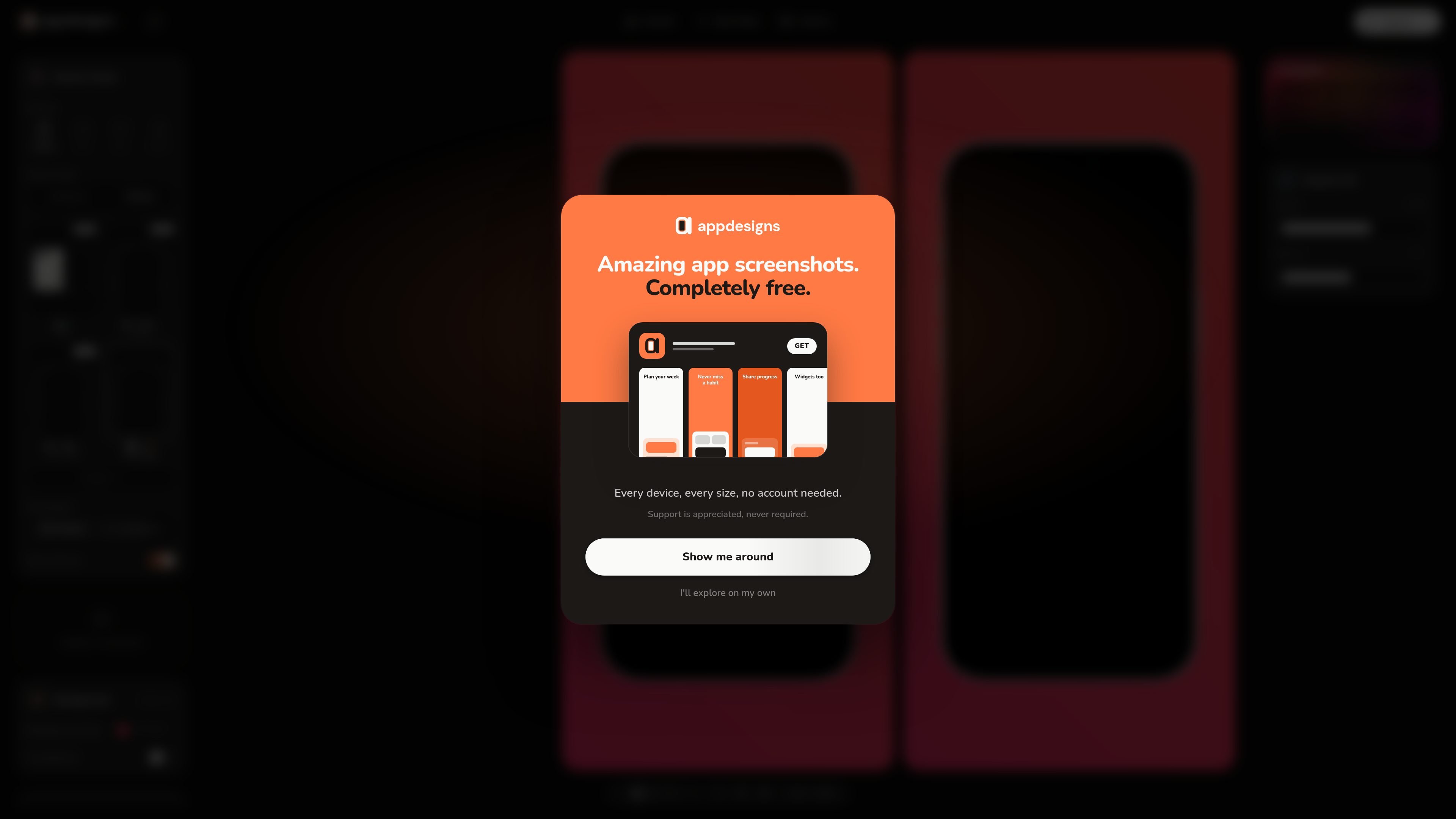
appdesigns is a browser-based screenshot generator for creating App Store and Google Play promotional images. It starts with screenshots from an app, places them in device frames, and provides canvas, template, and asset options for assembling the final composition.
The editor is intended for a laptop-sized browser window and follows a simple upload, customize, and export workflow. The free version supports unlimited exports without a watermark or account; an account is only required for cloud project saving, cross-device access, or template submissions to the gallery.
Bring existing app screenshots into the browser editor as the starting point for each store image.
Place screenshots inside available device frames to create store-ready visual presentations.
Adjust the composition using canvas sizes, templates, and available assets.
Create PNG files with an optional transparent background for different presentation needs.
Generate images at the exact pixel dimensions accepted by the App Store and Google Play.
Export without watermarks and without an export quota in the free version.
Turn raw product screenshots into composed store images by selecting device frames, canvas sizes, templates, and assets before export.
Generate additional PNG variants at accepted pixel dimensions without creating an account or managing an export allowance.
Assemble promotional screenshots for both major mobile app stores from one browser-based workflow.
Create downloadable screenshot assets with a transparent background when the images need to be placed into another design or marketing layout.
No. Creating and exporting screenshots works without an account. An account is only needed to save projects to the cloud, access them from another device, or submit a template to the gallery.
Upload your app screenshots, choose a device frame, customize the layout, and export the finished images from the browser editor.
Exports are provided as PNG files, with an option for a transparent background. The output is generated at the exact pixel dimensions accepted by the App Store and Google Play.
Yes. The editor offers unlimited exports and does not add a watermark. Device frames, canvas sizes, templates, and assets are available in the free version.
The editor is designed for a laptop-sized browser window. The site does not document a mobile editing workflow.

PixelDrive is a bulk image generation API for on-brand images from one template via browser editor, REST API, CSV batch, or MCP.

Napkin AI turns text into editable visuals for presentations, documents, and shareable content. Text-first generation, collaboration, and export to PPT, PNG, SVG, or PDF.

Shotie is a Mac app for localized App Store and Google Play screenshots from captures, generated screens, or uploads, with chat editing and one-zip export.

Refero MCP for AI agents connects an MCP-compatible agent to Refero’s curated library of web and iOS product interfaces and user flows. It helps agents research real design patterns before generating UI, with access included in the Refero Pro plan.

Pass Designer is a macOS beta tool for creating and previewing Apple Wallet passes with templates, imagery, fields, colors, and semantic data on iPhone and Apple Watch.

Frames helps you create launch posters and social media marketing graphics fast with premium device frames and templates for Instagram, Twitter, and Product Hunt. Free to start.