
System-wide autocomplete
Completes text across apps on macOS instead of limiting autocomplete to a single editor or browser surface.

Typeahead is a Mac autocomplete app that finishes text across apps while running locally on your computer. One-time purchase for writing in email, documents, chat, and more.
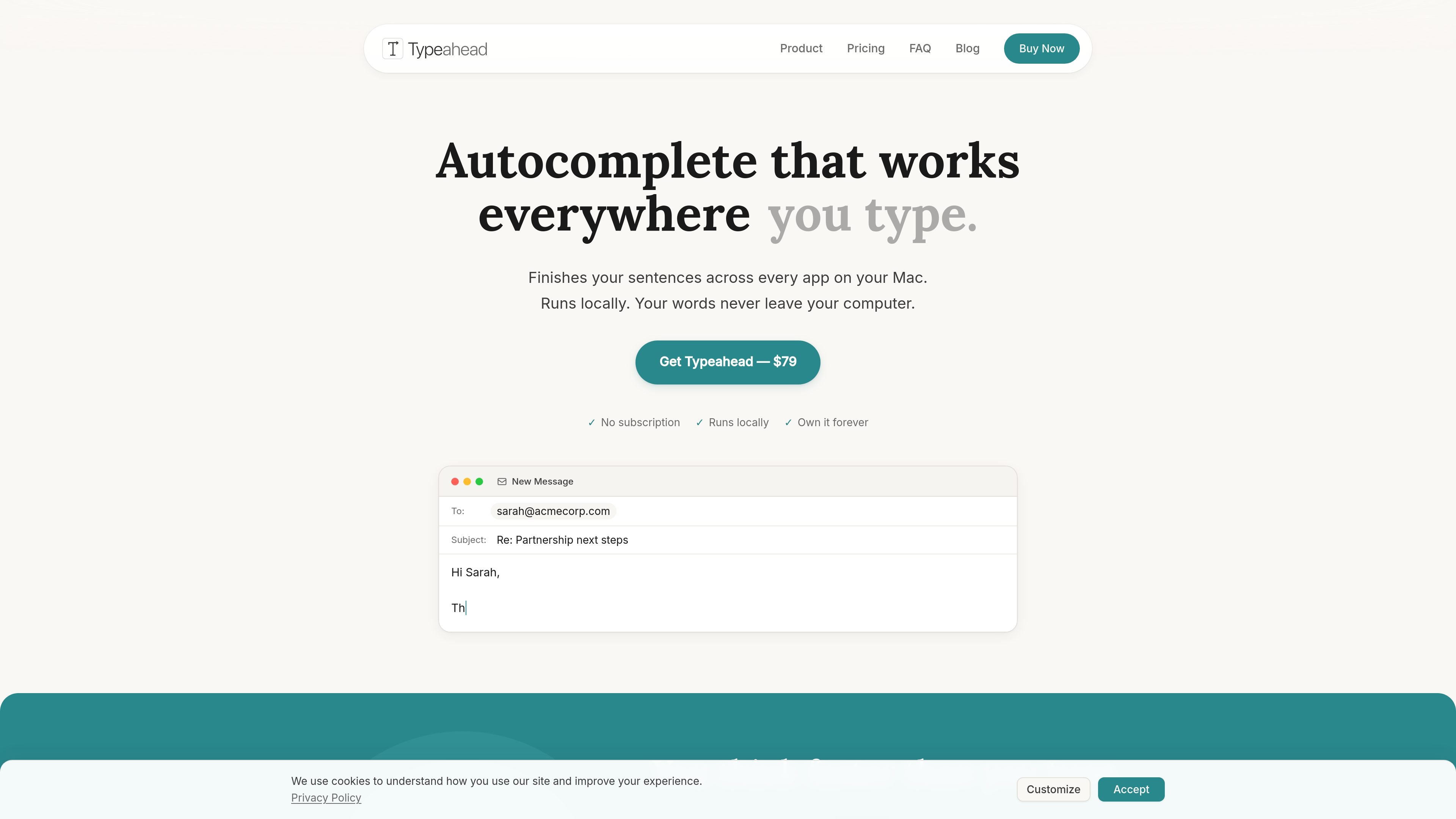
Typeahead is an AI autocomplete app for Mac that finishes sentences across every app where you type. The site positions it as a system-wide writing tool that works in email, editors, Slack, Notion, and other Mac apps.
The product runs locally on the computer rather than sending writing to a server. The site also describes it as a one-time purchase, with no subscription and no account requirement stated in the product copy.
Completes text across apps on macOS instead of limiting autocomplete to a single editor or browser surface.
Appears inline as you type and accepts with a tab press, keeping the interaction simple and fast.
Runs AI models on the Mac itself, with no cloud processing, telemetry, or account requirement stated on the site.
Adapts to the way you write after a few days so suggestions better match your voice and phrasing.
Supports offline use because processing happens locally, with license checks as the only network activity mentioned.
Sold as a one-time purchase with no subscription and free updates for life mentioned in the launch offer.
Draft emails faster by letting the app complete repetitive openers, follow-ups, and routine closings directly in your mail client.
Keep Slack replies, PR descriptions, issue updates, and other developer-adjacent writing moving without switching tools.
Use the same autocomplete flow in documents, notes, and writing apps when you want suggestions that adapt to your voice.
Write fluently in a second language with local autocomplete that helps you keep sentences moving when wording feels slow or uncertain.
Purchase for $79 and download immediately. The product is a one-time purchase rather than a subscription.
Typeahead is built for macOS and completes text in every app on your Mac, while tools like Grammarly focus on browser writing and GitHub Copilot focuses on code in IDEs.
Yes. All AI processing happens on your Mac, and the app works offline between license checks.
Typeahead says your writing never leaves your Mac. It does not use cloud processing or telemetry; the only network activity mentioned is license activation and optional update checks.
The site lists macOS 14 or later, Apple Silicon or Intel, 8 GB of RAM minimum, and about 3 GB of free disk space for the AI model.

Goldfish is an AI memory app for macOS that helps you reply, write, summarize, and continue with context already on your Mac. It stores memory locally and writes in your tone.

Dirac is an AI email assistant for Gmail that prepares a morning brief, prioritizes important threads, and drafts replies in your voice.

ArtDeck is a visual reference board app for iPhone, iPad, and Mac. Collect mixed references on one canvas and study them with ToolBox lenses. Offline, optional iCloud sync, one-time purchase.

Biji is a versatile platform designed to enhance productivity through innovative tools and features.

Malyatko is a baby tracker for feeding, sleep, growth, teething, and milestones. Use it on iPhone, Apple Watch, and widgets offline, with iCloud sharing.

Redline is a budgeting tool for Claude Code that paces sessions by time, tokens, cost, or plan percentage, helping them end with a usable result.