
YouTube video-based forms
Start from a YouTube URL and build an interactive questionnaire around that video rather than sending viewers to a separate form.

VForms creates interactive questionnaires over YouTube videos so viewers can answer at specific timestamps, helping teams collect contextual feedback without a separate form.
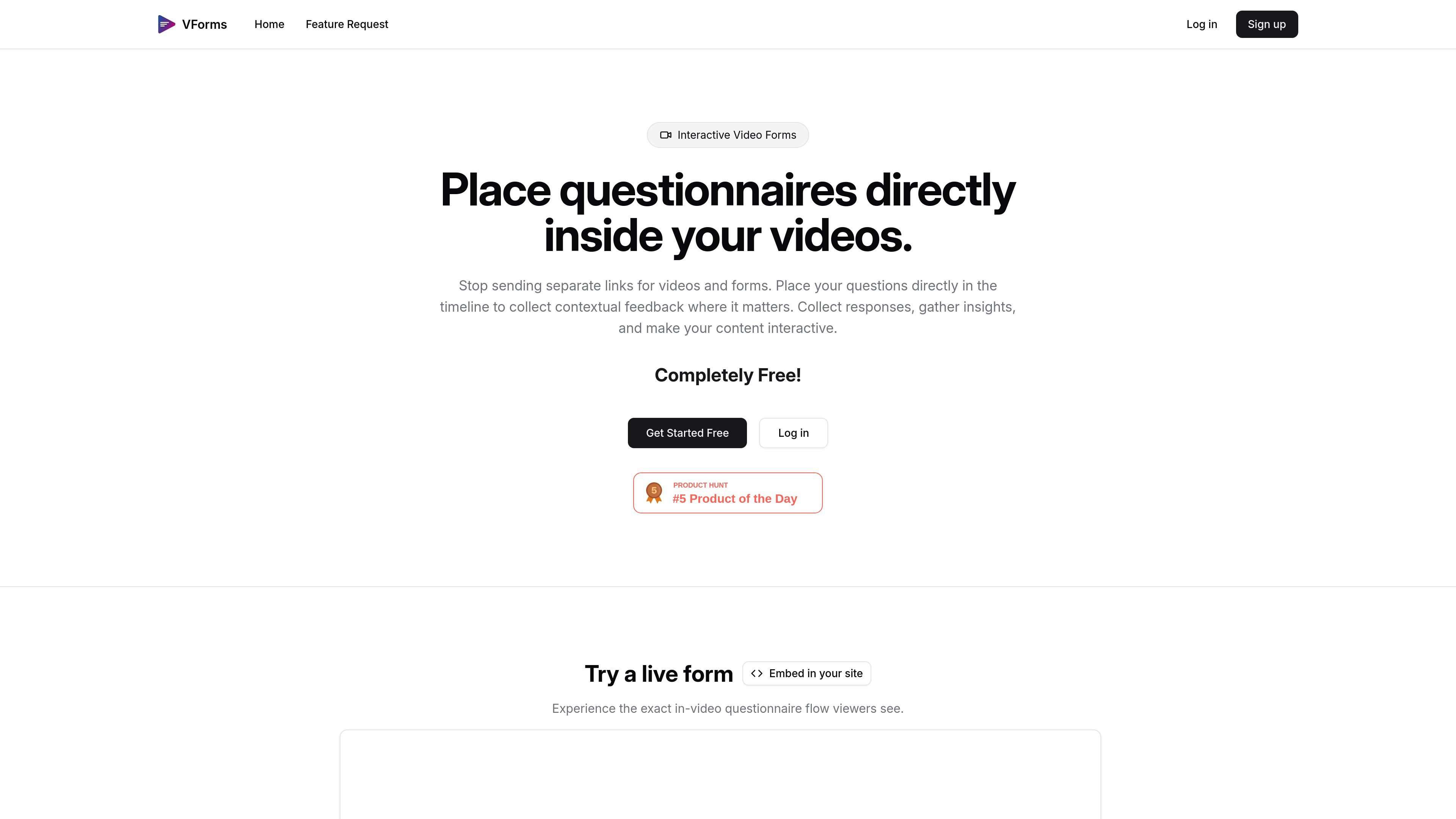
VForms is an interactive video questionnaire tool built around YouTube videos. It lets you place questions directly in the video timeline so viewers answer while the content is relevant, instead of moving to a separate form or link.
The product is designed to collect contextual feedback and insights from video viewers. The site also shows an embeddable demo flow and describes the experience as completely free, with a focus on creating and sharing interactive video forms quickly.
Start from a YouTube URL and build an interactive questionnaire around that video rather than sending viewers to a separate form.
Place questions at specific points in the video timeline so the prompt appears in context with the content being watched.
Collect different response types, including text input, radial choice, and time jump buttons shown in the demo.
Use viewer answers to move them to specific parts of the video, which supports branching or guided review flows.
Embed the experience in another page with the provided iframe snippet, or open the demo as a full page.
Share the form and review the responses you receive after viewers interact with it.
Collect feedback on a product video, demo, or walkthrough by asking viewers questions at the exact moment they reach a feature or claim.
Guide reviewers through a video by asking for responses at specific timestamps, then use skip logic to direct them to the next relevant section.
Embed an interactive questionnaire on a website so visitors can watch the video and answer without leaving the page.
Gather contextual reactions to an explanation, tutorial, or announcement while the audience is still viewing the related segment.
You add a YouTube video, place questions at specific timestamps, and then share the resulting interactive form. The homepage also shows an iframe embed option for putting the demo or form on your own site.
The source shows YouTube-based questionnaires and an iframe embed for the live demo. It does not describe broader video-platform support or non-embed integrations.
The site says responses can be collected and analyzed, but it does not describe export formats, dashboards, or downstream integrations.
The homepage describes VForms as completely free, while the pricing page returned a 404 in the captured sources. No paid plan details are visible in the provided evidence.

VForms lets you place questionnaires inside YouTube videos, capturing feedback in context with timestamped, embeddable video forms.

Hype is a web tool for finding trending YouTube topics by category, time range, and scoring mode. Spot emerging ideas and review source videos.

ClawEase is an AI business operator that captures requests across calls, email, SMS, WhatsApp, LINE, and web forms, then completes booking workflows in existing web systems.

TubeKit turns public YouTube videos and playlists into AI-powered tools creators can customize and share. Free to try, no signup needed.

Badge turns anonymous peer reviews into a Trust Score, helping job seekers, freelancers and candidates show proof of work to recruiters.

UserCall’s Research Triggers invites users into short AI-moderated interviews at signup, onboarding drop-off, cancellation, or checkout abandonment for fresh feedback.