
Press-to-talk dictation
Hold the right Option key, speak, and release it to place transcribed words at the current cursor location.

Yubi brings press-to-talk dictation and screen assistance to Apple Silicon Macs on macOS 26, transcribing locally for hands-free writing and navigation.
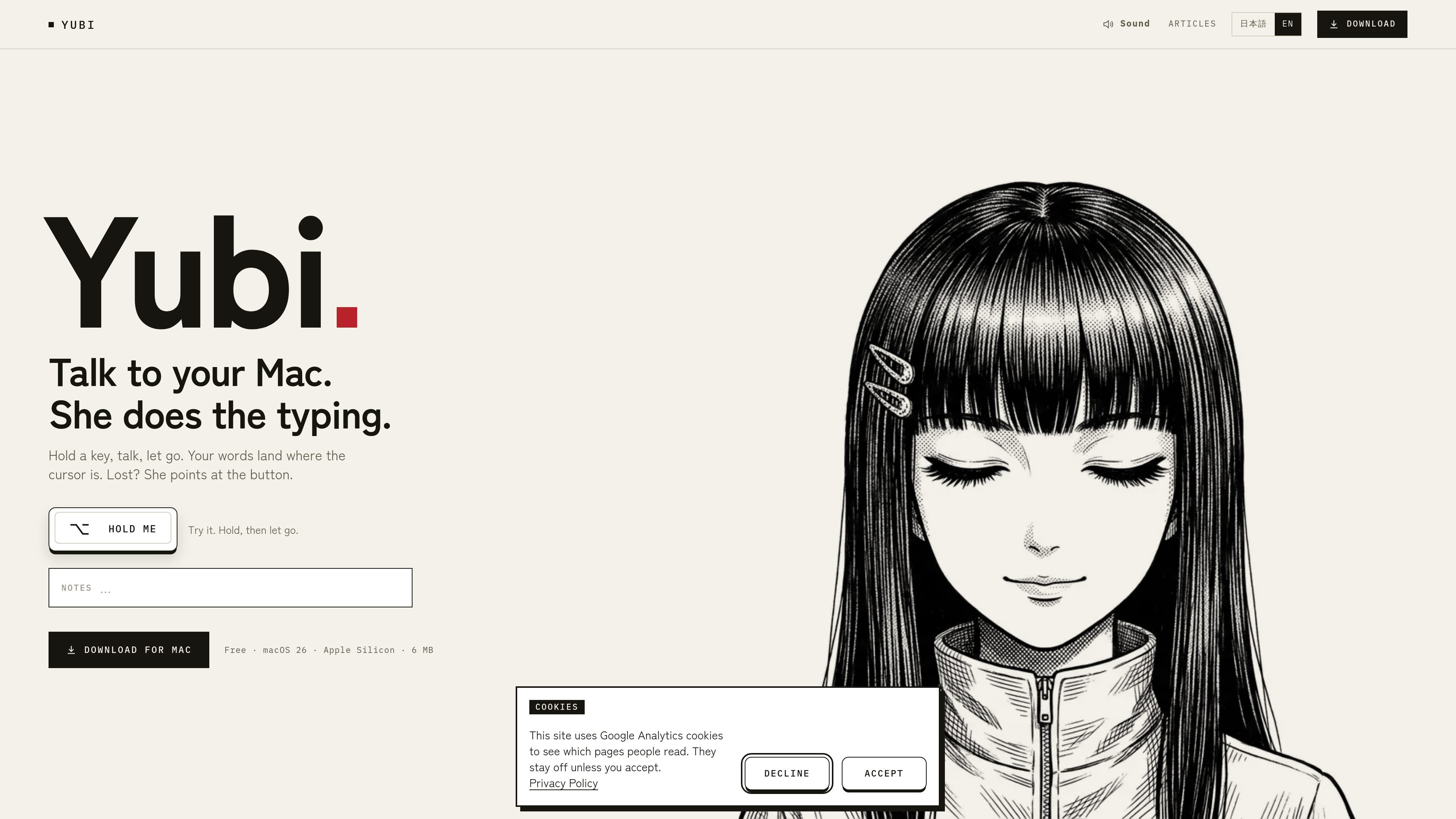
Yubi is a press-to-talk dictation utility for Apple Silicon Macs running macOS 26. Hold the right Option key, speak, and release it; Yubi transcribes the speech and places the resulting text where the cursor is active, allowing users to dictate into the app already in front of them.
A separate right Command shortcut provides screen assistance. Yubi can inspect the frontmost window's accessibility tree to identify a control and point it out, with an option to press it. Dictation is processed locally, while optional text cleanup and screen help can send limited requested data to Yubi's server for Claude processing rather than uploading the original audio.
Hold the right Option key, speak, and release it to place transcribed words at the current cursor location.
Transcription runs on the Mac using Apple's SpeechAnalyzer or whisper.cpp, so the recorded audio is not uploaded.
The optional screen-help function reads the frontmost window's accessibility tree rather than taking a screenshot, then points to a control you are trying to find.
With the relevant switch enabled, screen help can press the identified control; Yubi shows the exact payload before optional screen assistance is sent for processing.
Yubi requests microphone and Accessibility permissions and does not require Screen Recording permission for its screen-assistance workflow.
The site demonstrates dictation and screen-directed workflows in Slack, Mail, Notes, Messages, System Settings, and Calendar, while the text is entered through the active app workflow.
Dictate a status update into a Slack conversation without switching to a separate transcription window or retyping the message.
Speak a polite follow-up or a carefully worded reply directly into Mail, then review it in the message composer before sending.
Capture bilingual notes or detailed ideas in Notes; the site's examples include speaking Japanese as well as English.
Describe a specific coffee order or message content aloud and place the resulting text directly in Messages.
Ask for help locating a setting or returning Calendar to today's view, using screen assistance to identify the relevant on-screen control.
Yubi is a press-to-talk dictation app for Macs with Apple Silicon running macOS 26. It requires microphone and Accessibility permissions. It is distributed as a Mac download rather than through the Mac App Store because the app bundles whisper.cpp.
Hold the right Option key, speak, and release it. The transcribed text is inserted at the current cursor location in the app in front of you.
Yes. Yubi's local transcription uses Apple's SpeechAnalyzer or whisper.cpp, and the site states that no audio is uploaded. Optional text cleanup and screen assistance can send the relevant text or accessibility information to Yubi's server for Claude processing; the exact payload for screen help is shown before it is sent.
The homepage lists a Free plan at ¥0 with unlimited dictation and 10 tasks per month, Personal at ¥1,480 per month or ¥14,800 per year with 60 tasks per month, and Pro at ¥2,980 per month with 150 tasks per month. The site describes these tasks in the context of help with the screen, but does not provide a fuller task-counting explanation.
The examples show workflows involving Slack, Mail, Notes, Messages, System Settings, and Calendar. The available product information does not establish that these are native integrations; Yubi is presented as entering text into the app at the cursor and assisting with the frontmost screen.

SpeakoFlow is a free, open-source desktop voice-to-text app for Windows, macOS, and Linux. Dictate into any app, use Flow, cleanup, translation, and a screen-aware assistant.

Flunkey is a voice-first productivity layer for Windows that turns speech into text, AI outputs, and remembered context without leaving your app.

Sanota turns spoken memories and interviews into clear written stories for personal storytelling, family history and shared memories, with guided prompts and subscriptions.

Carbon Voice is an async voice messaging app for teams and individuals, with transcripts, AI catch-up, and cross-device access.

Lemon is a Mac voice assistant that turns spoken instructions into finished writing tasks and actions. Free Basic and paid Pro plans.

QuickQuill is a local-first macOS dictation and transcription app to record meetings, summarize audio, and export notes without the cloud.