

Thesys Agent Builder
Thesys Agent Builder is a no-code platform to create and publish AI agents with interactive UI—charts, forms, cards—using your data and optional C1 API.
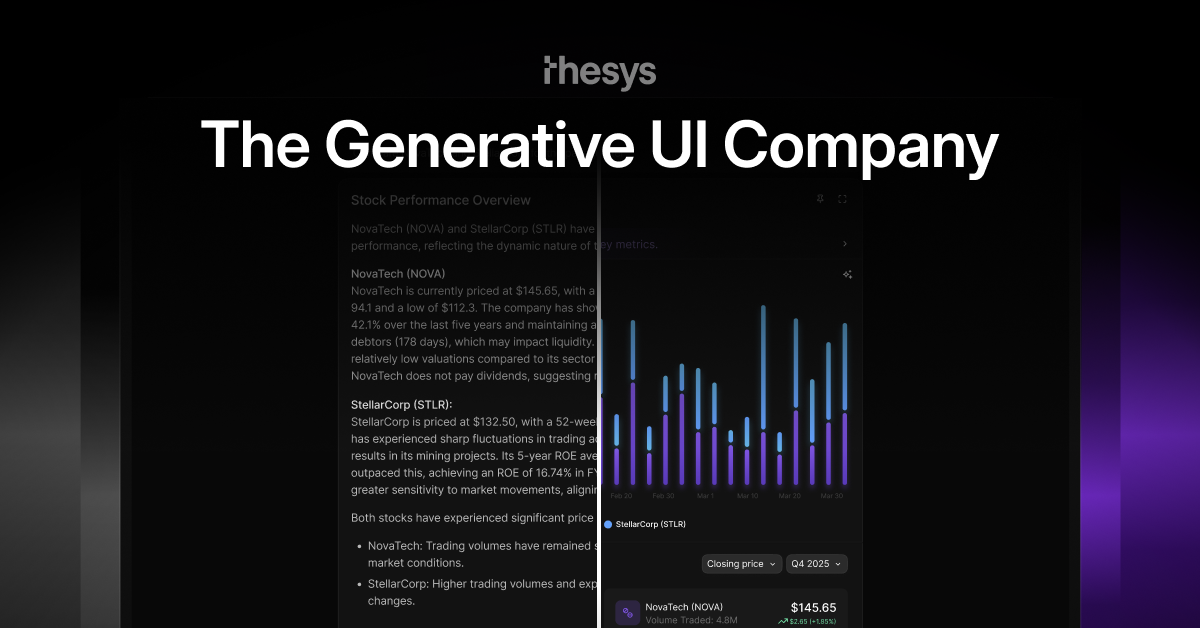
What is Thesys Agent Builder?
Thesys Agent Builder is a no-code platform for creating and publishing AI apps that respond with interactive user interface elements—not just text. The goal is to let you define an agent’s intent and constraints, connect the agent to your data and tools, and deploy the resulting experience as a live copilot or an embeddable widget.
Instead of building a workflow-driven chatbot, you customize how the agent looks and behaves, then publish it so users can interact with outputs such as charts, cards, tables, and forms. The platform is designed to support agent interfaces that feel native to your product through configurable themes and styling.
Key Features
- No-code agent creation and publishing: Build and publish an agent directly from the Thesys interface without engineering work, then make it available as a live link or embed snippet.
- Generative UI responses: Configure agents to return structured UI components (e.g., charts, forms, cards, reports) so conversations can lead to actionable interface elements.
- Data and tool connectivity: Upload files, link to URLs, or connect databases and tools so the agent can use your content as part of its responses.
- Agent behavior customization: Set tone, add instructions, choose conversation starters, and apply guardrails using natural-language configuration.
- Brand theming for UI outputs: Pick colors, themes, and styles so the generated interfaces match the look and feel of your product.
- Optional API support via C1: The product is described as powered by the C1 API, allowing additional control beyond the no-code interface when needed.
How to Use Thesys Agent Builder
- Start building: Use the Agent Builder interface to describe what you want to build.
- Connect your data: Upload files or link content using URLs, and connect databases/tools where applicable.
- Customize the agent: Set instructions, tone, conversation starters, and any guardrails to define boundaries for the agent.
- Publish: Share the agent via a live link or copy an embed snippet to paste into your website. After publishing, the copilot starts responding with UI outputs.
Use Cases
- Customer support agent for refunds: Create an agent that handles refund-related interactions and presents relevant information using interactive UI elements rather than long-form chat responses.
- Daily work summary and sprint planning: Use an agent to generate structured planning outputs (e.g., summaries and sprint planner-style content) from your connected context.
- Feature adoption insights and customer journey exploration: Build an analytics-oriented assistant that presents insights through interactive charts, cards, or tables.
- Marketing and SEO analysis workflows: Create an assistant that helps users explore SEO/marketing topics while presenting results in a more structured format like tables and reports.
- Embedding a website copilot: Deploy an agent directly into an existing site using an embed snippet so visitors can interact with UI-based outputs tied to your data.
FAQ
What is Agent Builder by Thesys? Agent Builder is a no-code platform for creating and publishing AI apps that respond with UI elements such as charts, cards, tables, and forms. It supports connecting your data, customizing appearance and behavior, and publishing the agent as a live copilot or standalone app.
Do I need to write code to build an agent? No. The site describes building, customizing, and publishing the agent through the Thesys interface. It also notes that everything is powered by the C1 API for additional control later, but using it is optional.
How do I create a copilot for my website? Connect a data source (upload files or use a URL), then publish the agent. You can copy an embed snippet and paste it into your site for the copilot to go live.
How is this different from a normal chatbot? A normal chatbot typically returns text. Thesys agents return interactive UI elements, such as charts and forms, which lets users take actions directly from the conversation output.
What inputs can the agent use? The platform describes accepting uploads (files), links/URLs, and connections to databases and tools.
Alternatives
- Workflow-based chatbot builders (text-first): These focus on conversation flows and typically return text answers. Compared to Thesys Agent Builder, they may require more predefined dialogue structure to achieve multi-step interactions.
- LLM + custom frontend development: Teams can build an interface-driven agent by integrating an LLM with their own UI components. This offers maximum control but shifts effort from no-code configuration to engineering and UI work.
- Other generative UI / UI-component assistant approaches: Solutions that generate UI or structured UI outputs can be alternatives, typically differing in how much of the UI generation and publishing experience is no-code versus developer-led.
- Embedding-based AI assistant widgets: Some tools provide embeddable chat widgets for websites. These may be simpler for text Q&A, but the output format (text-only vs interactive UI) can be a key difference.
Alternatives

FigPrompt
FigPrompt is an AI Figma plugin builder that generates production-ready plugin logic from your description—no code, in seconds.

Codex Plugins
Use Codex Plugins to bundle skills, app integrations, and MCP servers into reusable workflows—extending Codex access to tools like Gmail, Drive, and Slack.

Make Real
Draw a UI and make it real using the tldraw SDK.

AakarDev AI
AakarDev AI is a powerful platform that simplifies the development of AI applications with seamless vector database integration, enabling rapid deployment and scalability.

AgentMail
AgentMail is an email inbox API for AI agents to create, send, receive, and search email via REST for two-way agent conversations.

Arduino VENTUNO Q
Arduino VENTUNO Q is an edge AI computer for robotics, combining AI inference hardware and a microcontroller for deterministic control. Arduino App Lab-ready.