

CDK Insights
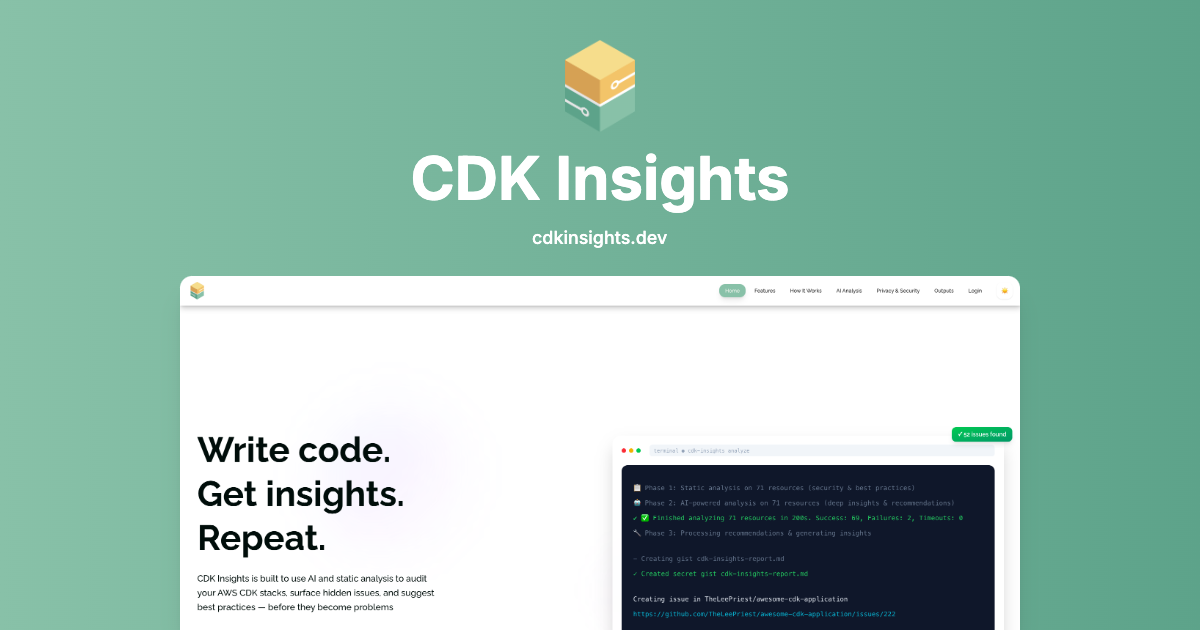
CDK Insights uses AI and static analysis to audit AWS CDK stacks, flagging security, compliance, and cost issues before deployment.
What is CDK Insights?
CDK Insights is an AI-powered analysis tool for AWS CDK projects. It scans your infrastructure source code to surface security gaps, compliance issues, and cost waste, and it provides findings based on both rule-based static analysis and AI-assisted interpretation.
The product’s core purpose is to help teams catch misconfigurations and risky patterns before they reach production deployments. It supports scanning directly from your local environment (“code never leaves your machine”), and it can emit results in multiple formats to fit different workflows.
Key Features
- Static analysis with 100+ rules across 35+ AWS services: Detects security, compliance, and best-practice problems using rule-based checks aligned to CDK source.
- AI-powered deep analysis using AWS Bedrock: Adds context-aware recommendations and code-focused suggestions beyond what static rules catch.
- Security and compliance coverage with examples of findings: Flags issues such as public S3 buckets, wildcard IAM policies, and missing encryption on resources.
- Cost optimization checks: Identifies potential spend reductions (e.g., Lambda memory sizing signals, missing S3 lifecycle policy, disabled intelligent tiering).
- Multiple output formats for different tooling: Exports results as JSON, Markdown, Table, Summary, and SARIF (including support for GitHub Code Scanning workflows).
- Terminal-first workflow for fast feedback: Runs as a command-line tool for quick scans, with results reported back in your local environment.
- Web dashboard for analysis history and license management: Provides access to prior analyses and license control through a dashboard.
How to Use CDK Insights
- Install the CLI: Use
npm install -g cdk-insights. - Run a scan: In your project, execute
cdk-insights scanto analyze your AWS CDK stacks. - Review results locally: Inspect the findings reported by the scan, including security/compliance and cost optimization issues.
- Choose an output format: Export findings in JSON, Markdown, table, summary, or SARIF depending on whether you’re reviewing manually or integrating with CI/GitHub.
- Use the dashboard if needed: Access analysis history and manage licenses via the web dashboard.
Use Cases
- Pre-deployment security review for CDK changes: Run scans on CDK code before merging or deploying to identify critical issues like public S3 access and overly permissive IAM policies.
- Compliance-oriented infrastructure hardening: Use rule-based findings to detect missing encryption on resources (databases, queues, and storage) and address them before audit time.
- Operational readiness checks for monitoring gaps: Identify missing monitoring/logging configurations that can make production incidents harder to detect (e.g., absence of alarms or trails).
- Cost tuning for performance and storage: Detect signals such as high Lambda memory allocation and missing S3 lifecycle policies, then apply suggested adjustments.
- Integrate results into developer workflows: Export findings as SARIF for GitHub Code Scanning or use JSON/Markdown/table outputs for CI/CD reporting and review.
FAQ
-
Does my CDK source code leave my machine? The site states that the product’s “code never leaves your machine.”
-
What analysis methods does CDK Insights use? It combines static analysis (rule-based checks) with AI-powered analysis that provides context-aware recommendations.
-
How many rules and AWS services are covered? The product page mentions 100+ rules and coverage across 35+ AWS services (and an example scan description references 34 services in a sample flow).
-
What output formats are available? The page lists JSON, Markdown, Table, Summary, and SARIF.
-
How do I get started without setup complexity? The “Zero to Insights” flow described on the page emphasizes one command execution for scanning (no signup mentioned for static analysis).
Alternatives
- Static security linters for infrastructure-as-code (IaC): Tools that focus primarily on rule-based checks for CDK/CloudFormation/Terraform patterns can cover similar “obvious” misconfigurations, though they may not include AI-based, context-aware recommendations.
- Policy-as-code scanners for cloud configurations: Alternatives that enforce security/compliance via policy definitions can provide governance workflows, typically centered on policy evaluation rather than CDK-specific AI interpretation.
- Cloud-native security posture management (CSPM): CSPM products assess deployed resources to find security/compliance issues. Compared to CDK Insights, they often operate on runtime infrastructure rather than scanning source code before deployment.
- General CI/CD code scanning (SAST-style) for infrastructure: Platforms that ingest scan artifacts (e.g., SARIF) can centralize findings in pull requests. They may differ in coverage if they aren’t tailored to AWS CDK constructs and remediation context.
Alternatives

ClawTick
ClawTick is a CLI-first AI agent automation platform for scheduling webhook tasks on cron with monitoring, alerts, retries, and execution logs.

Falconer
Falconer is a self-updating knowledge platform for high-speed teams to write, share, and find reliable internal documentation and code context in one place.

OpenFlags
OpenFlags is an open source, self-hosted feature flag system with a control plane and typed SDKs for progressive delivery and safe rollouts.

skills-janitor
Audit, track usage, and compare your Claude Code skills with skills-janitor—nine focused slash commands and zero dependencies.

Devin
Devin is an AI coding agent that helps software teams complete code migrations and large refactoring by running subtasks in parallel.

MakerLoft
MakerLoft is an AI app builder for non-developers that connects to your GitHub repo to generate working apps with auth, payments, files, jobs.