
Mock tokens for untrusted agents
The agent works with mock tokens rather than real card numbers or passwords, reducing the impact of a prompt injection or compromised agent context.

Agent Vault lets AI agents make card payments and sign in with mock tokens, while vaulting credentials with limits, allowlists, isolation, and revocation.
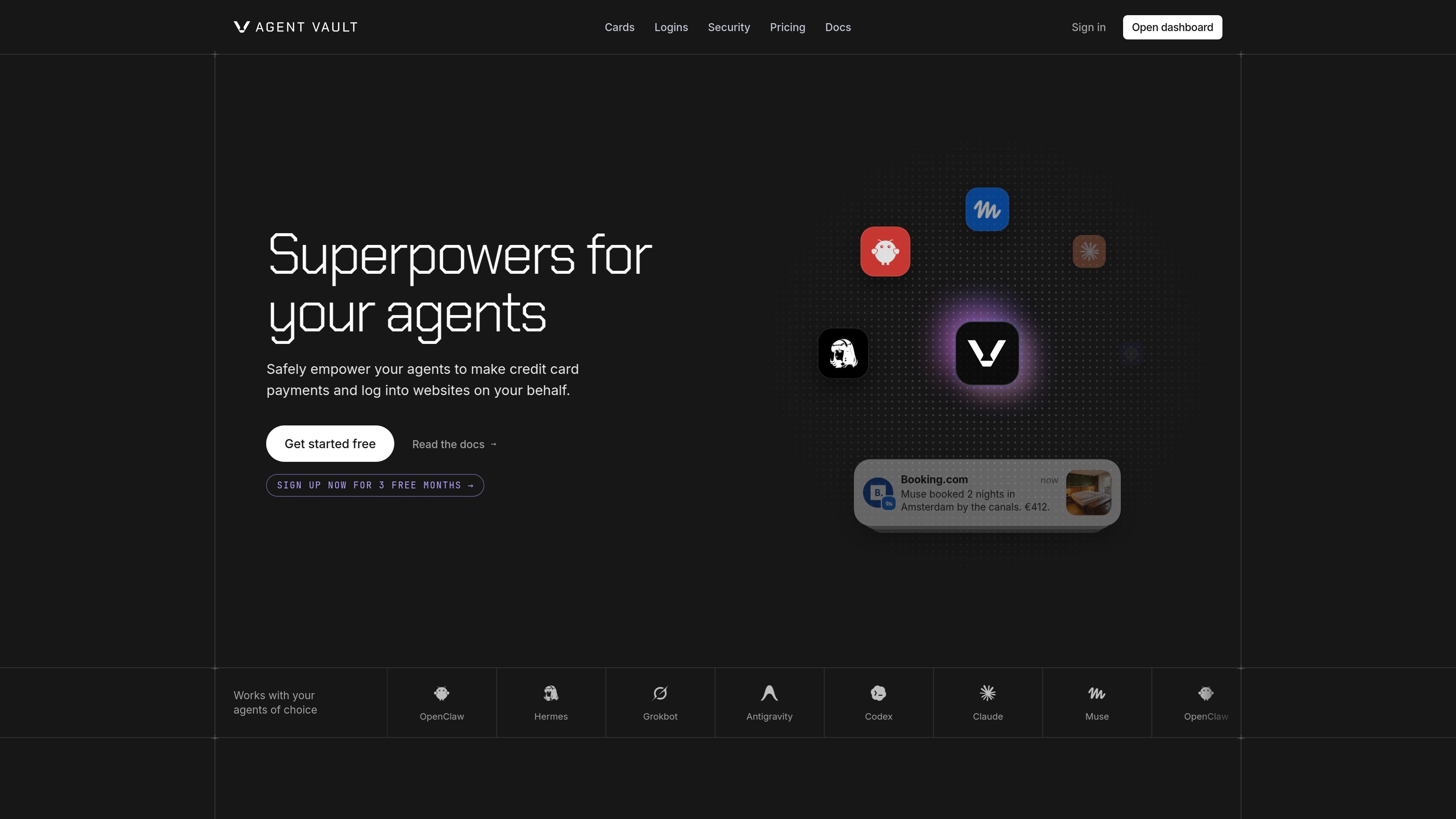
Agent Vault is a security layer for AI agents that need to complete credit-card payments or sign in to websites. Users store card and login credentials in the vault, then give agents mock tokens that can be used in place of the real values.
When an agent reaches a checkout or sign-in form, the real credential is substituted inside an isolated enclave that the agent cannot see. The site says the enclave’s traffic is tunneled through the user’s own machine by default, so the merchant usually sees a transaction arriving from the user’s IP address. Agent Vault also combines credential isolation with spending policies, session separation, and revocation controls.
The agent works with mock tokens rather than real card numbers or passwords, reducing the impact of a prompt injection or compromised agent context.
Real card values are looked up and entered inside an isolated enclave at checkout. The proxy holds only an opaque token, while the merchant receives an ordinary payment transaction.
Create per-transaction, daily, weekly, and monthly spending caps. Agent Vault can automatically pause a card when a limit is exceeded.
Optional merchant allowlists restrict where a card can be used, adding a policy layer beyond spending caps.
Revoke a card or login at any time. The site states that revocation takes effect immediately.
Each session uses a separate browser context, preventing cookies, storage, and cache from crossing between sessions. Idle proxy sessions end after 15 minutes.
Let an agent complete online purchases without exposing a usable card number in its context. Spending caps and merchant allowlists can constrain the transaction.
Provide an agent with a site-specific login token so it can sign in while the underlying username and password remain vaulted and are swapped at submission.
Run multiple agents or tasks in separate browser sessions when shared cookies, storage, or cache could cause accounts or workflows to overlap.
Give agents access to recurring payment or account workflows while retaining the ability to revoke a card or login immediately if a task should stop.
You store your credentials once and scope each agent in the dashboard. The agent receives mock tokens, while the real card or login value is looked up and entered inside the isolated enclave when needed.
The agent receives tokens that have no usable card value. The real card details are not handed to the agent; the enclave types them into the checkout form on the trusted side of the boundary.
Yes. Cards can have per-transaction, daily, weekly, and monthly caps, with optional merchant allowlists. The product also provides a kill switch that can revoke a card or login immediately, and it describes automatic pausing when a limit is exceeded.
Each session runs in its own browser context, and cookies, storage, and cache do not cross between sessions. Proxy sessions end after 15 minutes of inactivity.

CreateOS Sandbox is an isolated compute environment for running code and agent workloads in Firecracker micro-VMs with private networking and SDK, CLI, or MCP control.

GitBot is a local browser workspace for reusable coding bots powered by Claude Code, Codex, or OpenCode, with persistent threads and configurable permissions.

AakarDev AI helps teams manage AI provider access, project setup, logs, and analytics in one dashboard. BYOK support included.

Trigger.dev chat agent is a durable AI chat backend for stateful conversations that survive refreshes, crashes, and long-running turns with AI SDK useChat.

ByteAsk is a terminal-first AI coding agent for C and C++ that edits repos and verifies changes with compilers, debuggers, sanitizers, and tests.

Epherem scans web apps built with Lovable, Bolt, v0, Replit, Cursor, and Claude Code for security flaws in source code and dependencies, without running the app.