
Record Mac audio
Press Command-R while a video, reference track, browser page, music app, or plugin is playing to capture Mac audio without installing BlackHole, Soundflower, or another audio driver.

DOT Audio Recorder captures audio from selected apps or all Mac audio, trims clips, and detects key, BPM, and chords for easy DAW use—without virtual routing.
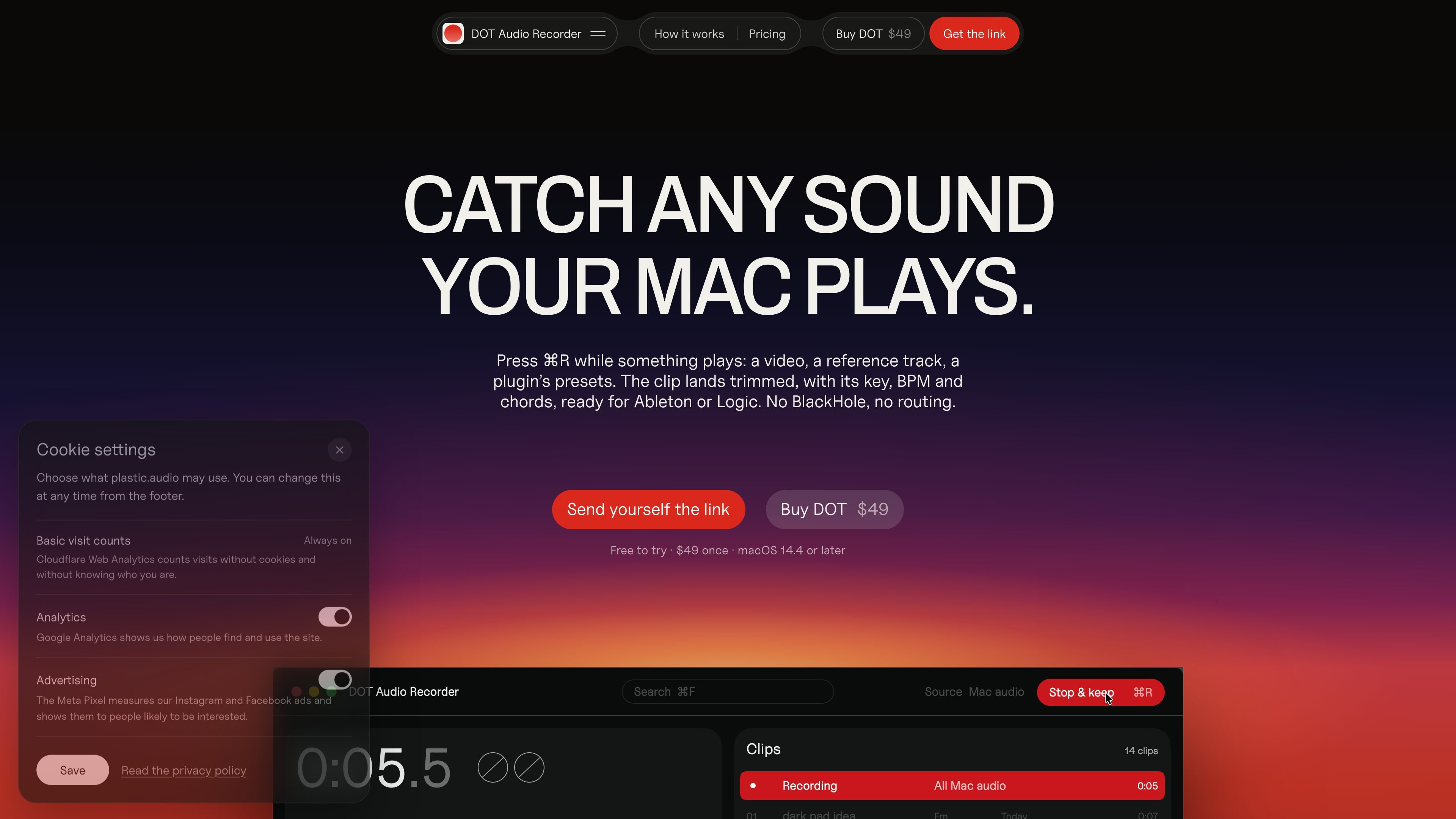
DOT is a Mac audio recorder for capturing sound played by your computer. Press Command-R while a video, reference track, browser session, music app, or plugin preset demo is playing, and DOT saves a trimmed clip in its library. You can record from a selected app or from all Mac audio, without installing an audio driver or rerouting sound through a virtual device.
For musical material, DOT identifies the key and BPM and shows a chord for each half bar. Clips can be exported as WAV, AIFF, or M4A audio files and dragged into a compatible DAW, while the chord progression can be exported as a standard MIDI file for use with your own sounds. It is aimed at musicians who want to turn sounds they encounter on a Mac into workable session material quickly.
Press Command-R while a video, reference track, browser page, music app, or plugin is playing to capture Mac audio without installing BlackHole, Soundflower, or another audio driver.
Choose a specific app such as a browser, music app, or plugin, or leave the source set to all Mac audio. An optional Microphone too mode is available.
DOT trims both ends of each take before showing it. You can adjust the handles, which snap to the beat.
Musical clips receive a detected key and BPM, plus a chord for every half bar. The chords can be exported as a standard MIDI file.
Export recordings as normal audio files in WAV, AIFF, or M4A format, then drag them into a compatible DAW. The site specifically names Ableton, Logic, and FL Studio.
Search the recording library by title, key, or BPM, keeping captured ideas easier to locate later.
Capture a sound from a video, online reference, or browser session as soon as you hear it, then trim it and keep it in the DOT library for later use.
Record a reference track or musical passage and use the reported key, BPM, and chord sequence to replay the idea with instruments and sounds in your own session.
Capture a plugin preset demo or a sound from a music app without setting up a virtual audio driver, then move the audio into a DAW for arrangement or sound design work.
Search saved clips by title, key, or BPM when revisiting sketches or building a session around a particular tempo or tonal center.
DOT requires macOS 14.4 or later and works on both Apple silicon and Intel Macs. There is no audio driver or plugin to install. macOS asks for Screen & System Audio Recording permission; microphone permission is only needed if Microphone too is enabled.
Yes. DOT records Mac audio without BlackHole or Soundflower and does not require audio routing. If you use BlackHole to send audio between apps live, the site recommends keeping it for that separate workflow.
Press Command-R while audio is playing, then choose a source such as a browser, music app, or plugin, or record all Mac audio. DOT trims the take and lets you drag the resulting audio file into a DAW. It specifically names Ableton, Logic, and FL Studio.
Recordings stay on the Mac and DOT works offline. It connects online only to check for updates and the license. The app may optionally ask to see the title of what is playing on Spotify.
The free version has no time limit and includes the first 10 recordings and 3 chord MIDI exports. The paid version is a one-time $49 purchase with unlimited recordings, unlimited chord MIDI exports, use on up to three of your own Macs, and free updates. Purchases have a full refund period of 30 days.

CAMB.AI Streams dubs live audio in real time for YouTube, Twitch, X and other platforms, using existing live workflows and no post-production.

LALAL.AI is an AI audio processing platform for stem separation, voice cleanup, and voice transformation, with browser upload, preview, and download.

optimo is a free, open-source CLI for optimizing and converting images and videos with ImageMagick and FFmpeg, built for web assets and batch compression.

Kits AI is an AI music production platform for voice cloning, vocal generation, and vocal processing. Free plan, paid tiers, and Windows app.

Converleon is an offline Mac file converter for images, video, audio, documents, PDFs, and archives, with batch conversion and no uploads.

ElevenMusic is a web-based music platform to discover tracks, remix music, and create original songs with prompt-led mood tags and account-based saving.