
Per-bucket upload header rules
Set rules per bucket so matching files receive specified Cache-Control values on upload. The site gives long-lived caching for JavaScript and CSS and no-cache for HTML as examples.

Hoistbay is a free, open-source desktop app for managing Amazon S3 buckets and CloudFront distributions, uploads, metadata, and cache invalidations on macOS or Windows.
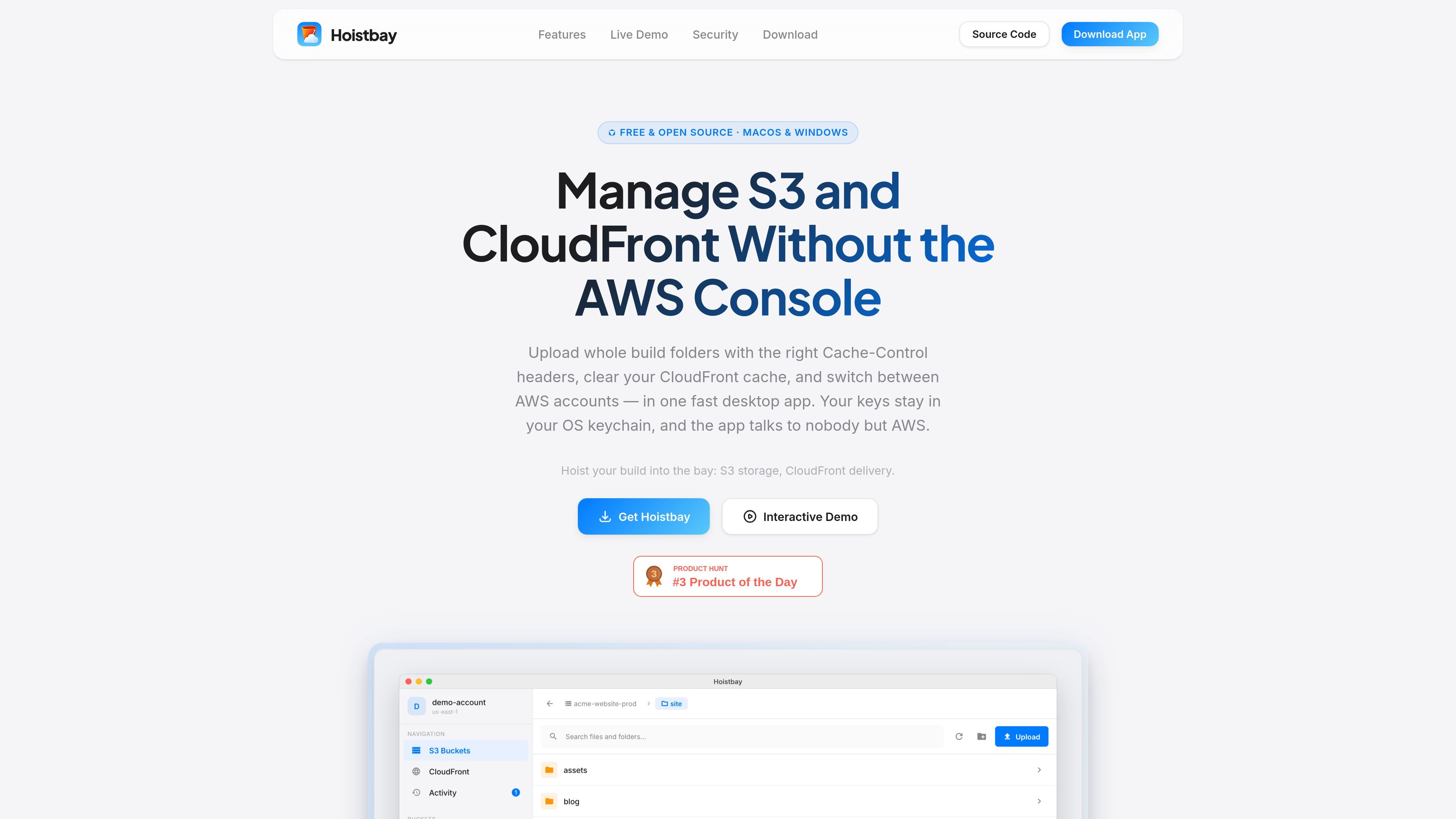
Hoistbay is a free, open-source desktop application for browsing and managing Amazon S3 buckets and Amazon CloudFront distributions. It is designed for the repeated storage and CDN tasks around releases, including uploading build folders, applying upload headers, managing objects, and invalidating cached content without using the AWS Console or remembering command-line flags.
The app connects to official AWS regional endpoints over HTTPS and states that it has no intermediary backend or analytics. Credentials are kept in the native key store on supported operating systems, while the MIT-licensed source is available for inspection or local builds with Flutter.
Set rules per bucket so matching files receive specified Cache-Control values on upload. The site gives long-lived caching for JavaScript and CSS and no-cache for HTML as examples.
Upload files or multiple folders while preserving folder structure, download objects or folders, and perform multi-select rename, move, copy across buckets or regions, and deletion operations.
Browse CloudFront distributions alongside buckets, invalidate all paths or named paths after a deployment, and follow the invalidation status.
View an object's properties, HTTP headers, tags, and versions. Content-Type, Content-Encoding, and x-amz-meta-* values can be changed without re-uploading the object.
A single activity panel reports live progress, start and finish times, and success or failure for uploads, downloads, deletes, and cache clears. Network failures are retried up to three times and remaining failures are reported per object.
Save account-and-region profiles, switch between them, and use session tokens. The app detects bucket regions automatically and includes handling for special-character keys, Content-MD5 bulk deletes, and large folder pagination.
Upload a completed web build as a folder while retaining its directory structure and applying predefined caching rules to asset and HTML file patterns.
After a deployment, invalidate all CloudFront paths or selected paths and use the activity status to confirm that the cache clear completed.
Move or copy selected objects between buckets or regions, download a folder for local work, or remove unneeded objects as a bulk operation.
Correct an object's Content-Type, Content-Encoding, or custom metadata in place when an existing asset has incorrect delivery settings.
Keep separate saved connections for production, development, or staging AWS environments and switch profiles when working across accounts and regions.
Hoistbay stores AWS access keys in the native credential storage on supported platforms: macOS Keychain or Windows Credential Manager. The site states that keys are read when the app calls AWS.
It supports saved profiles by AWS account and region, with session tokens for temporary credentials. Bucket regions are detected automatically.
The application is available for macOS 12 or later on Apple Silicon and Intel Macs, and for Windows 10/11 x64. A Linux client is listed as coming soon.
Hoistbay can invalidate all paths using /* or selected paths, and displays invalidation progress until the cache is cleared.

Harness² is an open-source framework for refining prompts, tools, memory, and more around fixed AI models across JobBench, LAB, and WorkBuddy-Bench.

Composio Instant gives AI agents wallet-funded access to paid tools for search, browser, media, and data workflows—without separate accounts or API keys.

Buildhorn is a mobile CI monitoring app that alerts you to failed builds, offers repository widgets and custom sounds, with a free plan for two repositories.

Find direct-owner rental homes with NakkoBroker in Hyderabad, Bengaluru, Chennai, Pune and Vizag. Browse maps, filter homes, message owners and book viewings.

DOT Audio Recorder captures audio from selected apps or all Mac audio, trims clips, and detects key, BPM, and chords for easy DAW use—without virtual routing.

FileCorner is a free online tool for converting documents, presentations, and images, with PDF utilities and optional AI tools—no account required.