
Red-build notifications
Monitor selected continuous-integration repositories and receive an alert when a build turns red.

Buildhorn is a mobile CI monitoring app that alerts you to failed builds, offers repository widgets and custom sounds, with a free plan for two repositories.
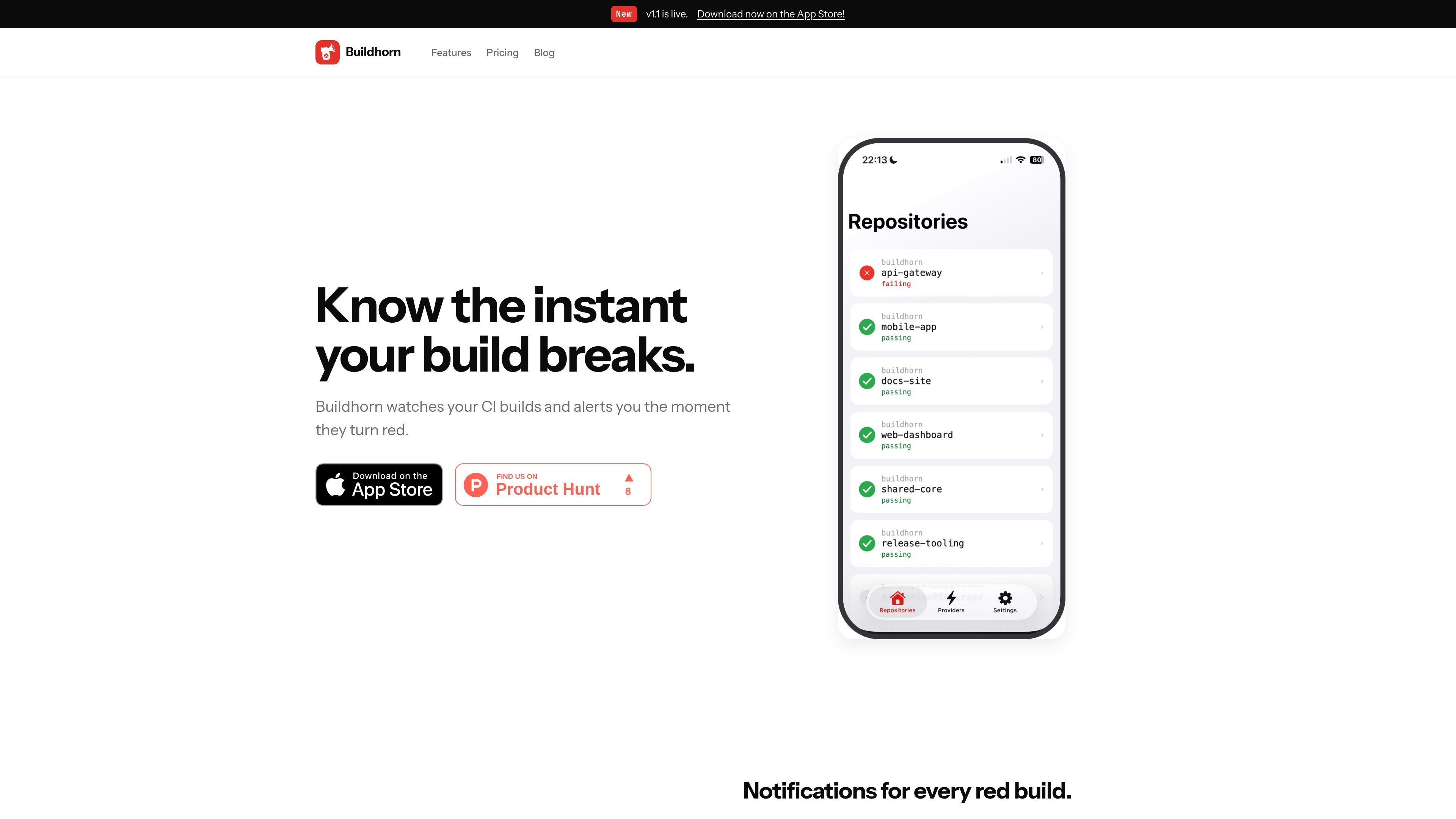
Buildhorn is a mobile CI monitoring app for developers who want to know when a continuous-integration build fails. It watches selected repositories and sends notifications when builds turn red, so users can respond even when they are away from their laptops.
The app also provides repository-specific home-screen widgets and custom failure sounds. A free plan covers up to two watched repositories, while the site advertises a Pro plan for unlimited repositories; the available source does not document supported CI providers or the setup process.
Monitor selected continuous-integration repositories and receive an alert when a build turns red.
Stay informed about failures while away from a laptop so issues can be investigated or escalated promptly.
Choose a customised sound for failure notifications, including a different sound for each failure.
Add a customisable home-screen widget for each repository to view build status from a phone.
View passing, failing, and pending build states in the mobile dashboard and widgets.
Receive a prompt when a build fails while commuting, working away from a desk, or otherwise not watching a CI dashboard.
Use the repository widget to check build status directly from a phone home screen instead of opening a dashboard.
Use distinct or personalised failure sounds to make build alerts easier to recognise in a busy mobile notification stream.
Start with two repositories on the free plan to evaluate mobile CI monitoring before deciding whether broader repository coverage is needed.
Buildhorn watches selected CI repositories and sends a notification when a build turns red. The site describes alerts for every red build, but does not document the specific CI providers or connection steps.
The free plan includes up to two watched repositories. The site says the Pro plan supports unlimited watched repositories, but further billing and account details are not documented here.
Yes. Buildhorn provides a customisable home-screen widget for each repository, allowing build status to be checked from a phone glance.
Yes. Failure notifications can use a customised sound, including a different sound for each failure according to the product description.

ClawTick is an AI agent automation platform for scheduling jobs from the CLI, dashboard, or REST API. Built for developers and teams using LangChain, CrewAI, webhooks, or custom workflows with monitoring, alerts, and logs.

OpenFlags is an open-source, self-hosted feature flag platform for JavaScript teams, with local evaluation, targeted rollouts, and controlled launches.

EAS Observe monitors production performance in Expo and React Native apps, showing startup metrics, session timelines, release markers, and errors in the Expo dashboard.

Rectify is an all-in-one SaaS operations platform with session replay, monitoring, support, code scanning, roadmaps, and changelogs for product teams.

PromptScout tracks how ChatGPT, Gemini, Google AI Overviews, and Perplexity mention your brand or competitors, with source analysis and website audits.

Sleek Analytics is a privacy-friendly web analytics tool with real-time visitor tracking, Core Web Vitals, and revenue attribution.