
Denoise and deblur
Improve low-quality footage by reducing noise, motion blur, low-light grain, and other visual defects before export.

AI Video Quality Enhancer Online Free is a browser-based tool to denoise, sharpen, restore color, and upscale uploaded videos. Free sign-up credits available.
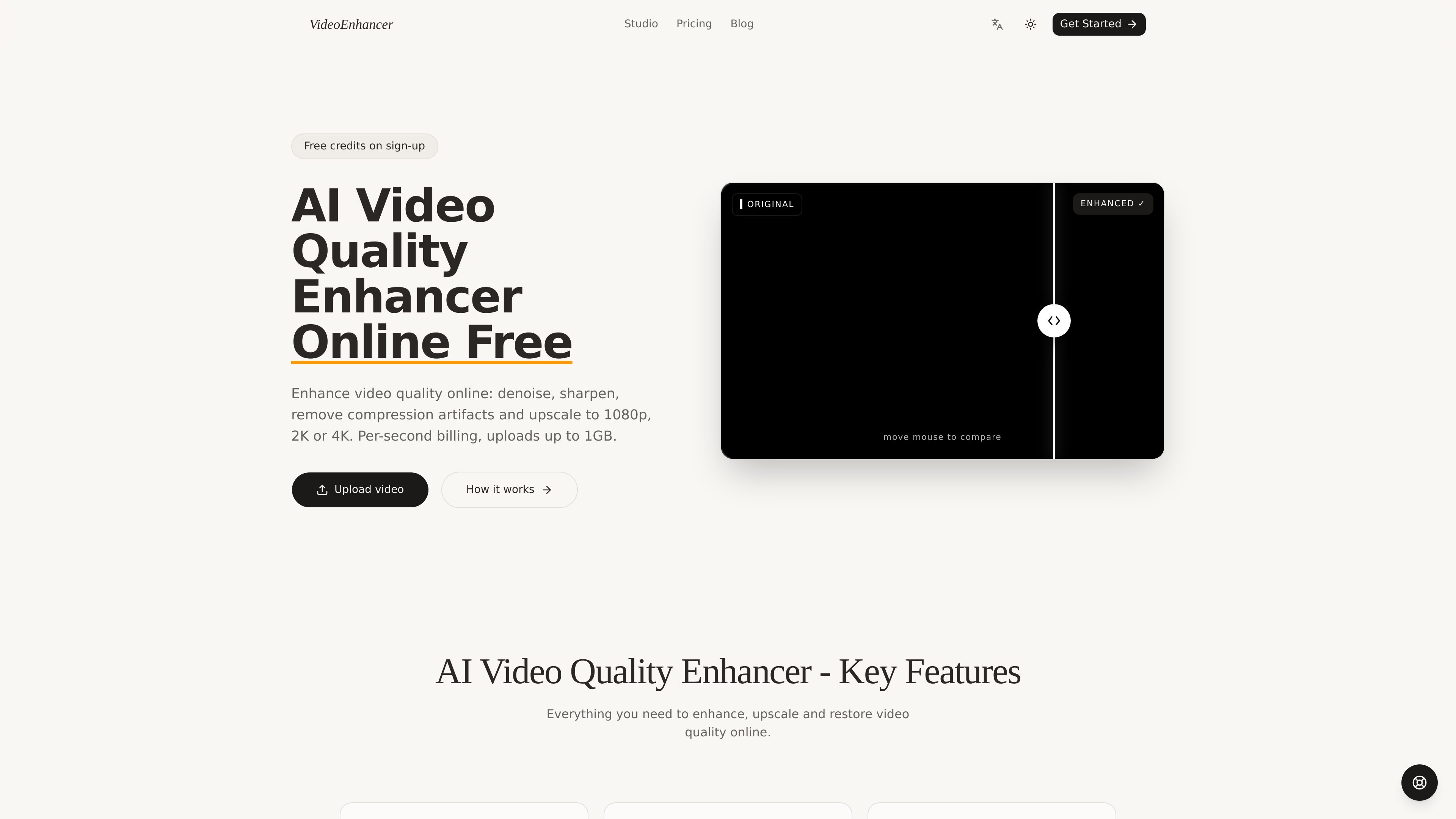
AI Video Quality Enhancer Online Free is a web-based video enhancement tool that processes uploaded clips with AI to denoise, sharpen, restore color, remove compression artifacts, and upscale footage to higher resolutions. The product positions itself as a free-to-start service with credits on sign-up and paid usage afterward through pay-as-you-go or subscription plans.
The workflow is centered on browser-based upload, preset selection, and export. The studio accepts MP4, MOV, and MKV uploads up to 1GB, reads duration and resolution automatically, and outputs an enhanced MP4 after background processing. Users can choose a scene preset, target resolution up to 4K, and a 30fps or 60fps frame rate depending on their needs.
Improve low-quality footage by reducing noise, motion blur, low-light grain, and other visual defects before export.
Restore faded color and exposure so footage looks more natural rather than flat or washed out.
Upscale output to 1080p, 2K, or 4K, with support for 30fps or 60fps depending on the job.
Use the Deep AI Algorithms mode for cinema-grade enhancement with 30+ built-in algorithms and higher credit usage.
Apply scene presets such as general, AIGC, short drama, and old film restoration to match the source footage.
Compare before and after results in the studio and download the enhanced MP4 when processing is complete.
Clean up noisy, blurry, or low-light clips before delivering them to a client or publishing them online.
Restore older recordings by reducing artifacts, sharpening detail, and using the old film restoration preset when appropriate.
Prepare product, social, or brand clips for higher-resolution output when the source footage needs more clarity.
Test enhancement quality on a real clip using the free sign-up credits before committing to ongoing usage.
Process batches or recurring work with paid plans that offer higher credit allocations and, on the Pro and Ultimate tiers, workflow features such as priority processing or higher concurrency.
You upload an MP4, MOV, or MKV file in the studio, choose an enhancement scene and output settings, then let the AI process the clip in the background before downloading the enhanced MP4.
The homepage says new users get free credits on sign-up, after which the service uses pay-as-you-go or monthly subscription plans.
The studio supports output up to 4K, with frame-rate options of 30fps or 60fps depending on the selected settings.
The pricing page says credits are billed per second of output video, with rates based on output resolution and frame rate; Deep AI Algorithms uses a higher credit rate than Standard.
The source shows uploads up to 1GB and files stay in storage for 30 days before auto-delete.

SkyReels is an AI video generation platform with a web creative studio and API access for text-to-video, image-to-video, and reference-based workflows.

Video Effects SDK adds real-time webcam effects like background blur, replacement or removal, denoising, framing, beautification, and color grading for live video apps.

DeepMotion is a web-based AI motion capture and 3D animation platform with Animate 3D for video-to-animation and SayMotion for text-to-animation.

Zella is a screen recorder and on-device AI video editor for Mac and iPhone. Record, edit, caption, reframe, and export videos locally.

ngram is an AI video generator and editor for teams and creators. Turn prompts, files, or screen recordings into editable videos for demos, training, onboarding, sales, and launches.

Agentic video understanding with Gemini enables selective video analysis for better accuracy and lower token usage via the Gemini API in Google AI Studio and Gemini Enterprise Agent Platform.