
Website and product UI generation
Generate landing pages, SaaS dashboards, ecommerce pages, product interfaces, and other website UI that is intended to be publish-ready from the first draft.

AIDesigner is an AI design tool for generating website UI, mobile app screens, brand assets, and marketing graphics from prompts. It also offers MCP and REST API integrations for editor-based and programmatic workflows.
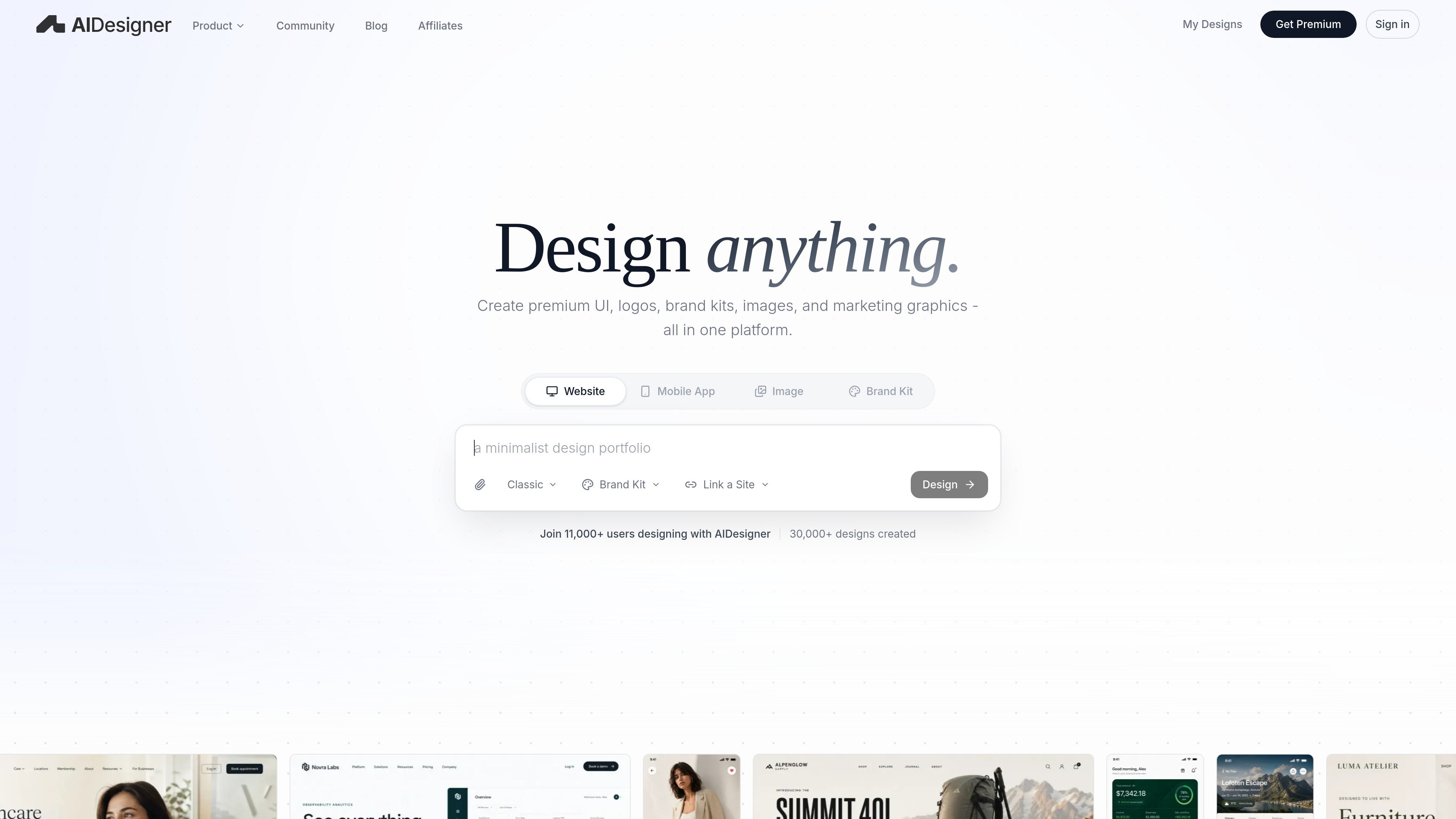
AIDesigner is an AI design product for generating website UI, mobile app screens, images, brand kits, logos, and marketing graphics from text prompts. It is presented as a design tool for producing polished layouts, reusable visual assets, and publish-ready output.
The product spans both a web workflow and developer-facing integrations. Its MCP server connects to coding assistants such as Claude Code, Codex, Cursor, VS Code / Copilot, and Windsurf, while its REST API supports HTTP-based generation for backend services, queued jobs, CI, or internal tools.
Generate landing pages, SaaS dashboards, ecommerce pages, product interfaces, and other website UI that is intended to be publish-ready from the first draft.
Create onboarding flows, shopping flows, finance dashboards, and other native-feeling mobile app screens from a simple prompt.
Build brand kits, logo concepts, images, ads, infographics, reusable assets, and campaign visuals that stay aligned across channels.
Use the MCP server inside coding tools such as Claude Code, Codex, Cursor, VS Code, and Windsurf so an assistant can generate, refine, and adopt UI without leaving the editor.
Refine layouts, change typography, swap colors, edit sections, and replace imagery iteratively without restarting the design from scratch.
Use the REST API for single-file HTML generation, streaming responses, website analysis modes, rate-limited automation, and other programmatic workflows.
Draft polished landing pages, dashboards, ecommerce layouts, or product screens when you want the first version to be close to publishable instead of a rough wireframe.
Generate onboarding, shopping, or finance screens for mobile products when you need native-feeling app UI from a prompt.
Create logo directions, brand kits, reusable assets, and campaign graphics that stay consistent across a growing set of channels.
Use the MCP server in an editor to let coding assistants generate designs, inspect repo context, and move UI toward production implementation.
Call the REST API from backend services, CI, or internal tools when you need programmatic design generation and control over request handling.
AIDesigner generates website UI, mobile app screens, images, brand kits, logos, and marketing graphics from a text prompt. Its MCP and REST API surfaces are aimed at different workflows: MCP for coding assistants and repo-aware design work, REST for HTTP-based backend or automation use.
The source documents describe one paid plan on the pricing page: Pro, listed at $25 per month. That plan includes 100 monthly credits, unlimited projects, publishing unlimited websites, connecting custom domains, removing watermarks on sites, advanced image tools, high quality design exports, and priority support.
The MCP setup guide says AIDesigner supports Claude Code, Codex, Cursor, and VS Code / Copilot, with Windsurf supported at user scope only. The REST API docs describe a separate HTTP interface for services that want to make requests directly.
The MCP workflow uses OAuth sign-in and a command-line setup step that writes the right host-specific configuration. The REST API uses bearer API keys issued from Settings → API Keys and sent in the Authorization header.
The website positions MCP for interactive, repo-aware design generation inside an editor, while the REST API is meant for backend services, queued jobs, CI, or internal tools. If you want an assistant to design directly, MCP is the better fit; if you own the request lifecycle, use REST.

Make Real is a Next.js app that turns hand-drawn wireframes into working HTML prototypes using the tldraw SDK and AI models. It helps users sketch on a canvas, generate code, and review the result in an embedded preview.

Napkin AI turns text into editable visuals for presentations, documents, and shareable content. Text-first generation, collaboration, and export to PPT, PNG, SVG, or PDF.

Refero MCP for AI agents connects an MCP-compatible agent to Refero’s curated library of web and iOS product interfaces and user flows. It helps agents research real design patterns before generating UI, with access included in the Refero Pro plan.

okkslides is an AI presentation maker that creates and edits business slide decks from prompts, documents, outlines, or existing PowerPoint files. It supports template-based generation, natural-language edits, and export to PowerPoint.

Pixso is a next-generation AI-native UI design tool that allows users to generate design drafts and code with a single click, serving as a domestic alternative to Figma.

创客贴 AI is an AI-powered design platform that includes various AI design tools to help users reduce design complexity and enhance design efficiency.