
Generate from several input types
Create presentations from prompts, documents, outlines, or existing PPT files, giving you multiple starting points for the same deck.

okkslides is an AI presentation maker that creates and edits business slide decks from prompts, documents, outlines, or existing PowerPoint files. Export to PowerPoint.
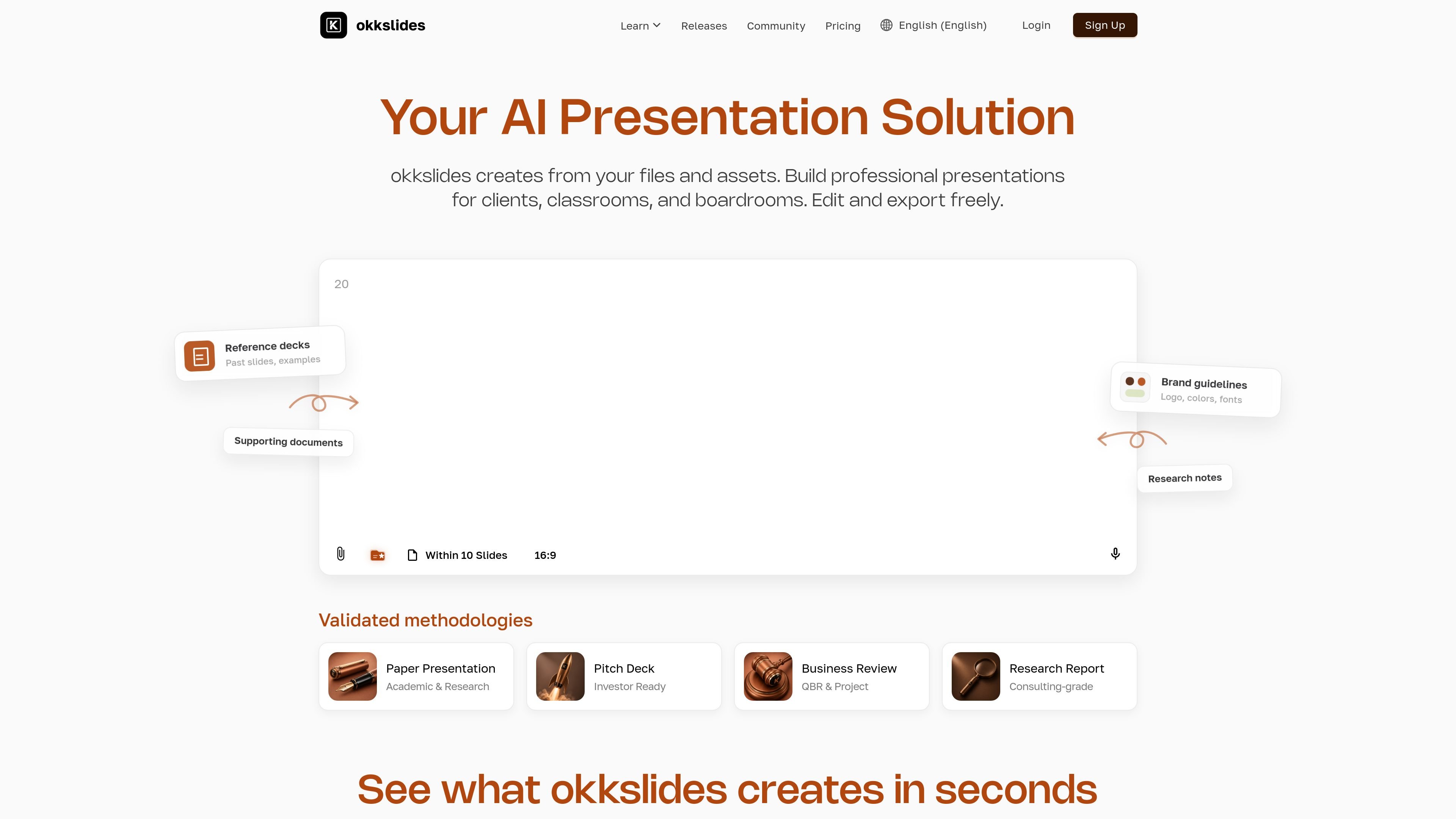
okkslides is an AI presentation maker for producing business-ready slide decks from prompts, documents, outlines, existing PowerPoint files, or uploaded URLs. The site positions it for professional presentations and shows examples such as financial reports, business plans, market analysis, and pitch decks.
It combines generation with editing and redesign tools. Users can start from a template, refresh an old deck, or describe changes in plain language, then export the result to PowerPoint. The product page emphasizes that slides remain editable, rather than being locked into a fixed template.
Create presentations from prompts, documents, outlines, or existing PPT files, giving you multiple starting points for the same deck.
Upload a .pptx template once and apply its fonts, colors, layouts, and overall style to later presentations.
Upload an existing presentation and have okkslides redesign it while preserving the original content.
Edit text, images, charts, and tables directly on the canvas, with freedom to move, scale, rotate, and reposition elements.
Use natural-language prompts to request design or structural changes, such as a darker color scheme or a stronger title section.
Export polished decks to PowerPoint, with the pricing page also describing PDF and long-image export options.
Use okkslides to draft a business deck from a brief, document, or outline when you need a structured first pass quickly.
Upload an existing .pptx template so every new deck follows the same fonts, colors, and layout rules.
Bring in an old slide deck and let okkslides redesign the visuals while keeping the underlying content intact.
Use the editor to adjust text, charts, tables, and layouts without leaving the slide canvas, especially when the generated draft needs fine-tuning.
Prepare a PowerPoint-ready deck for business reviews, reports, or pitch meetings where the final file needs to open cleanly in standard presentation software.
Yes. The pricing page offers a Free plan, monthly Lite and Premium plans, and one-time credit packs that can be purchased without a subscription through the Build Your Own Pack option.
You can generate presentations from prompts, documents, outlines, existing PPT files, or a URL upload. The home page also shows natural-language editing and redesign of existing slides.
The site says you can export to PowerPoint as .pptx, and the pricing page also lists PDF and long-image export options with quality differences by plan.
Yes. The home page states that you can upload a .pptx template once and okkslides will generate future presentations in that style, with fonts, colors, and layouts consistent across new decks.
The site does not describe detailed collaboration or integration options on the pages reviewed, so those workflows may need to be confirmed separately before adoption.

Napkin AI turns text into editable visuals for presentations, documents, and shareable content. Text-first generation, collaboration, and export to PPT, PNG, SVG, or PDF.

Slidesgo is a presentation template platform for Google Slides, PowerPoint and Canva workflows, with free and Premium templates plus AI-assisted creation.

Make Real is a Next.js app that turns hand-drawn wireframes into HTML prototypes with the tldraw SDK and AI models, with canvas sketching and embedded preview.

PixelDrive is a bulk image generation API for on-brand images from one template via browser editor, REST API, CSV batch, or MCP.

Cherry Blossom is a browser-based PCB editor that turns plain-English prompts into editable schematics, PCB layouts, and fabrication files with AI checks and open exports.

ChatBA is a generative AI tool for instantly creating slide decks from prompts, with help on templates, sharing, and data sources.