
Disposable production twins
Builds a disposable production twin around a pull request so a change runs against production-shaped infrastructure before merge. The twin is temporary and deletes itself after the run.

Antifailure creates disposable production copies for each pull request to catch migration issues, side effects, and deployment failures before merge, locally or with team coordination.
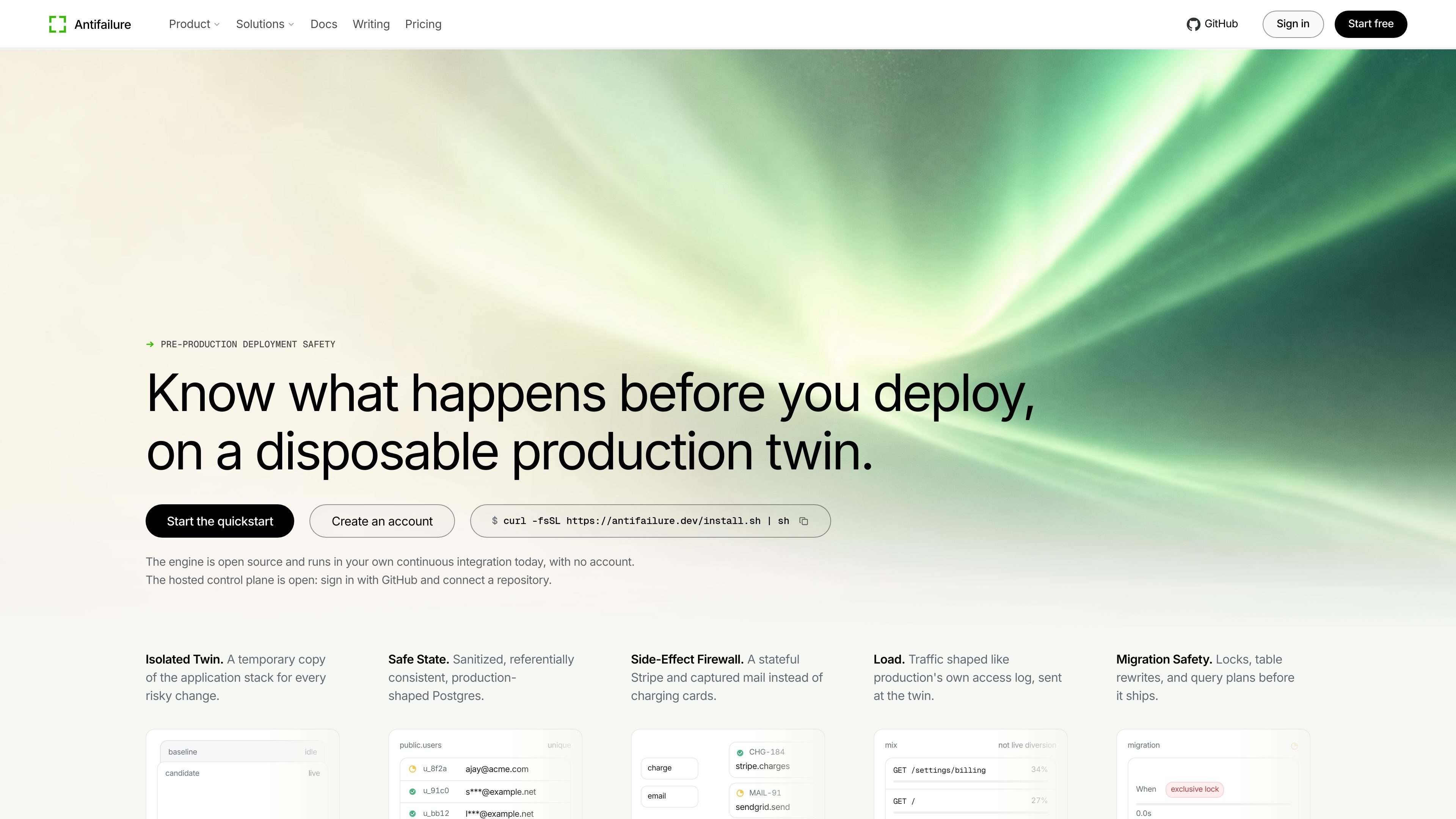
Antifailure is a pre-production deployment safety tool that creates a disposable copy of your production stack for each risky change or pull request. It runs the change against a production-shaped environment before merge, then tears the environment down when the run completes.
The product is designed to catch issues that are hard to see in unit tests or staging clones: migration locks, unsafe query plans, side effects to external services, and behavior under realistic load. The source describes a local engine that can run without an account, plus a hosted control plane for team coordination and reporting.
Builds a disposable production twin around a pull request so a change runs against production-shaped infrastructure before merge. The twin is temporary and deletes itself after the run.
Uses masked Postgres to preserve referential structure while replacing real names and sensitive values. When a production database connection is available, the twin holds a masked copy of that database.
Contains side effects by replacing live services with controlled versions such as Stripe, email, and DNS handling. The source shows requests being denied or captured inside the twin instead of reaching real external systems.
Runs agents through declared workflows and returns verdicts with evidence, including findings, traces, and teardown proof. The agent can use the app through browser-driven rehearsal rather than a synthetic stub.
Can test migration safety by checking locks, query plans, and rewrite behavior before a schema change ships. The product highlights exclusive lock timing, waiting sessions, and whether a table rewrite occurs.
Provides a local engine, CLI, and MCP server that install with one command and can run without an account. The MCP server serves rehearsal tools to coding agents over standard input and output.
Run a branch against a disposable twin before merge to see whether the release will behave correctly with production-shaped data, services, and traffic patterns.
Rehearse database migrations and schema changes to detect exclusive locks, table rewrites, and planner regressions before they reach customers.
Exercise external-service paths such as payments, email, and DNS in containment so the app can be tested without hitting real third-party endpoints.
Have coding agents operate the app through the MCP server and browser-driven workflows to check how changes behave in a more realistic way than unit tests.
Use the hosted control plane when a team needs shared orchestration, pull-request checks, and aggregated reports across repositories.
No. The quickstart says Antifailure runs locally on your own machine and does not require an account, control plane, or cloud provider. An account is only needed for the hosted control plane used to coordinate environments across a team.
Yes. The engine is described as MIT licensed, with the hosted control plane optional. The pricing page also says the community engine is free and works without an account.
The quickstart says the local setup needs Docker. A Postgres connection string is optional; if provided, Antifailure creates a masked copy of that database, and if not, it uses the schema created by your migrations.
The pricing page says the control plane enforces limits for organizations without a live subscription. It refuses the next environment or invitation when a limit is reached, but does not tear down anything already running.
The pricing page says the MCP server is part of the engine, needs no account, runs on your machine, and is free.

ByteAsk is a terminal-first AI coding agent for C and C++ that edits repos and verifies changes with compilers, debuggers, sanitizers, and tests.

Exodus is a free developer tool that audits repositories, compares deployments with Google Cloud Run, and creates migration plans with architecture and cost estimates.

Manta AI is an autonomous web app testing tool that maps app behavior, catches regressions, and generates tests from a URL, no scripts or selectors needed.

Epherem scans web apps built with Lovable, Bolt, v0, Replit, Cursor, and Claude Code for security flaws in source code and dependencies, without running the app.

CreateOS Sandbox is an isolated compute environment for running code and agent workloads in Firecracker micro-VMs with private networking and SDK, CLI, or MCP control.

GitBot is a local browser workspace for reusable coding bots powered by Claude Code, Codex, or OpenCode, with persistent threads and configurable permissions.