Appto icon

Appto

Appto is a Mac app for creating and running iPhone apps with Claude Code or Codex, from niche research and SwiftUI development to App Store launch and analytics.

Appto

AI-assisted iOS app development on Mac

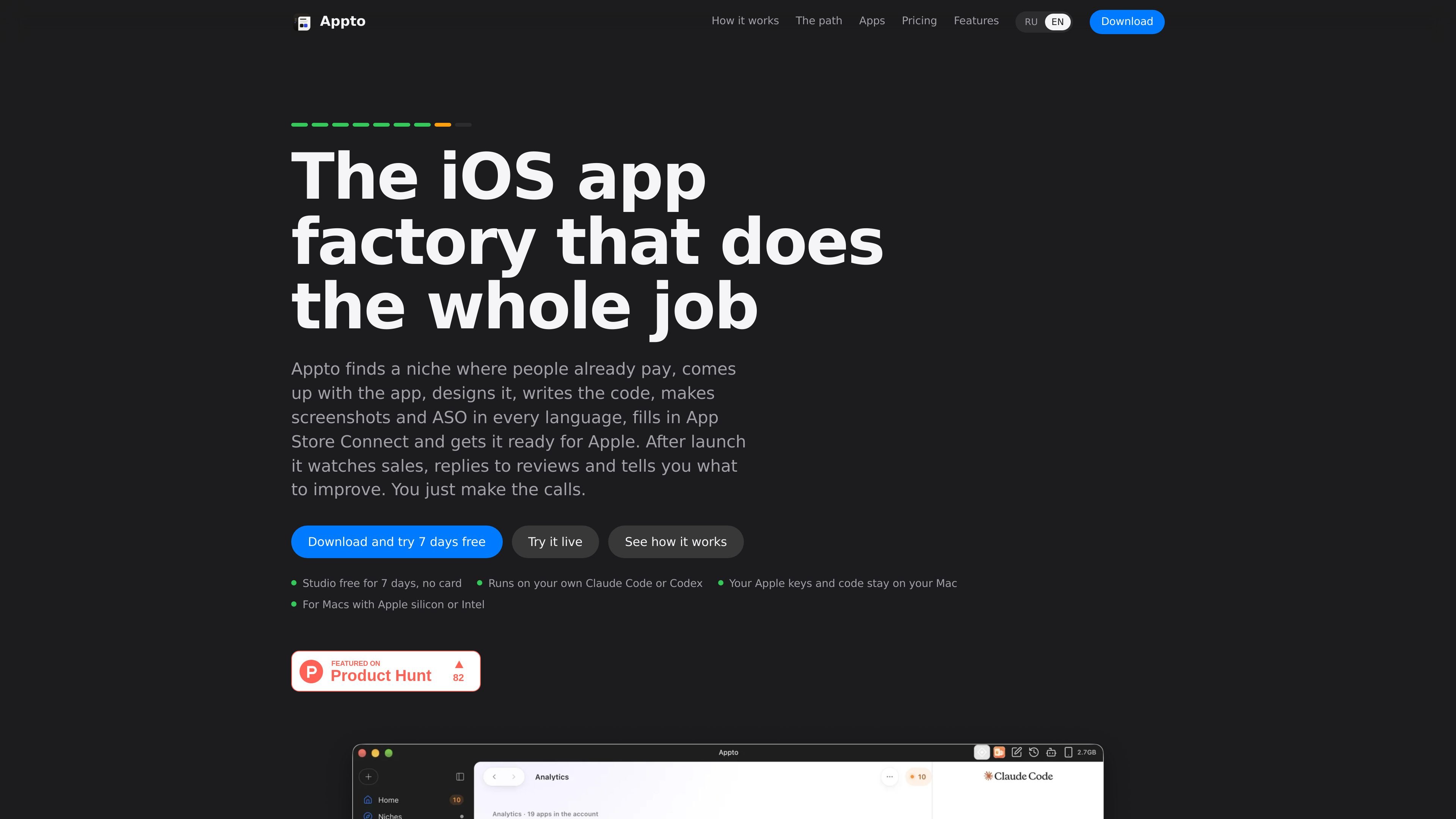
Appto is a Mac-based application factory for taking iPhone apps from an idea to App Store release and ongoing maintenance. It combines a workspace for multiple apps with Claude Code or Codex agents, showing each app's phase, the selected app, and its agent conversation in one window.

The workflow covers niche validation, concept and interface development, SwiftUI coding, simulator checks, monetization setup, localized store assets, App Store Connect preparation, and post-launch analytics. Users approve the important choices and any action that writes to App Store Connect or costs money, while the generated projects remain available in Xcode and the user's repositories.

Core capabilities

Niche research with evidence

Appto evaluates niches using App Store and Google Play signals, including chart positions, competitor complaints, Android installs, name availability, and potential App Review rule 4.3 risk. Each check can be opened with its supporting evidence.

Concept-to-code workflow

The agent proposes an app concept, name, and core loop, checks similarity to the user's existing apps before coding, then creates a SwiftUI project and tests each screen in the simulator. It can identify and fix issues found during the walkthrough.

Interactive design review

Users can compare two or three design directions, interactive mockups, light and dark themes, rotation, purchase flows, and offline behavior before selecting a direction. Steps can be undone with one button.

Onboarding and monetization setup

Appto creates alternative onboarding and paywall variants, prepares StoreKit 2 subscriptions, and can compare variant performance. Service credentials such as RevenueCat keys are entered in the app and stored in the Mac keychain.

Localized App Store preparation

The app prepares iPhone and iPad screenshot sets in 39 languages, localized names, subtitles, keywords, icons, privacy information, and a page score out of 100. It also shows text limits and a task list for the store page.

Release and post-launch operations

Appto uploads builds and prepares App Store Connect data, then tracks Apple-reported downloads, proceeds, purchases, ratings, and countries after release. It can draft review replies, flag a new poor rating, and organize improvement suggestions for today, this week, and this month.

Practical use cases

  • Validate an app idea before coding

    Use the niche dossier to compare demand, existing app performance, competitor complaints, naming availability, and App Review risk before committing engineering time. A user-provided idea can also be checked before development.

  • Build a first iPhone app without programming

    Review several interactive visual directions, approve one, and let the agent turn it into a SwiftUI project while checking screens in the simulator. This suits creators who can make product decisions but do not want to write the implementation themselves.

  • Prepare and release a localized App Store listing

    Prepare a store launch with localized screenshots, metadata, keywords, privacy information, subscriptions, pricing, and a build for App Store Connect. The user retains control of the final submission and release decisions.

  • Operate multiple apps after launch

    Manage a portfolio of apps in parallel, with a separate agent and repository for each app, a shared queue for decisions, and one view of downloads and proceeds. Existing apps released before Appto can also be connected for reviews, analytics, and store-page work.

Pros and Cons

Pros

  • Covers the full workflow from niche research and concept selection to code, store assets, submission preparation, and post-launch work.
  • Creates ordinary Swift and SwiftUI Xcode projects that remain on the user's Mac and can be worked on without Appto.
  • Supports multiple apps with separate agents, a shared decision queue, private GitHub repositories, and parallel app workflows.
  • Keeps key user decisions explicit, including design direction, store-page variants, release timing, and App Store submission.
  • Provides localized screenshots and store metadata for 39 languages, with App Store page checks and Apple-sourced operational metrics.

Cons

  • Release still requires an Apple Developer account and user approval in App Store Connect; Apple approval is not guaranteed.
  • The product is designed around iPhone workflows, while Apple Watch apps and widgets require more hands-on management.
  • There is currently no separate retention dashboard, and some sales figures in niche research are estimates rather than Apple data.

FAQ

What is Appto used for?

Appto is a Mac application that works with Claude Code on a Claude Pro subscription or Codex on a ChatGPT Plus subscription. It helps manage an iPhone app from niche research through development, App Store preparation, submission, and post-launch work.

Who owns the code and where is it stored?

The agent writes Swift and SwiftUI in a regular Xcode project. The project stays on your Mac, can be opened and built in Xcode without Appto, and each app has its own private repository in your GitHub account.

Which decisions remain with the user?

You choose the niche or approve the proposed one, select a design direction, choose App Store screenshots and copy, and decide when to submit and release. Appto prepares the build, App Store Connect data, and final checklist, but you press the submission button yourself.

What is required to get started?

The download supports Macs with Apple silicon or Intel and requires macOS 12.0 or later. After installation, setup checks Xcode, the selected agent, and the Apple account. The first niche can be explored without a subscription; an Apple Developer account is needed for release.

Are there workflow limitations?

Appto can write support for HealthKit, notifications, widgets, Live Activities, Sign in with Apple, and subscriptions. Apps that need a backend can use Supabase, but the account and server bill remain yours. There is currently no separate retention dashboard, and apps for Apple Watch or widgets require more hands-on management.

Quick Facts

Product type
Mac application for AI-assisted iOS app development
Supported Macs
Apple silicon and Intel Macs
Minimum macOS
macOS 12.0 or later
Coding workflow
Swift and SwiftUI in standard Xcode projects
AI agents
Claude Code or Codex using the user's Claude Pro or ChatGPT Plus subscription
Store localization
iPhone and iPad screenshot sets and metadata in 39 languages