
Isolated project sessions
Runs agents in a Linux micro-VM on a copy-on-write clone, while keeping the real project folder out of the session.

Mudroom runs coding agents in isolated Linux VMs or Docker/Podman environments, then shows diffs for selective review and application across macOS, Linux, and Windows.
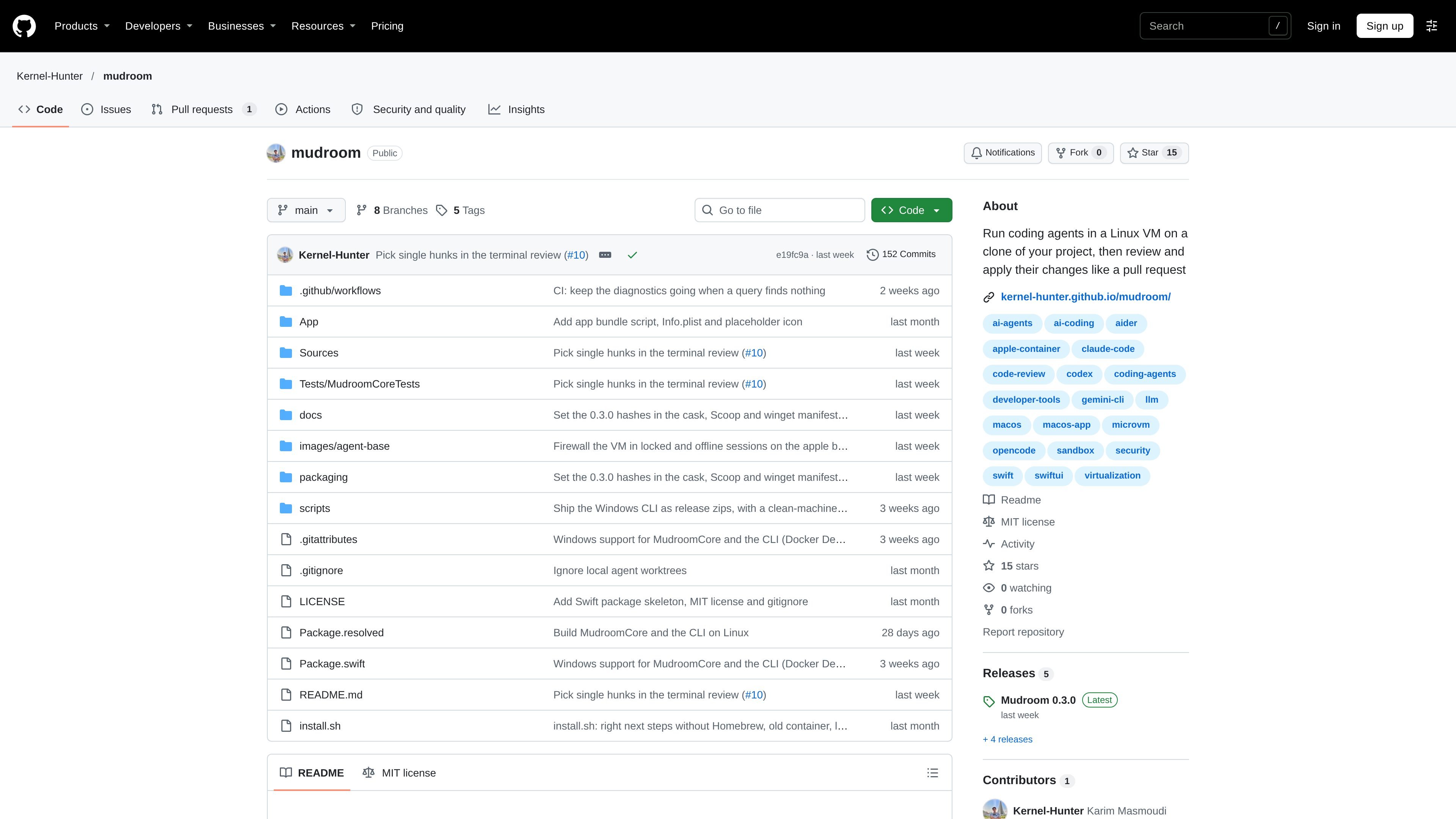
Mudroom is a developer tool for running coding agents against an isolated copy of a project. It places an agent in a Linux micro-VM or a Docker/Podman-based environment rather than mounting the user's real folder, which is intended to make permission-disabled agent workflows easier to review before they affect the source project.
After an agent finishes, Mudroom presents the resulting changes as a diff. Users can apply the complete change set, selected files, individual hunks, or nothing, and can undo an application later. The project is an early prototype, so its documentation warns that rough edges and breaking changes are possible.
Runs agents in a Linux micro-VM on a copy-on-write clone, while keeping the real project folder out of the session.
Restricts outbound access to hosts the user allows, with a network-check command for Docker and Podman environments.
Supports Claude Code, Codex, Gemini CLI, opencode, Aider, and arbitrary commands, with agent sign-in and API-key setup.
Presents completed work as a diff and lets users apply all changes, selected files, selected hunks, or no changes.
Provides a macOS app and CLI on Apple-silicon Macs, plus a CLI for Linux, Windows, and Intel Macs using Docker or Podman.
The CLI can select Apple, Docker, or Podman backends explicitly or automatically, and sessions remember their backend.
Run an agent with permission prompts disabled while keeping it away from the working folder, then inspect the proposed patch before changing the project.
Give an agent a bounded set of approved network destinations when tasks require package downloads, APIs, or other remote resources.
Use the diff view to accept a complete implementation, select only particular files or hunks, or reject the result without modifying the project.
Run the same general workflow from the macOS app or CLI, or use Docker and Podman on Linux, Windows, and Intel Macs where the app is unavailable.
Mudroom runs coding agents in a Linux micro-VM on Apple-silicon Macs, and through Docker or Podman on Linux, Windows, and Intel Macs. The real project folder is not mounted into the session.
On an Apple-silicon Mac running macOS 26 or later, use the install script or Homebrew cask, complete setup, build the agent image, sign in to an agent, and create a session. Linux, Windows, and Intel Mac users use the CLI with Docker or Podman.
The README lists Claude Code, Codex, Gemini CLI, opencode, and Aider, and also says Mudroom can run any command. Agent sign-in and API-key configuration are part of the setup workflow.
When a session ends, Mudroom shows the changes as a diff. You can apply all changes, selected files, selected hunks, or none, and undo an apply later.
Mudroom is identified by its maintainers as an early prototype, so users should expect rough edges and breaking changes. The macOS application is ad-hoc signed and not notarized, and Windows binaries are not code-signed.

ByteAsk is a terminal-first AI coding agent for C and C++ that edits repos and verifies changes with compilers, debuggers, sanitizers, and tests.

GitBot is a local browser workspace for reusable coding bots powered by Claude Code, Codex, or OpenCode, with persistent threads and configurable permissions.

Ghost is a terminal-based AI assistant for chatting, code generation, and CLI tasks. Includes free models, supports Linux, macOS, Windows, and is open source.

Vi3ecode is a maintained development environment for AI coding agents, keeping project context, terminal, Git, memory, flows and review connected.

CreateOS Sandbox is an isolated compute environment for running code and agent workloads in Firecracker micro-VMs with private networking and SDK, CLI, or MCP control.

hob is an independent workspace for coding agents, with local control over sessions, terminals, history, routing, and follow-up work.