

Ask Fellow
Ask Fellow helps you prepare, catch up mid-meeting, and draft follow-ups—building agendas and turning discussions into next steps.
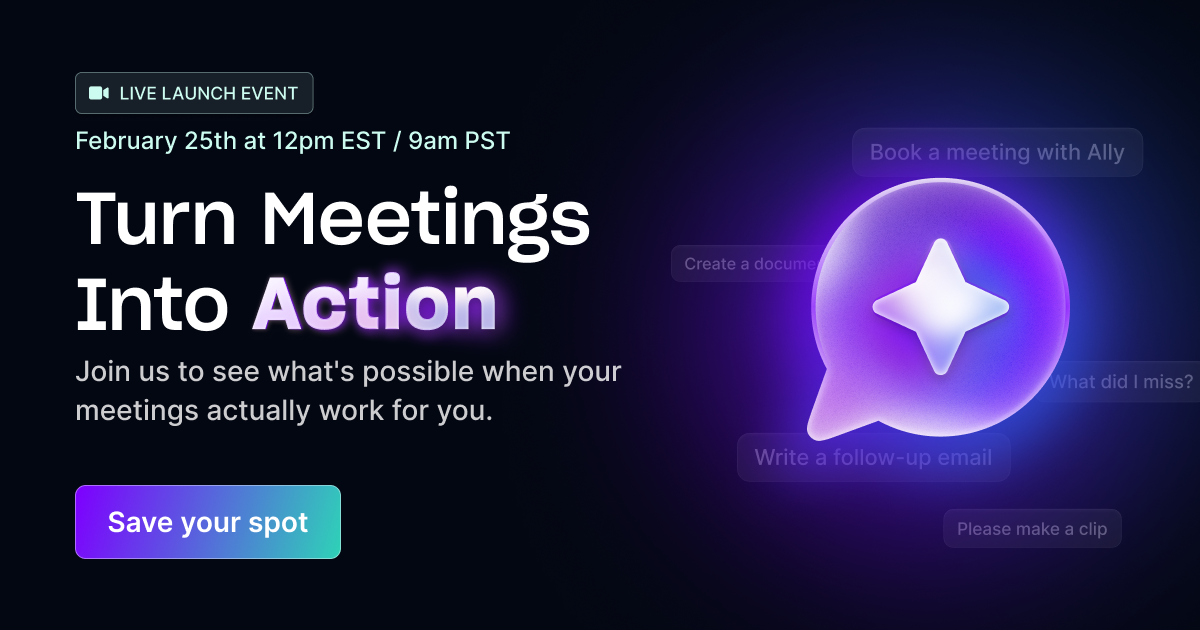
What is Ask Fellow?
Ask Fellow is an AI meeting assistant that helps you prepare, catch up mid-meeting, and draft follow-ups—building agendas and turning discussions into next steps. Its core purpose is to reduce the manual effort of preparing agendas, catching up on discussions, and completing follow-through tasks.
According to the page, Ask Fellow builds meeting preparation from prior meeting artifacts (such as pending decisions and action items), summarizes what was discussed when you join mid-meeting, and then drafts the typical outputs after the meeting—like follow-up emails, scheduled next meetings, and shared documents.
Key Features
- Agenda building from prior meetings: Ask Fellow pulls in pending decisions, open action items, and deferred topics so you can walk into the meeting with context.
- Assignee-based outstanding items: It can surface open items tied to specific owners/assignees, helping you identify what you’re responsible for before the call.
- Mid-meeting catch-up summaries: If you join late or lose the thread, it summarizes key points, decisions, and what’s happening right now.
- Unresolved questions and open topics: During the meeting, it surfaces items that still need attention so decisions and questions don’t get missed.
- Follow-up drafting in Gmail: After the meeting, it writes a follow-up email and drafts it in Gmail for your review and sending.
- Next-meeting scheduling: It can book follow-up meetings to support follow-through after the current call.
- Document and memo creation: It turns what was discussed into a polished document or memo ready to share with the team.
How to Use Ask Fellow
- Get started by requesting a demo (as indicated on the page) to begin using Ask Fellow.
- Before meetings, rely on Ask Fellow to generate an agenda from pending decisions, open items, and deferred topics coming from previous meetings.
- During meetings, use Ask Fellow’s real-time assistance to catch up if you join late, including summaries of key points and decisions.
- After meetings, review and send the drafted follow-up email in Gmail, schedule next steps, and create a shareable document or memo based on the discussion.
Use Cases
- Prepare for back-to-back calls with unclear context: When you’re jumping between meetings and don’t know what to discuss or what was left off, Ask Fellow builds an agenda using pending decisions, open action items, and deferred topics.
- Join late and quickly understand decisions: If you enter a meeting after it has started, Ask Fellow provides a summary of what’s been discussed so far, including key points and decisions.
- Track what’s unresolved in the moment: During live meetings, it helps surface unresolved questions and open topics so the team can address them rather than carrying them forward unintentionally.
- Close the loop with a follow-up email: After the meeting ends, Ask Fellow drafts the follow-up email (in Gmail) for review, reducing the time spent rewriting messages.
- Turn discussion into shareable documentation: Use Ask Fellow to convert the meeting content into a document or memo that’s ready to share with the team, and schedule follow-up meetings when needed.
FAQ
What does Ask Fellow do during a meeting?
It can summarize what has already been discussed (including key points and decisions) and surface unresolved questions and open topics to help you understand where the meeting stands.
What does Ask Fellow do after a meeting?
The page states it drafts a follow-up email in Gmail, books follow-up meetings, and creates documents or memos based on what was discussed.
What does Ask Fellow use to build a meeting agenda?
It pulls pending decisions, open action items, and deferred topics from previous meetings, and can surface outstanding items by assignee.
Do I need to do the email writing myself?
Ask Fellow drafts the follow-up email in Gmail, and the page describes that you review and send it.
How do I get started with Ask Fellow?
The page directs users to request a demo to get started.
Alternatives
- Calendar + task management workflow (e.g., agenda from tasks): Teams can prepare agendas and track follow-ups using existing task and calendar tools. Compared with Ask Fellow, this typically relies more on manual updating of agendas and follow-up outputs.
- Meeting note-taking tools with summaries: Other tools focused on recording and summarizing meetings can help capture discussions, but may not provide the same end-to-end workflow that spans agenda creation, mid-meeting catch-up, and post-meeting follow-up drafts.
- Project management tools with meeting action tracking: Platforms that manage decisions and action items (e.g., boards or tickets) can help ensure follow-through, but they usually require users to convert meeting discussions into tasks and documents manually.
Alternatives

Biji
Biji is a versatile platform designed to enhance productivity through innovative tools and features.

LIAM
LIAM is an AI copilot that drafts email replies, organizes your inbox with auto-labels and prioritization, and schedules meetings from your calendar.

Tactiq
Tactiq is an AI meeting assistant that provides live transcription, AI summaries, action items, and custom AI prompts for Google Meet, Zoom, and Teams.

garden-md
Turn meeting transcripts into a structured, linked company wiki with local markdown and an HTML browser view. Sync from supported sources.

Decision Jar
Create virtual jars of options with Decision Jar—shake your phone to pick instantly, use AI suggestions, and view decision logs over time.

Planndu: Daily Task Planner
Planndu is an intuitive productivity application designed to help users organize tasks, manage projects, build routines, and enhance focus using tools like AI generation and a built-in Pomodoro timer.