
Attention heatmaps
Generates AI heatmaps that highlight the parts of a design most likely to draw attention, using warmer colors for higher predicted visibility.

Attention Insight for Figma is an AI-powered plugin that predicts attention and visual usability in design files. It helps designers review hierarchy, clarity, and cognitive load before launch.
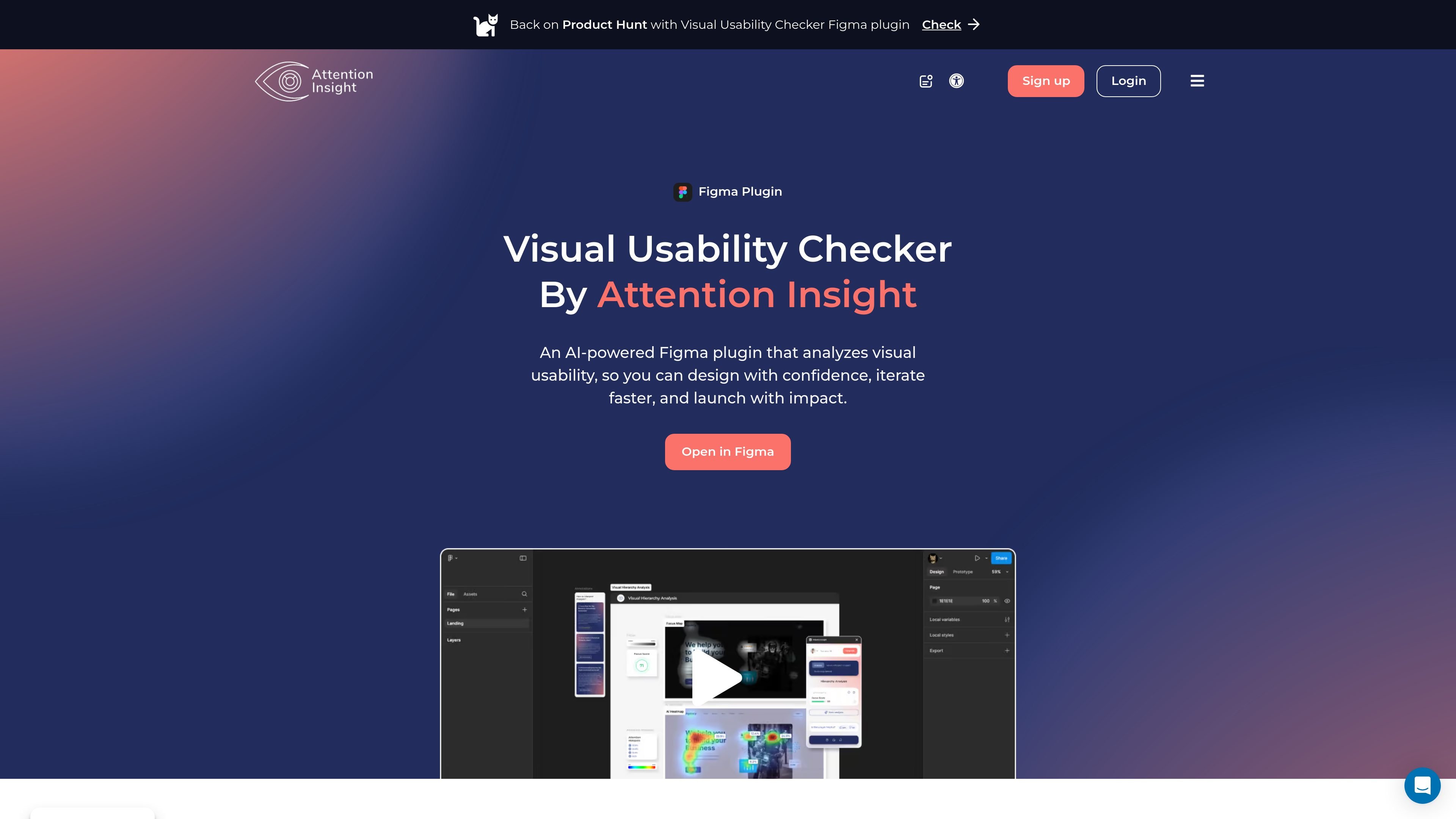
Attention Insight for Figma is an AI-powered visual usability checker built as a Figma plugin. It analyzes designs before launch and predicts where viewers are most likely to look, helping designers review visual hierarchy, attention distribution, and layout clarity early in the workflow.
The product turns a design into outputs such as attention heatmaps, Focus Map, Focus Score, Cognitive Load analysis, and AI recommendations. The source also points to iterative testing, where teams can compare versions, mark elements, adjust the design, and test again to see how attention changes.
Attention Insight positions the plugin as a pre-validation tool rather than a replacement for user testing. The broader platform also includes pricing tiers, reports, an API, and other plugins and add-ons, which suggests it can fit both individual design review and team-based workflows.
Generates AI heatmaps that highlight the parts of a design most likely to draw attention, using warmer colors for higher predicted visibility.
Lets you define an area of interest and see the percentage of attention that specific object receives, including benchmarks for common elements such as headings and CTAs.
Shows which elements are noticed or missed in the first few seconds so you can check whether the hierarchy answers the key question of where users should look next.
Summarizes how concentrated attention is on a design, and also offers clarity-related scoring to help assess whether a layout feels clear or cluttered.
Analyzes how mentally busy an image feels, identifies areas that drive cognitive load, and returns a cognitive load score and map.
Provides AI recommendations and report outputs, including PDF or PPT reports, plus comparison workflows for tracking changes across iterations.
Review layout, hierarchy, and CTA placement before a Figma design is shared for approval or handoff. The product highlights what is likely to attract attention first, helping teams catch weak emphasis or crowded sections earlier.
Compare multiple versions of the same screen and see how changes affect attention distribution. This supports iteration when a team wants to choose between alternative layouts, headlines, or visual treatments.
Check whether important content is visible quickly enough in the first few seconds. The Focus Map and Focus Score help answer whether a page makes the main message and next step easy to notice.
Use the Cognitive Load analysis to spot designs that feel visually busy or harder to process. This is useful when simplifying dense screens or reviewing layouts with many competing elements.
Share analysis with teammates or clients through reports and collaborate with broader workflows that include API access or higher-tier team features.
It is a Figma plugin that analyzes a design with AI and returns visual usability outputs such as attention heatmaps, Focus Map, Focus Score, Cognitive Load analysis, and AI recommendations.
The source shows the Figma plugin can be opened in Figma and is described as a beta product, with tutorials available for learning the workflow.
The page highlights image-based testing, URL testing with up to 3 sections, and AI recommendations. The pricing page also mentions video testing and API access in some plans.
It is designed for early design validation and iteration. The source explicitly notes that it is not a replacement for user testing, but a tool for pre-launch insight and faster design decisions.
The pricing page shows multiple plans with user seats, and higher plans add collaboration features, reports, video testing, API transactions, onboarding, and SSO integration.

PromptScout tracks how ChatGPT, Gemini, Google AI Overviews, and Perplexity mention your brand or competitors, then pairs those results with source analysis and website audits. It helps teams decide what to fix in content, positioning, or site readiness next.

SaveMRR is a Stripe retention tool for SaaS teams that scans billing data for churn and MRR leaks, then automates recovery through dunning, cancel-save offers, win-back emails, and onboarding nudges. It is built for founders and bootstrapped teams using Stripe.

Hype is a web tool for finding trending YouTube topics by category, time range, and scoring mode. Spot emerging ideas and review source videos.

Sleek Analytics is a privacy-friendly web analytics tool with real-time visitor tracking, Core Web Vitals, and revenue attribution. It helps site owners understand traffic and conversions without cookie banners or a heavy setup.

Struere is an AI-native platform for turning spreadsheet data into structured operational software with dashboards, alerts, and automations. It is aimed at teams that want to replace manual spreadsheet workflows without building custom tools from scratch.

ClayHog is an AI search visibility platform for tracking brand presence in ChatGPT, Gemini, Perplexity, Claude, and Google AI Overviews from one dashboard.